19
Parts & Tools Needed:
Instructions
Take the following steps to install the display.
Connecting the Display
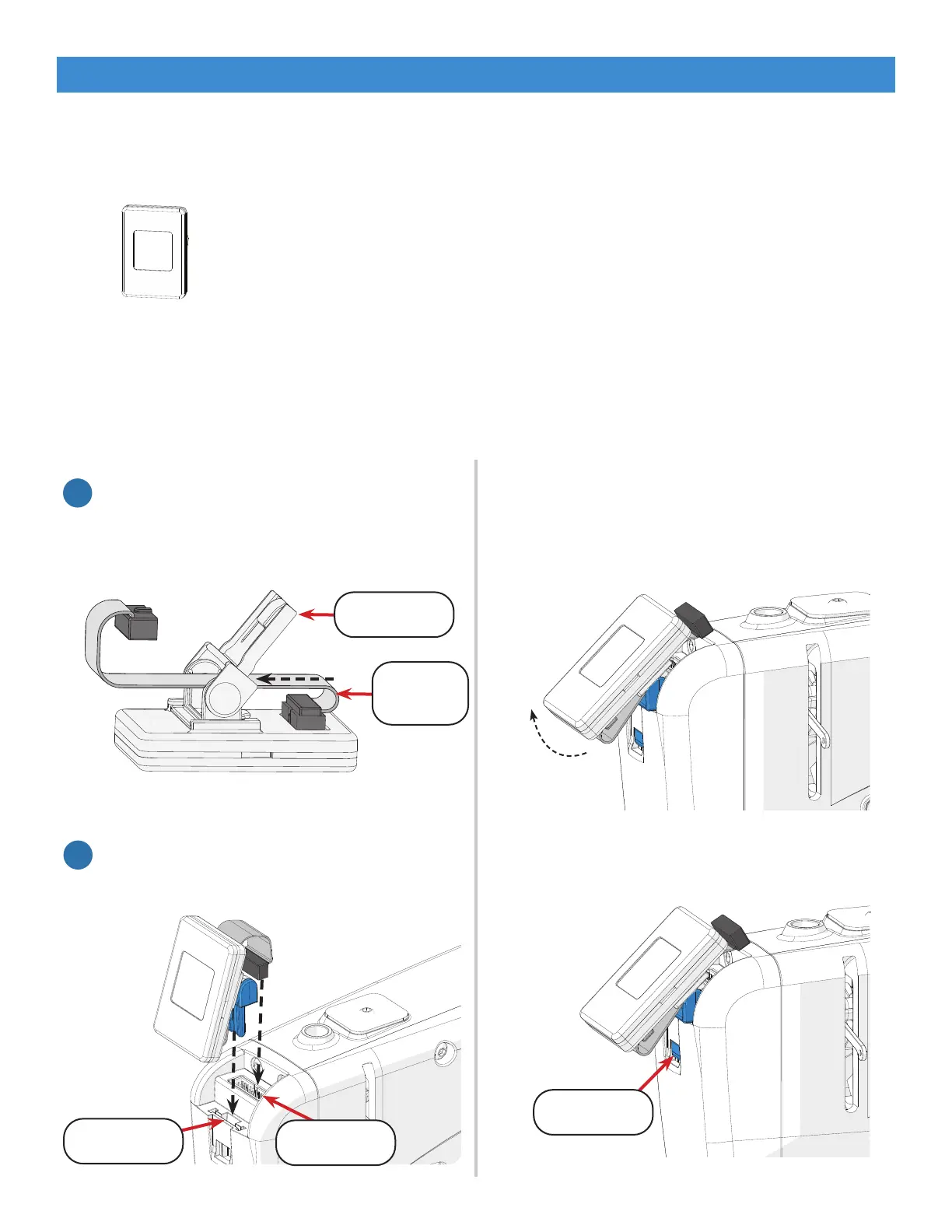
OLED Display
with Cables
Note: To remove the display, power o the
machine. Unplug the display ribbon cable and
lift the bottom of the display up.
Clip Release
Out-of-the-Box Assembly
1. If not already done, plug one end of the
ribbon cable into the display. Weave the
cable through the display clip.
1
2. Slide the display clip into the clip port and
ribbon cable into the cable port.
2
Clip Port
Cable Port
Display Clip
Ribbon
Cable
Press in on the clip release.



 To Next Page