Appendix A - Advanced Display Module (ADM)
118 3A2098S
Maintenance Mode
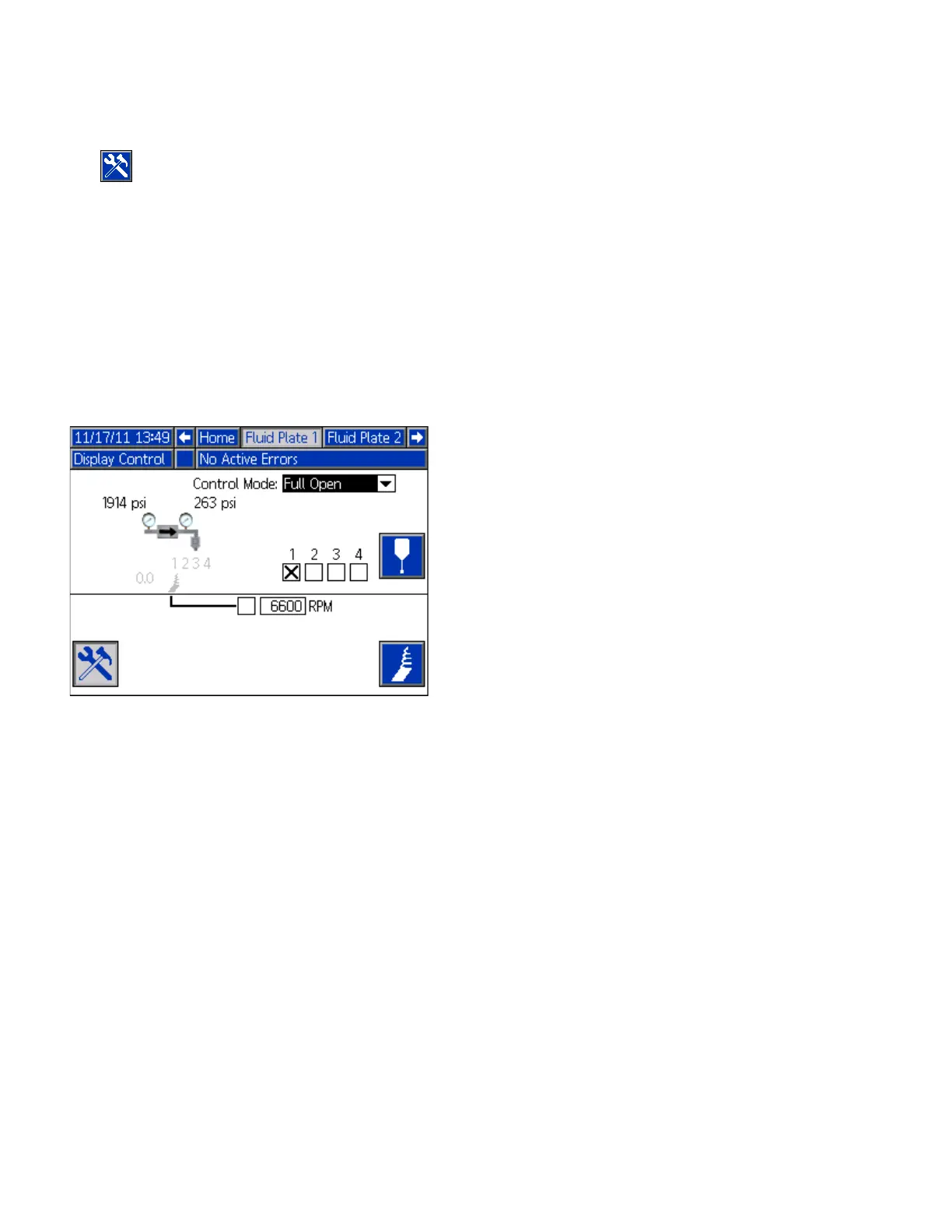
Press from Fluid Plate x, screen 1 (Control Center)
to enter maintenance mode. Maintenance mode
enables users to change the control mode, volume to be
dispensed, target pressure, and number of dispense
valves used in the system.
NOTE: Volume, pressure, and dispense valve options
change according to mode.
See Maintenance Mode Operation, page 45, for
instructions on changing the control mode, target
pressure, and number of dispense valves used.
Dispense Control Modes
The PCF system has four fluid dispensing control
modes.
• Bead Control – the system controls the flow rate of
the material being dispensed. The regulator outlet
pressure is varied to control the fluid flow rate to the
requested value. Use the bead control when a
consistent bead size is required.
• Shot Control – the regulator outlet pressure is con-
trolled to the requested value. The dispense valve is
closed when the target volume is reached or when
the automation controller provides a signal.
• Pressure Control – the regulator outlet pressure is
controlled to the requested value.
• Full Open Control – the PCF system does not
control fluid pressure or flow. Instead the regulator
opens to allow for recirculation applications.



 To Next Page