Contacts
● Private: Private contacts include contacts visible in the current
Handsets only.
● Global:Global phonebook contacts are the contacts shared
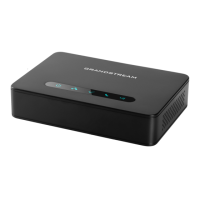
between the Handsets subscribed to the DP752 base station.
Note: Private/Global Phonebooks will be merged on the handset.
Call History
Display the call history:
1. Missed Calls.
2. Accepted Calls.
3. Outgoing Calls.
4. All Calls.
Note: You can add contacts toShared Contactsdirectly from call
logs.
Registration
● Register:Register your handset to base station.
● Deregister:Deregister your handset from base station.
● Select Base:Select base station.
Voice Mail
● Play Message: Play voice mail messages received.
● Set Voice Mail: Configure voice mail parameters.

 To Next Page
 Loading...