FC8600-UM-251-9370 7-21
7 ADJUSTMENT
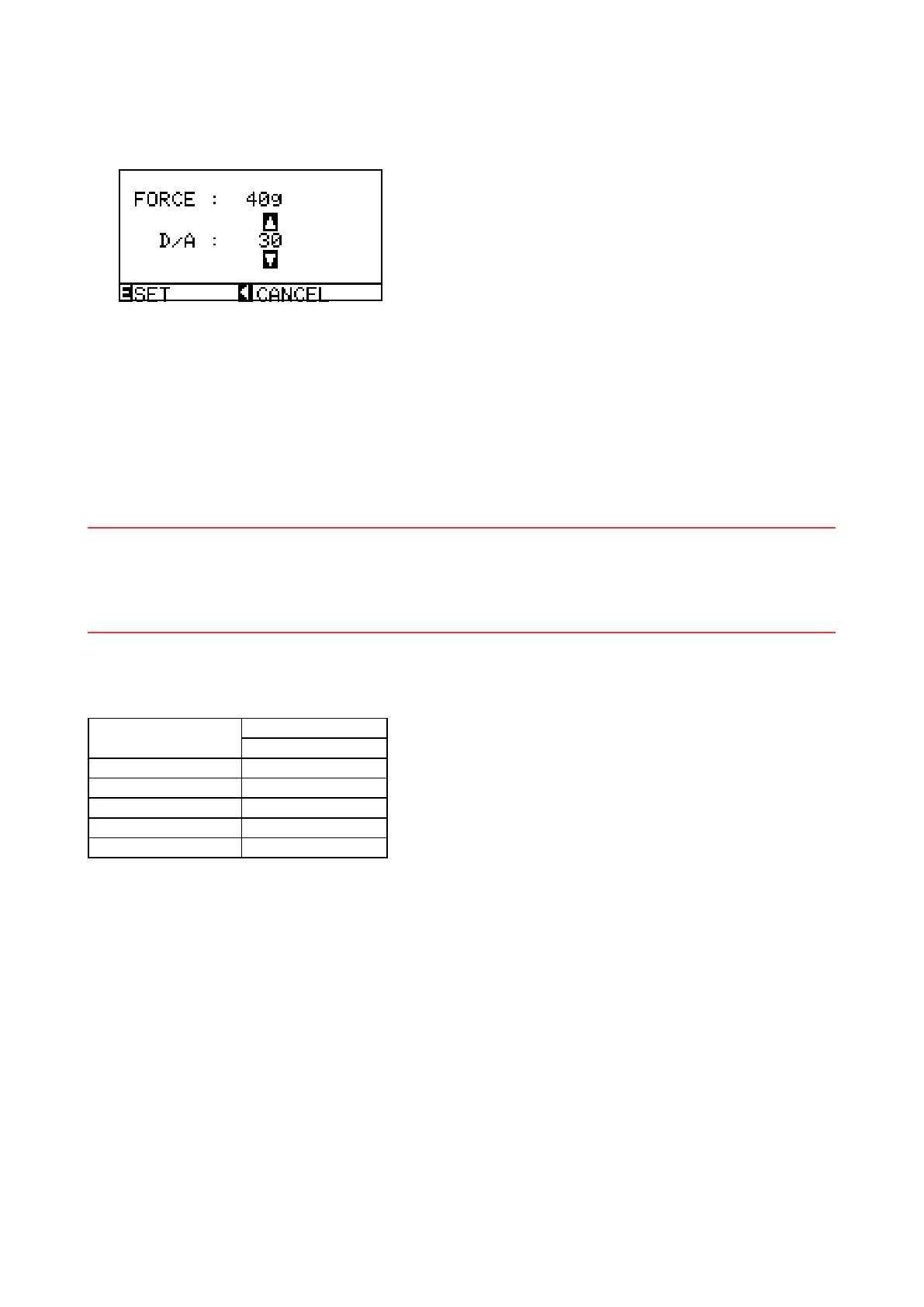
(7) Adjustthe40g-penforce.Ifthemeasuredvalueiswithinthespecicationrange(40±4g)orifyou
haveinputtherecordedvalue,presstheENTERkeytostorethesetting.Thenextspeciedpenforce
appears.
(8) Adjustthe120g-penforce.Ifthemeasuredvalueiswithinthespecicationrange(120±10g)orifyou
haveinputtherecordedvalue,presstheENTERkeytostorethesetting.Thenextspeciedpenforce
appears.
(9) Adjustthe300g-penforce.Ifthemeasuredvalueiswithinthespecicationrange(300±20g)orifyou
haveinputtherecordedvalue,presstheENTERkeytostorethesetting.Thenextspeciedpenforce
appears.
(10) Adjustthe400g-penforce.Ifthemeasuredvalueiswithinthespecicationrangeorifyouhaveinput
the recorded value, press the ENTER key to store the setting.
Note: When adjusting the pen force, it is important to do it quickly. Delaying the pen force adjustment
changesthetemperatureoftheactuatorandcausesarticiallylowerreadings.Whenthishappensthe
actualpenforcemaybehigherthanthespecication.Thisisespeciallytruefortheupperpenforce
adjustment.
(11) Press the NEXT key to complete this adjustment.
(12) Turn off the power to exit from the adjustment menu.
Specication of the actual pen force
Speciedpenforce
Actual force range
FC8600
10g 8 to 12g
40g 36 to 44g
120g 110 to 130g
300g 280 to 320g
400g 380 to 420g










 To Next Page