L-SOLUTION 700 / 800 / 900 machines . 96
First contact
Autofocus adjustment
Do not use the controls or settings and do not carry out procedures other than those
specified in the use manual, to avoid risking exposure to dangerous radiation.
After an incident or a bad handling with the head of the LASER machine, the autofocus can go wrong .
To solve this problem, a simple procedure can be effected by the user:
1. Switch off the machine (main stop button (L) in 0 position)
2. Close the front door
3. Switch on the machine (main stop button (L) in I position)
When switched on the ventilator of the machine will start.
The following message will be displayed on the L.C.D. screen of the machine:
SET UP
FPGA X.XX
LCD SOFT X.XX
16 Mo BOOT X.X
The machine will then issue a "beep" and the following screen will remain displayed for 3 seconds:
<< GRAVOGRAPH >>
LASER VERSION X.XX
LCD SOFT X.XX
16 Mo BOOT X.X
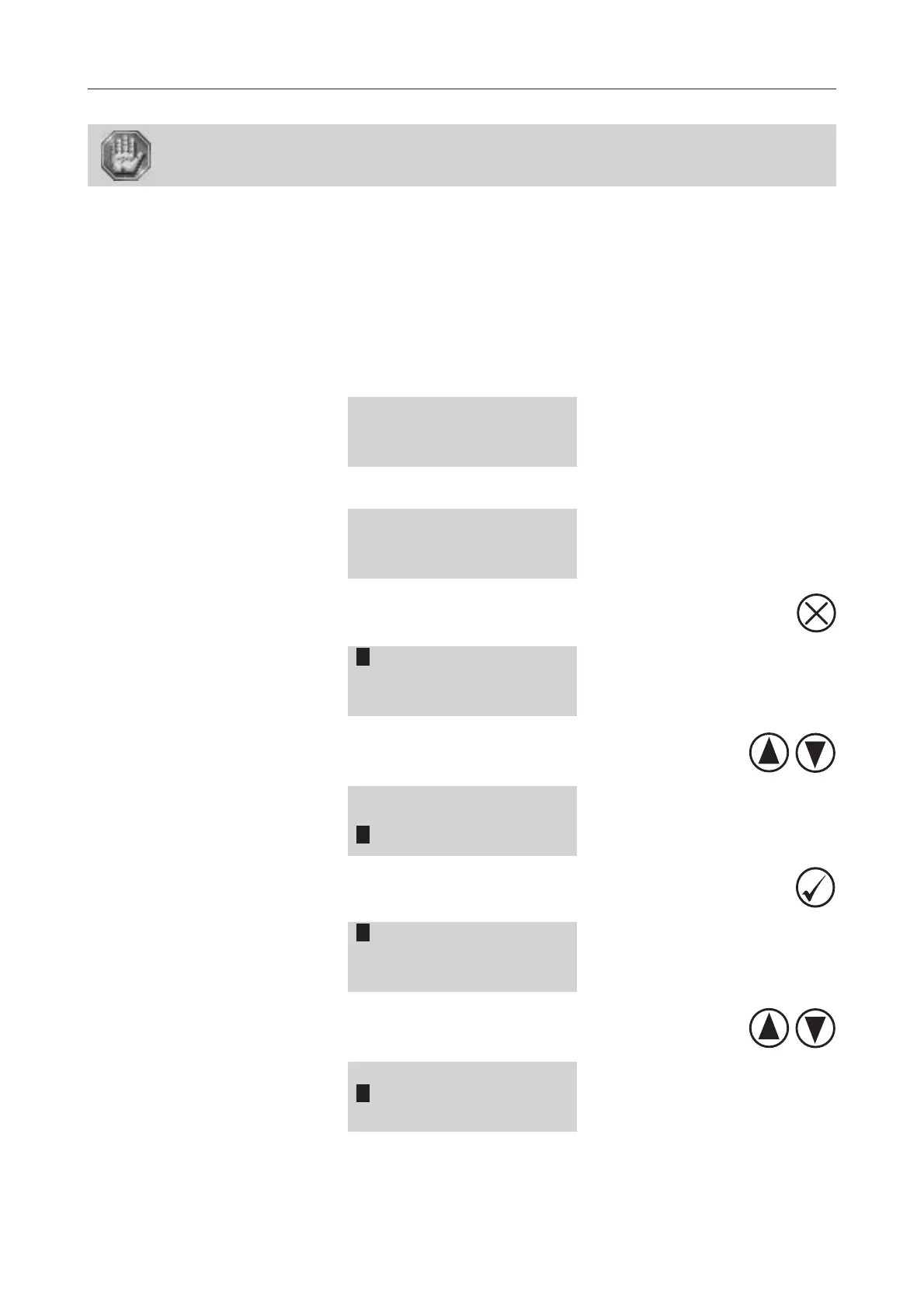
4. While this message is displayed, press
SET LASER TYPE
TICKLE
RE-ALIGN MACHINE
5. Select the RE-ALIGN MACHINE menu using the arrows keys
SET LASER TYPE
TICKLE
RE-ALIGN MACHINE
6. Validate
RE-ALIGN X-Y
RE-ALIGN Z
ALIGNMENT MODE
7. Select the RE-ALIGN Z menu using the arrows keys
RE-ALIGN X-Y
RE-ALIGN Z
ALIGNMENT MODE
Autofocus adjustment











 To Next Page