L-SOLUTION 700 / 800 / 900 machines . 98
First contact
12. Before you continue, you must imperatively remove the wedge
Do not forget to remove the wedge a this time of the procedure. Otherwise, it can
severely damage the LASER machine.
13. Close the front door of the LASER machine
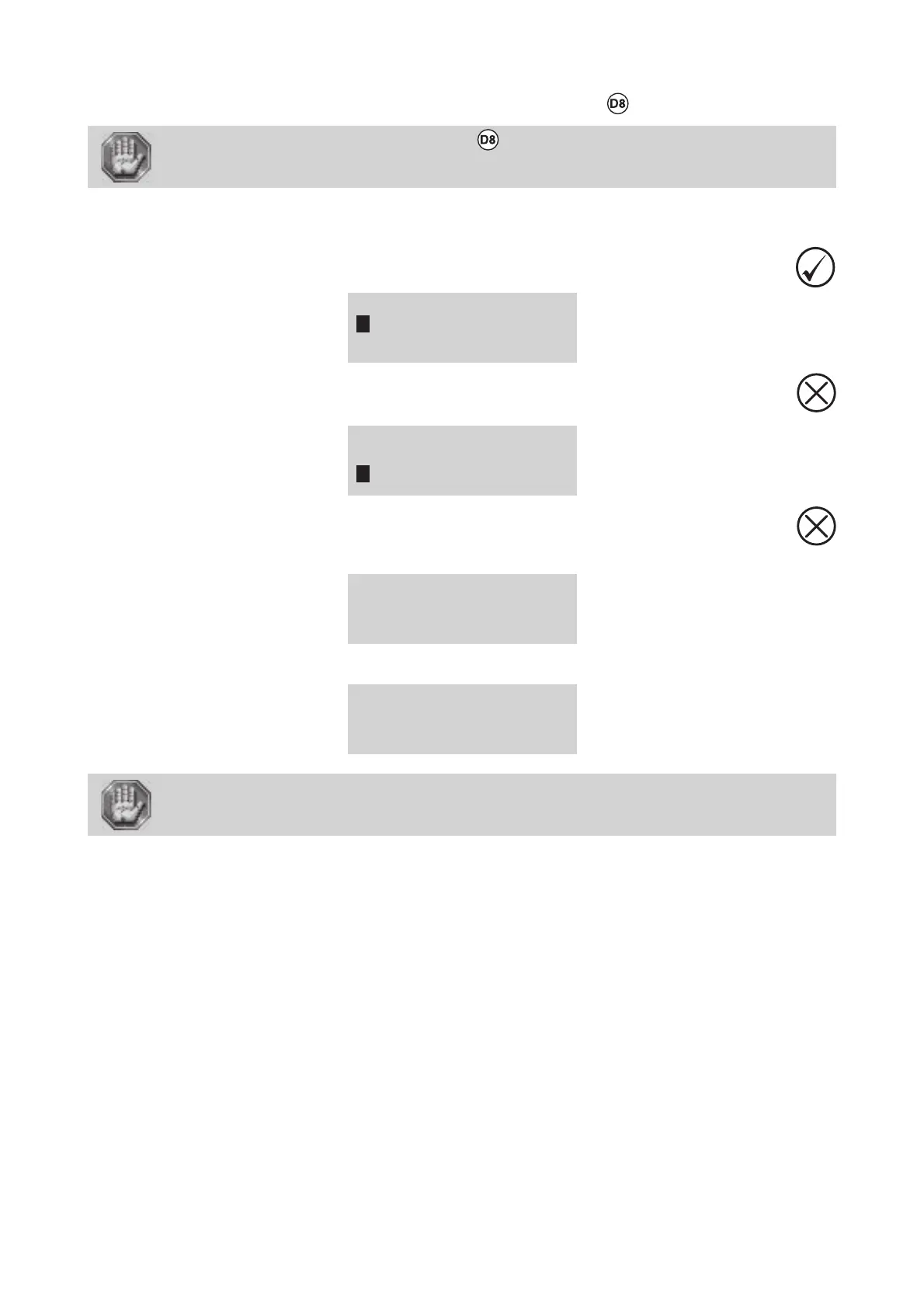
14. Validate
RE-ALIGN X-Y
RE-ALIGN Z
ALIGNMENT MODE
15. Exit the RE-ALIGN MACHINE menu using the key
SET LASER TYPE
TICKLE
RE-ALIGN MACHINE
16. Exit the MACHINE menu using the key
The following screen will remain displayed for 3 seconds:
<< GRAVOGRAPH >>
LASER VERSION X.XX
LCD SOFT X.XX
16 Mo BOOT X.X
The following message will be displayed. It indicates that the LASER machine is ready to receive files:
<READY TO RECEIVE>
001 FILENAME1
PUI 40 VIT 10
DPIX 400 DPIY 400
Do not use the controls or settings and do not carry out procedures other than those
specified in the use manual, to avoid risking exposure to dangerous radiation.
Autofocus adjustment











 To Next Page