Disassembly
Service Manual for the Accutherm Ultra Printer 7-23
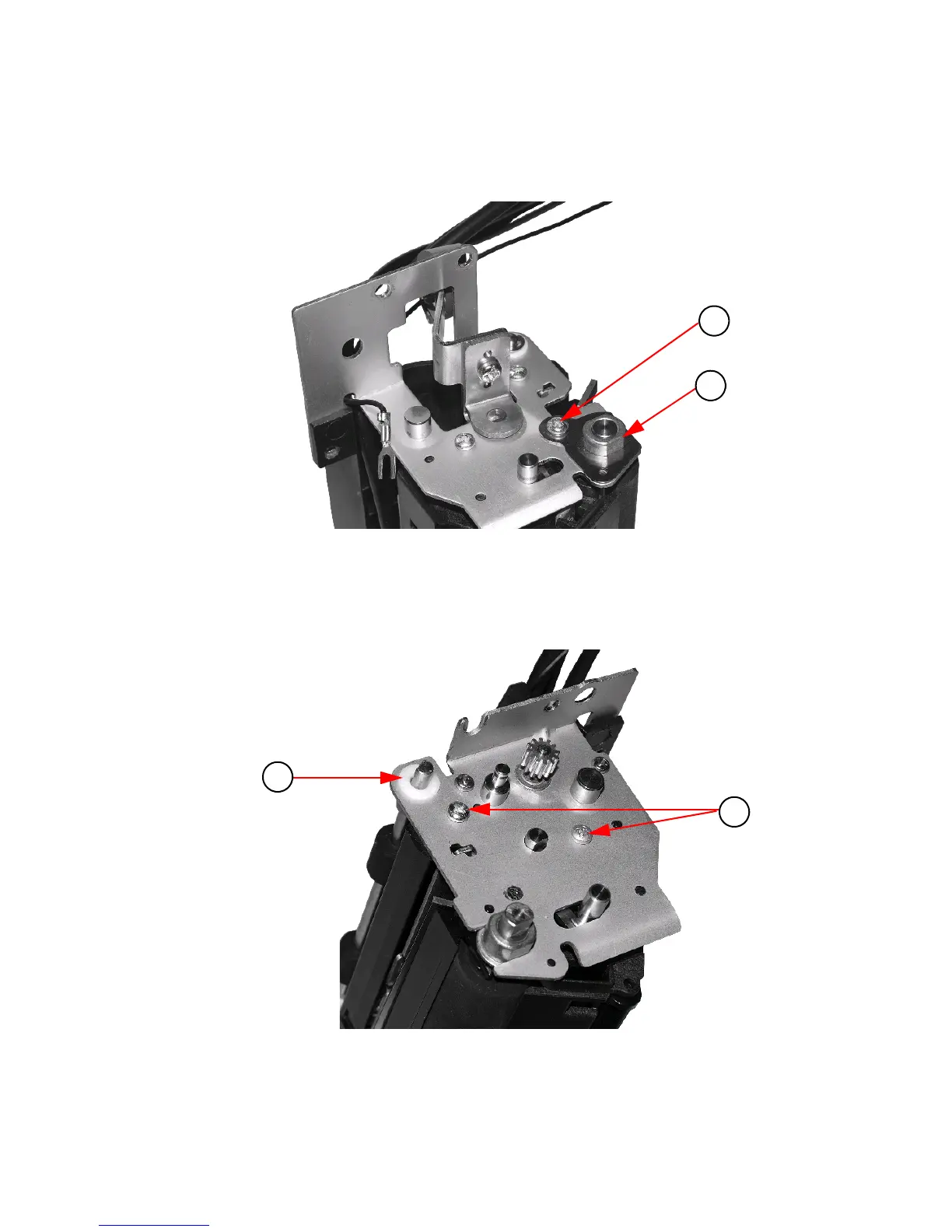
8. Remove one (1) #4 Thread Forming Screw.
9. Remove the Left Platen Bearing
Retainer.
Figure 7-25. Remove #4 Screw
and Left Platen Retainer
10. Remove Stacker Bearing.
11. Remove two (2) #4 Thread Forming screws.
Figure 7-26. Remove Stacker Be
aring and Two (2) #4 Screws



 To Next Page