6-2 1. Operational Procedures
Initial Screen
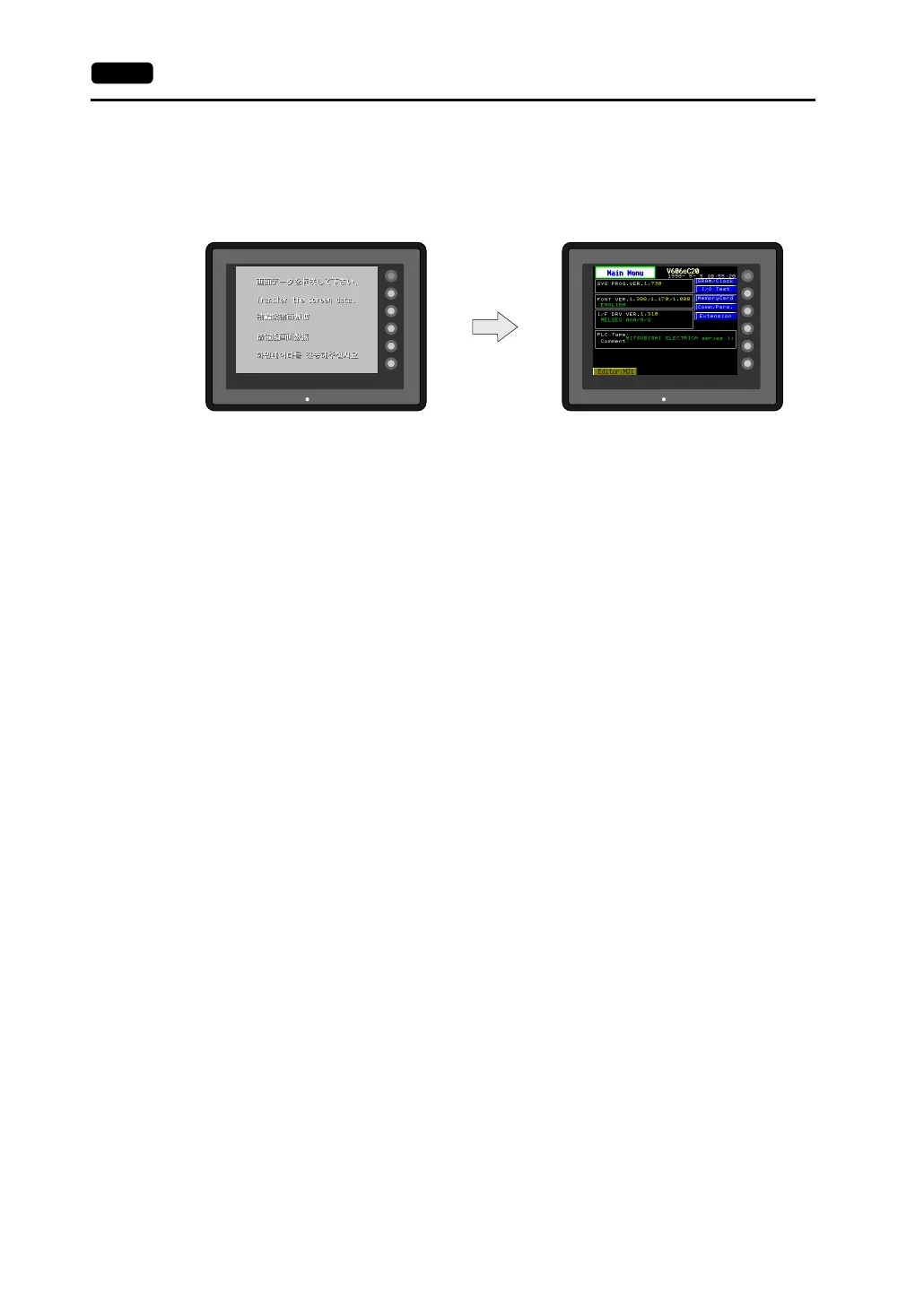
When the power of MONITOUCH is turned on for the first time, the Main Menu screen shown below on
the left is displayed.
Transferring Screen Data for the First Time
A V6-CP cable is necessary when transferring screen data to MONITOUCH for the first time.
Transfer screen data from the computer while the initial screen is displayed.
SYSTEM
F2
F3
F4
F5
F1
POWER
SYSTEM
F2
F3
F4
F5
F1
POWER
Initial screen displayed when power is
turned on for the first time
Main Menu screen after transferring
screen data



 To Next Page