6
2. Main Menu Screen 6-15
MONITOUCH Operations
Date and Time Setting
1. Move the cursor using the [←] / [→] switch, and change the value by pressing the [+] / [−] switch.
2. When the desired date and time are set, press the [Set] switch to determine the setting.
3. The calendar data is updated as set.
Initializing SRAM
When the SRAM memory or cassette is initialized, the data contained is cleared. Double-check before
initializing the SRAM memory or cassette.
1. Press the [Format] switch and the [Execute] switch.
2. The SRAM area is initialized in the current screen data format. When initialization has been
completed, the message “∗∗Format Completed∗∗” is displayed.
5. Extension Program Information
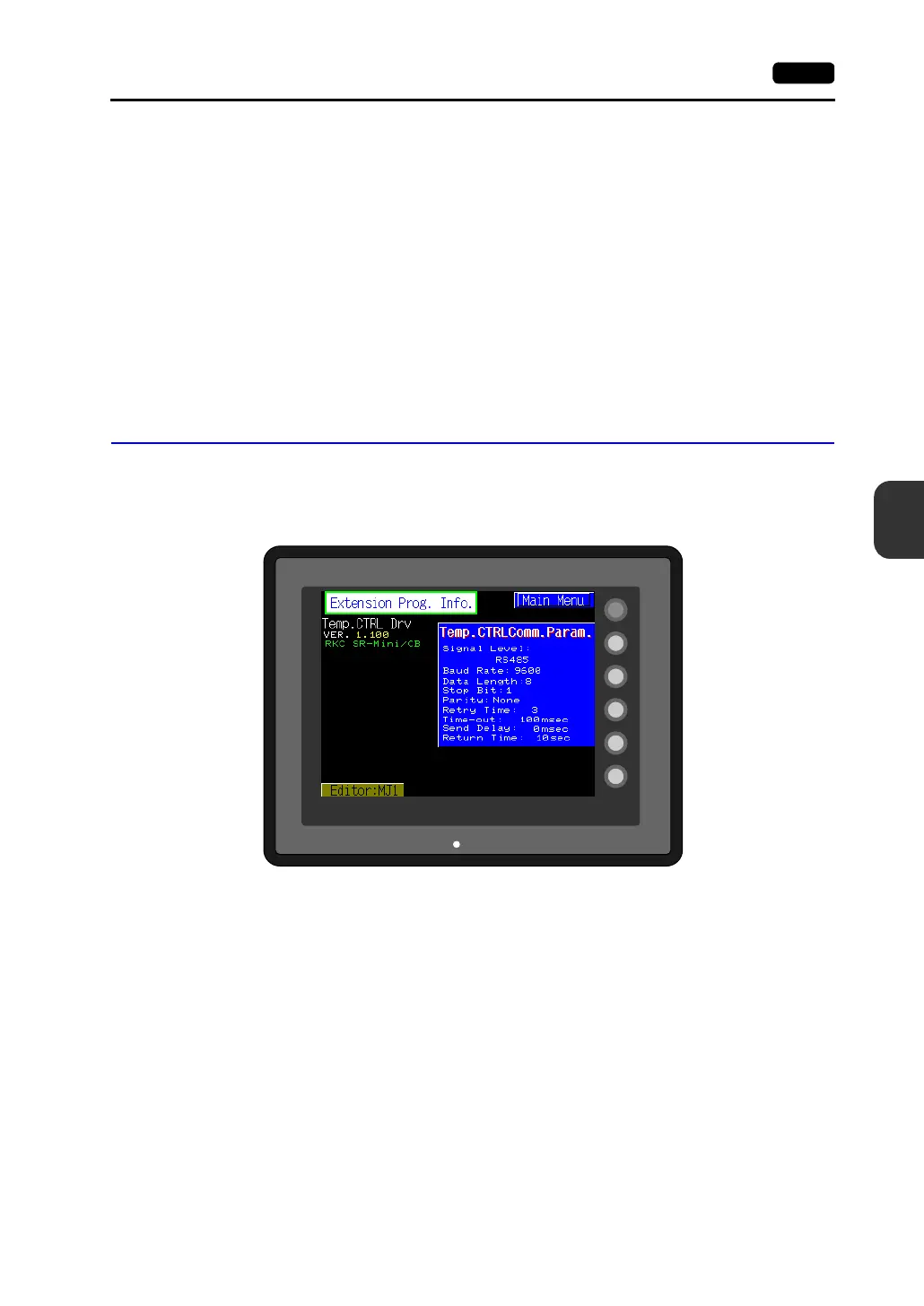
When the [Extension] switch on the Main Menu screen is pressed, the following “Extension Prog. Info.”
screen appears.
The driver setting and parameter setting for temperature controller/PLC2Way communication, ladder
transfer function, Modbus slave communication, etc. are displayed.
SYSTEM
F2
F3
F4
F5
F1
POWER



 To Next Page