6
1. Operational Procedures 6-1
MONITOUCH Operations
1. Operational Procedures
MONITOUCH Operation
Follow the procedure below to operate the MONITOUCH.
1. Installation and wiring
For more information, refer to “Chapter 3.”
2. Connection with devices including a PLC and a temperature controller
For instructions and precautions on wiring between the MONITOUCH and other devices, refer to
the separate PLC Connection Manual or Temperature Control Network Manual.
3. MONITOUCH power-on
• New MONITOUCH
• Other than the above
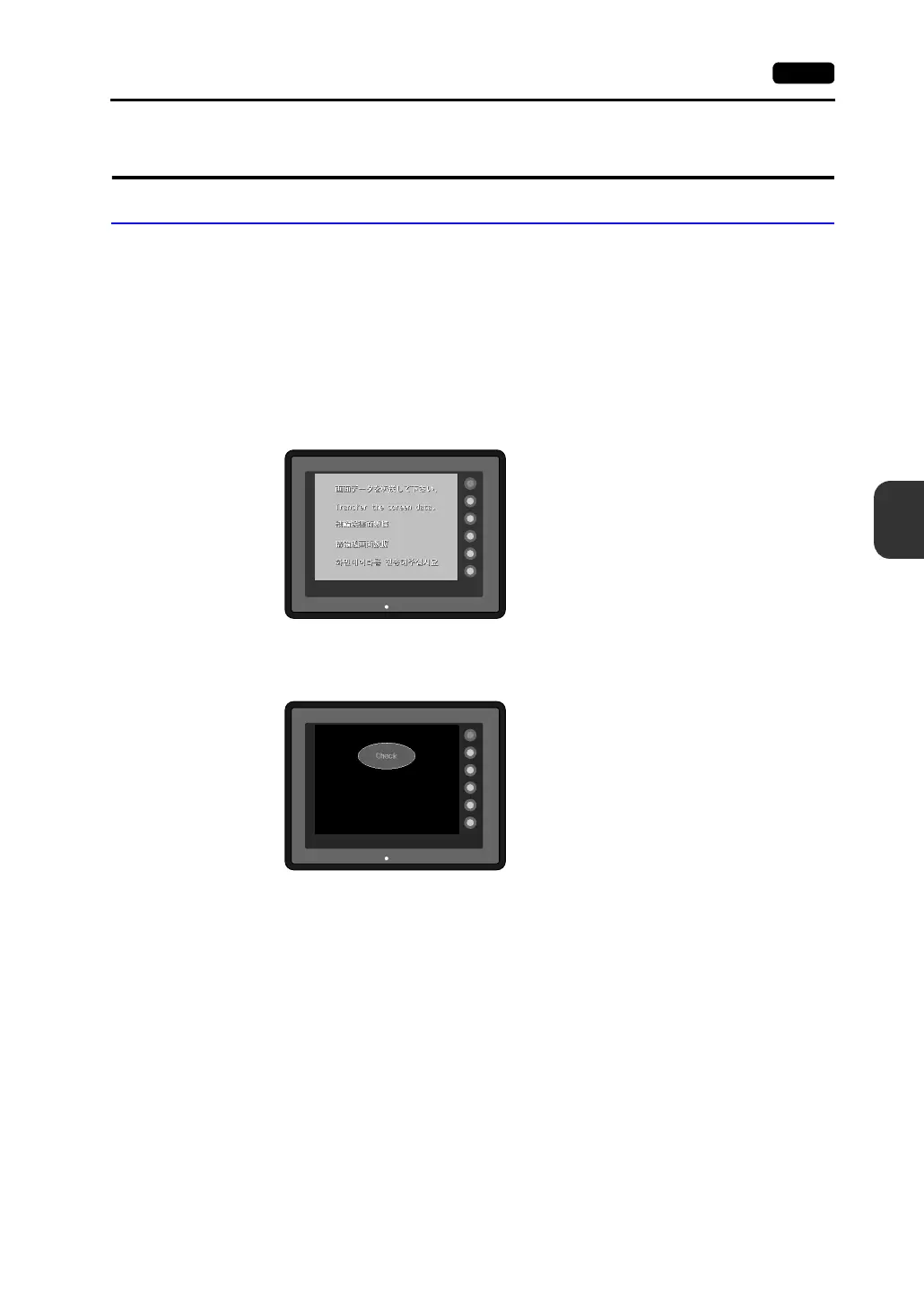
When the check screen below and then the next user screen are displayed correctly, go to
step 5.
4. Screen data creation and transfer
• New MONITOUCH
“Initial Screen” (page 6-2)
• Other than the above
Refer to Chapter 5, “Data Transference” in the Reference Manual (Operation).
5. Operation start
The MONITOUCH becomes operable with a PLC or a computer connected to it.
* If the MONITOUCH does not operate normally and shows an error message, eliminate the
cause by referring to “Chapter 7.”
SYSTEM
F2
F3
F4
F5
F1
POWER
SYSTEM
F2
F3
F4
F5
F1
POWER



 To Next Page