6
2. Main Menu Screen 6-11
MONITOUCH Operations
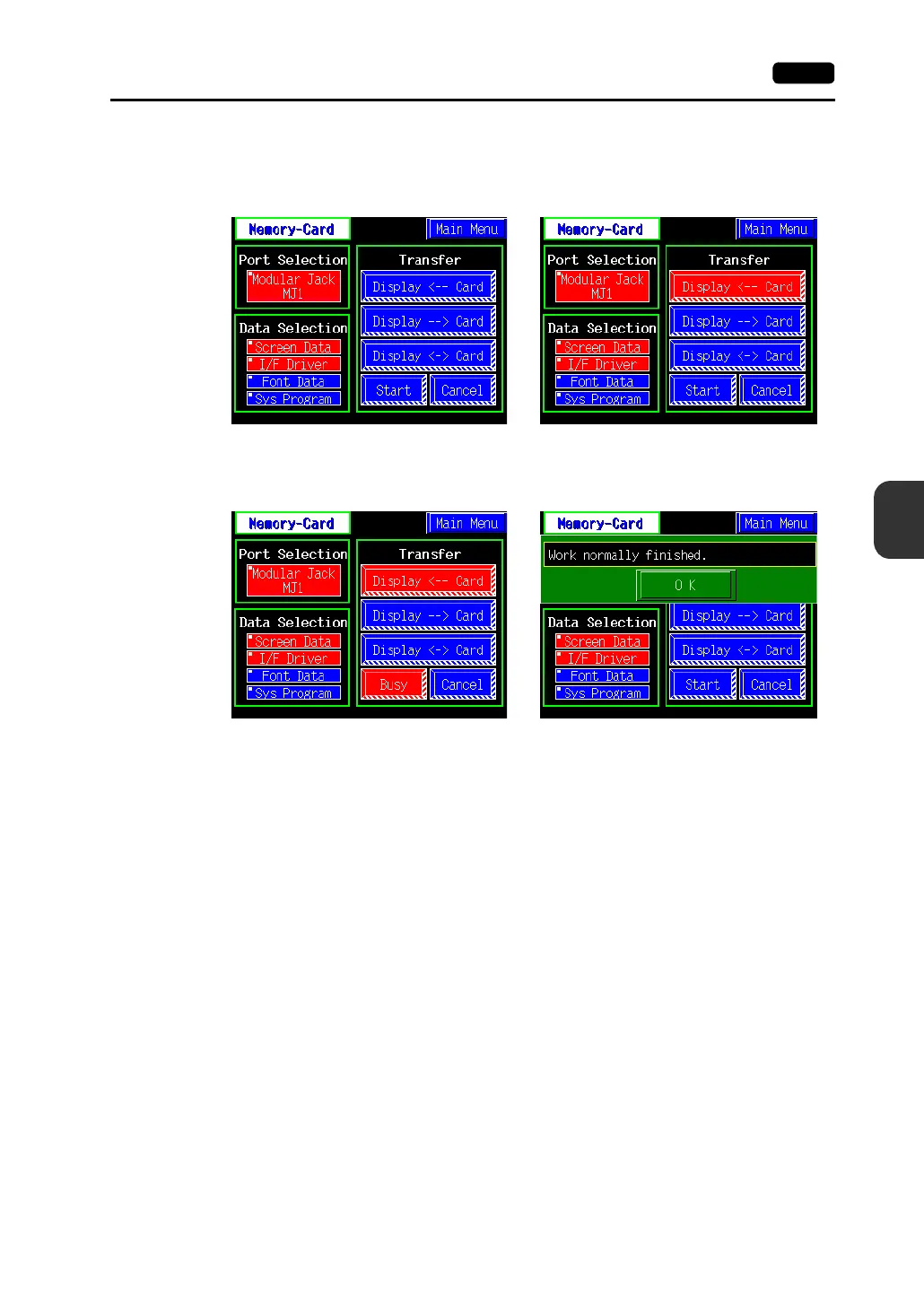
4. Data Selection and Transfer Selection
In the “Transfer” field, select [Display <-- Card], [Display --> Card] or [Display <-> Card]. Press the
desired switch to turn the switch on. Multiple switches can be pressed in the “Data Selection” field.
5. Starting Data Transfer
Press the [Start] switch. Data transfer is started. During data transfer, the [Start] switch changes
into [Busy] and flashes. When data is transferred, the following message is displayed.
Press the [OK] switch.
Data selection Transfer selection



 To Next Page