Wireless AP Router HNW300APN2
User Manual 48
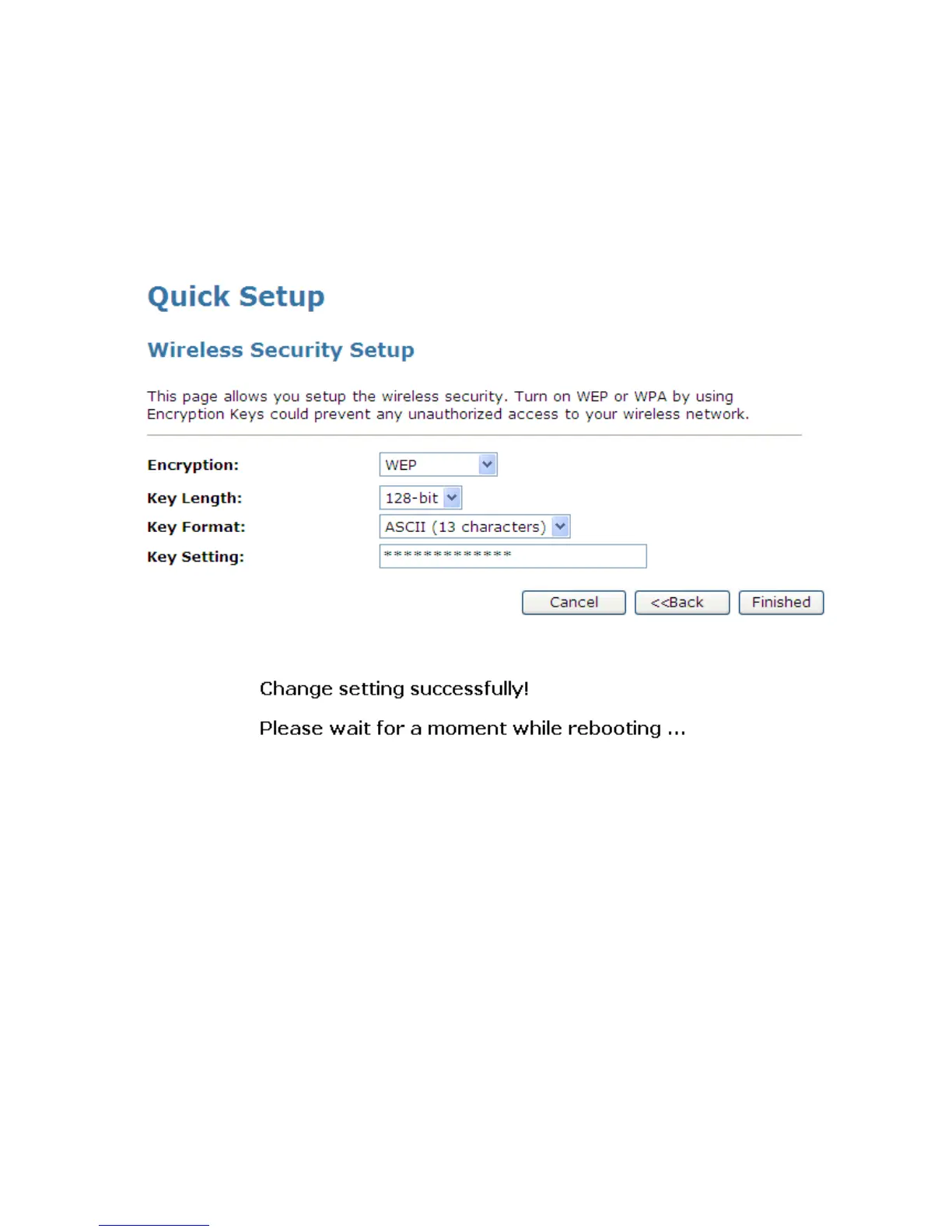
Configuring WEP 128bit ASCII (13 characters) security
The example set in this section is for 128bit encryption.
1. From the Encryption drop-down list, select WEP setting.
2. From the Key Length drop-down list, select 128-bit setting.
3. From the Key Format drop-down list, select ASCII (13 characters) setting.
4. Type the Key Setting.
5. Click Finished.
6. Change setting successfully! Please wait for a moment while rebooting.


 To Next Page
 Loading...