
 Need help?
Do you have a question about the HandTop HT2500UV and is the answer not in the manual?
Explains symbols used in the manual for safety and guidance.
Covers safe operating environment, modifications, electricity, UV light, and operator awareness.
Guidelines for storing chemical consumables like ink safely.
Precautions related to printing issues and explosion risks during drying.
Details on the physical and chemical characteristics of HANDTOP inks.
Instructions for proper disposal of chemical waste according to regulations.
Procedures to follow in case of an emergency, including using the scram stop.
Provides a concise overview of the HT2500UV model and its capabilities.
Lists the various media and industries where the UV printer can be used.
Highlights the key technological advancements and design aspects of the printer.
Details the technical specifications and hardware components of the printer.
Specifies the electrical supply requirements and quality parameters for the printer.
Illustrates and labels the main components visible from the front of the printer.
Illustrates and labels the main components visible from the rear of the printer.
Details the components and structure of the printer's carriage assembly.
Shows and labels the controls and buttons on the electric control panel.
Illustrates and labels the valves for controlling suction zones.
Diagram of the electronic box, showing and labeling internal components.
Displays and explains various labels and safety icons found on the printer.
Instructions and precautions for safely loading and transporting the printer.
Specifies the required environmental conditions for printer installation and operation.
Details the recommended hardware and operating system for the control computer.
General steps for the initial installation of the printer.
Procedure for verifying the printer's condition and completeness upon arrival.
Steps for connecting computer peripherals and interface cards.
Guidance on safely installing the UV lamp assembly onto the printer.
Instructions for ensuring the printer is level for optimal performance.
Specifies the required voltage, frequency, and grounding for power input.
Step-by-step guide for installing the printer's software and necessary drivers.
Procedures for testing key printer functions after installation.
Detailed instructions for the proper installation of printheads.
Process for safely filling the printer's ink tanks and lines.
Steps to remove air bubbles from the printhead and ink system.
Guide for calibrating and aligning printheads for accurate printing.
General procedures for starting up and shutting down the printer safely.
Detailed steps required to power on and initiate the printer.
Detailed steps required to safely power off the printer and its associated systems.
Scheduled maintenance tasks to ensure optimal printer performance.
Instructions for lubricating and maintaining the printer's mechanical components.
Procedures for cleaning and maintaining sensitive precision parts.
Daily routine and preservation tasks for the printheads.
General guide for replacing consumable components of the printer.
Step-by-step instructions for replacing the ink pump.
Procedure for refilling the printer's ink tanks.
Instructions for replacing the ink filter.
Steps for replacing the printer's air pump.
Guidance on replacing damaged or worn ink and air tubes.
Identifies different buzz alert types and provides troubleshooting steps.
Addresses issues related to the printer's pressure regulation system.
Troubleshooting steps for when ink does not flow correctly from nozzles.
Methods and precautions to prevent the printhead from striking the media.
Diagnoses and resolves errors related to the printer's carriage movement.
Solutions for issues causing the carriage to pause excessively.
Handles common error messages encountered during printing operations.
Troubleshooting for problems with the automatic head height adjustment feature.
Addresses and resolves common print quality defects like banding and color deviation.
A schedule of recommended daily, weekly, monthly, and yearly maintenance tasks.
Declaration of Conformity and compliance with relevant EU directives and standards.
Contact details, addresses, and website for the manufacturer, HANDTOP Tech Co., Ltd.
Information extracted from the printer's official rating plate.
List of tools and spare parts required for printer maintenance and operation.
Diagrams showing different printhead channel configurations for various ink setups.


 To Next Page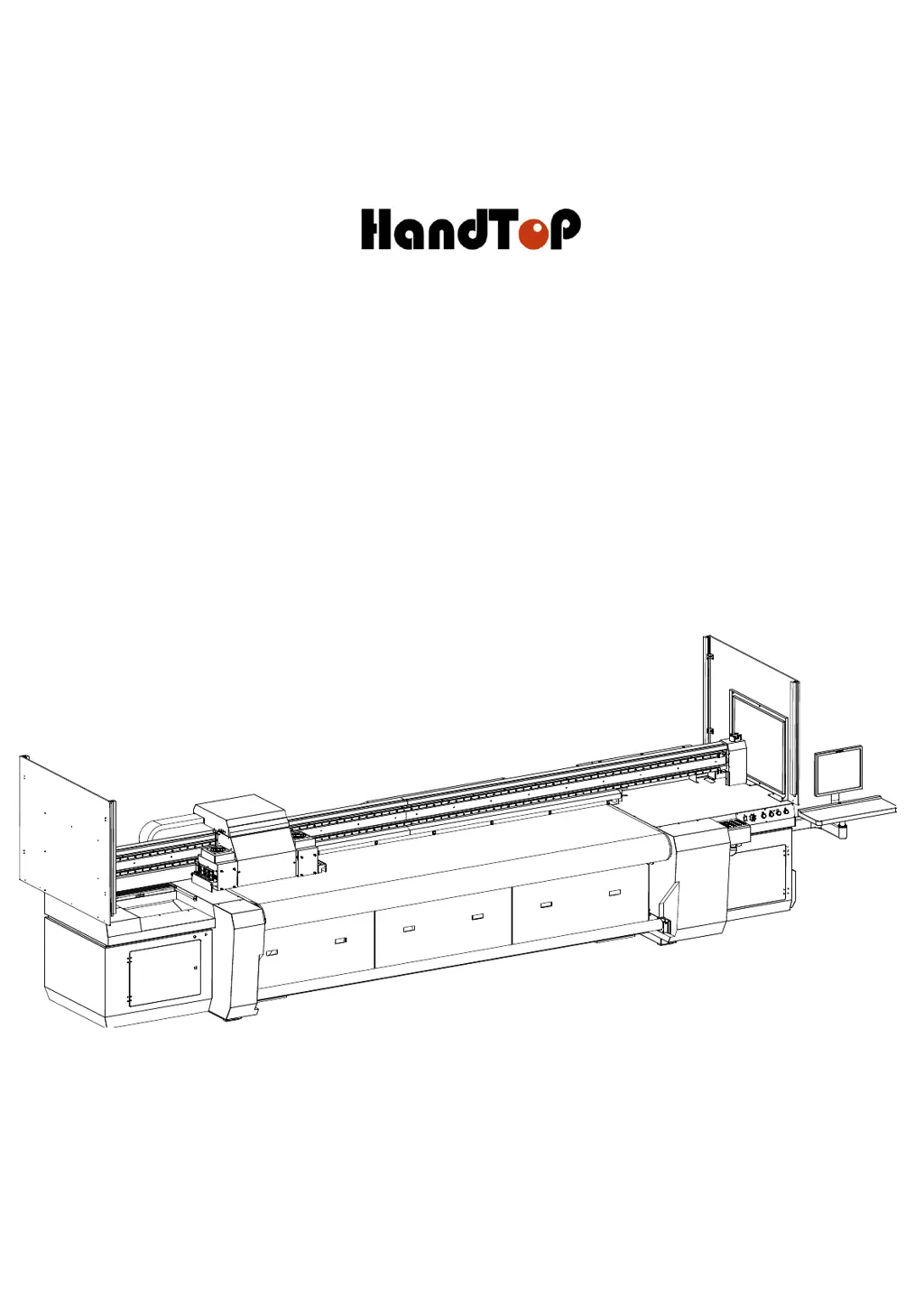
 General