5. Replacement of consumable parts
5.1 Replacement of ink pump
When hearing three-consecutive buzz,
Check and see if the ink pump malfunctions.
A three-consecutive buzz may be caused by other malfunctions.
You should verify the cause before parts replacing.
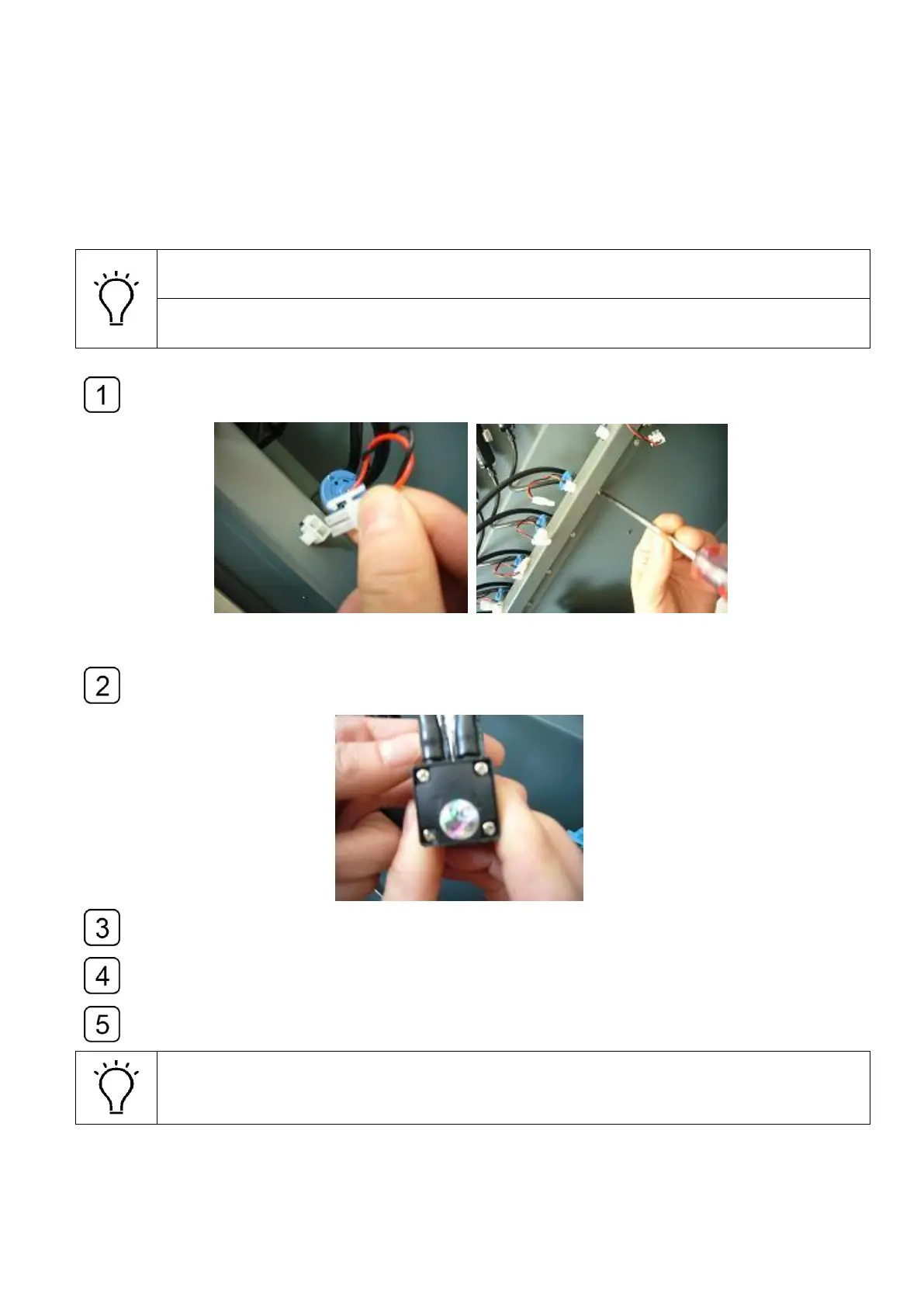
Disconnect the plug of the ink pump cable and loosen the screws of the fixture.
Remove the broken ink pump and remove the tubes connected to the pump.
Illustrated as below.
Cut the deformed heads of the tubes and reconnect them to the new pump.
Carefully connect the tubes to the ink pump proper inlet and outlet with corresponding
arrows indicating the flow directions.
Fasten the screw and reconnect the power cable.
The buzzer might generate three-consecutive buzz in the process of replacing.
You should reset the external device board after the replacement.



 To Next Page