Operating Instructions
1. Start-up and shutdown operation
The user should go through the Safety Precautions chapter before the first-time
operation. And all operations to be done by beginners must be executed under the
instructions of professional technicians.
For emergency stop press the any of the Emergency stop buttons.
1.1 Printer start-up operation
Connect the power cable plugs to the wall socket.
These four power circuit breakers only
should be turned on in the initial
operation. Once the equipment
maintains in constant working phase,
there is no need to turn them off
anymore.
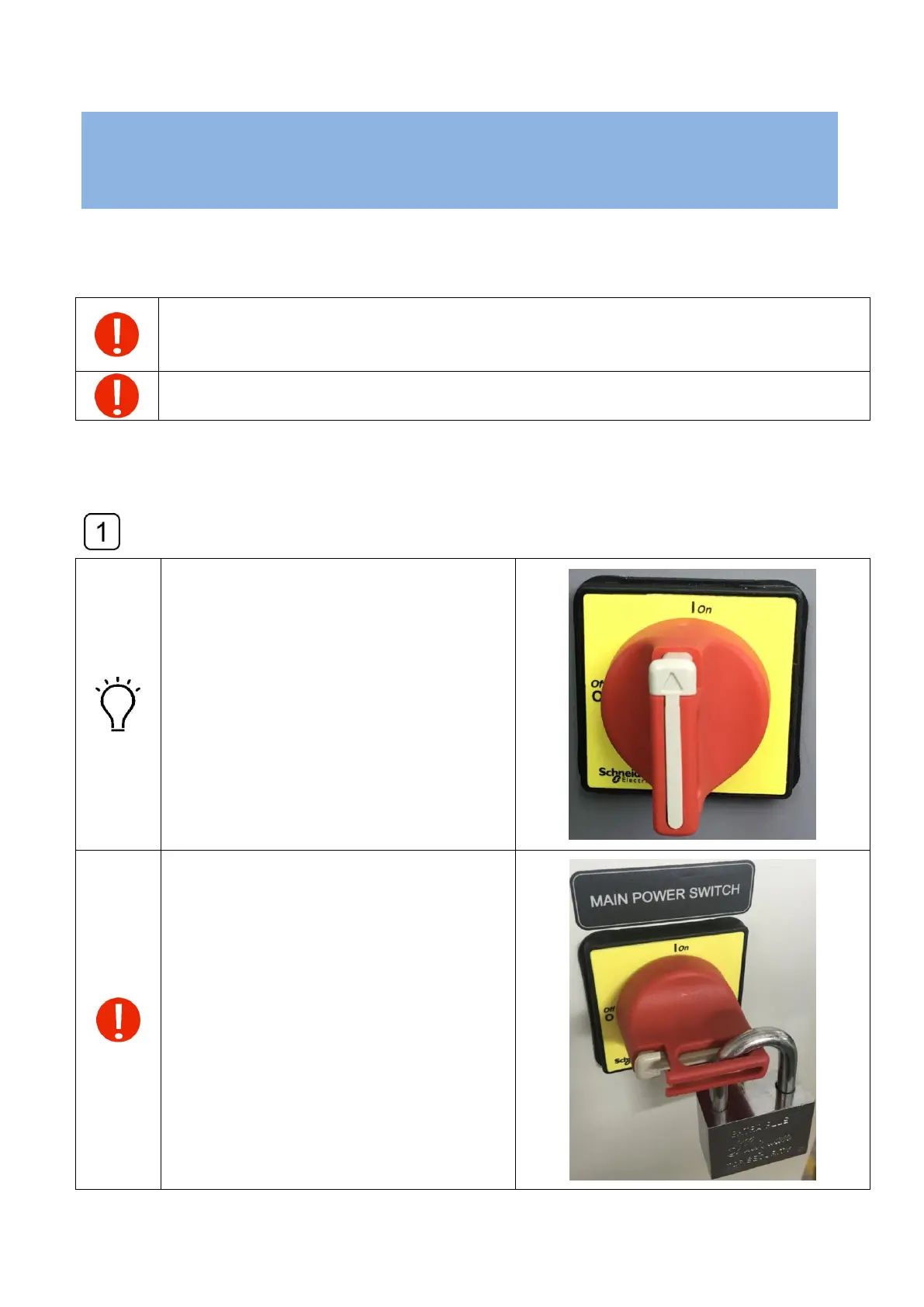
Before maintenance and service please
lock the main switch in OFF position.



 To Next Page