2. Pressure system problems
2.1 Priming issue
Ink does not come out from the nozzles when keep pressing the Prime
Button
1. Check if the ink valves to the corresponding ink is open.
2. Check if the sub-tank is empty (3 beeps alert).
3. Check in the software if the positive pressure can go up high enough
when priming.
3. Printhead strike
3.1. How to avoid head strike
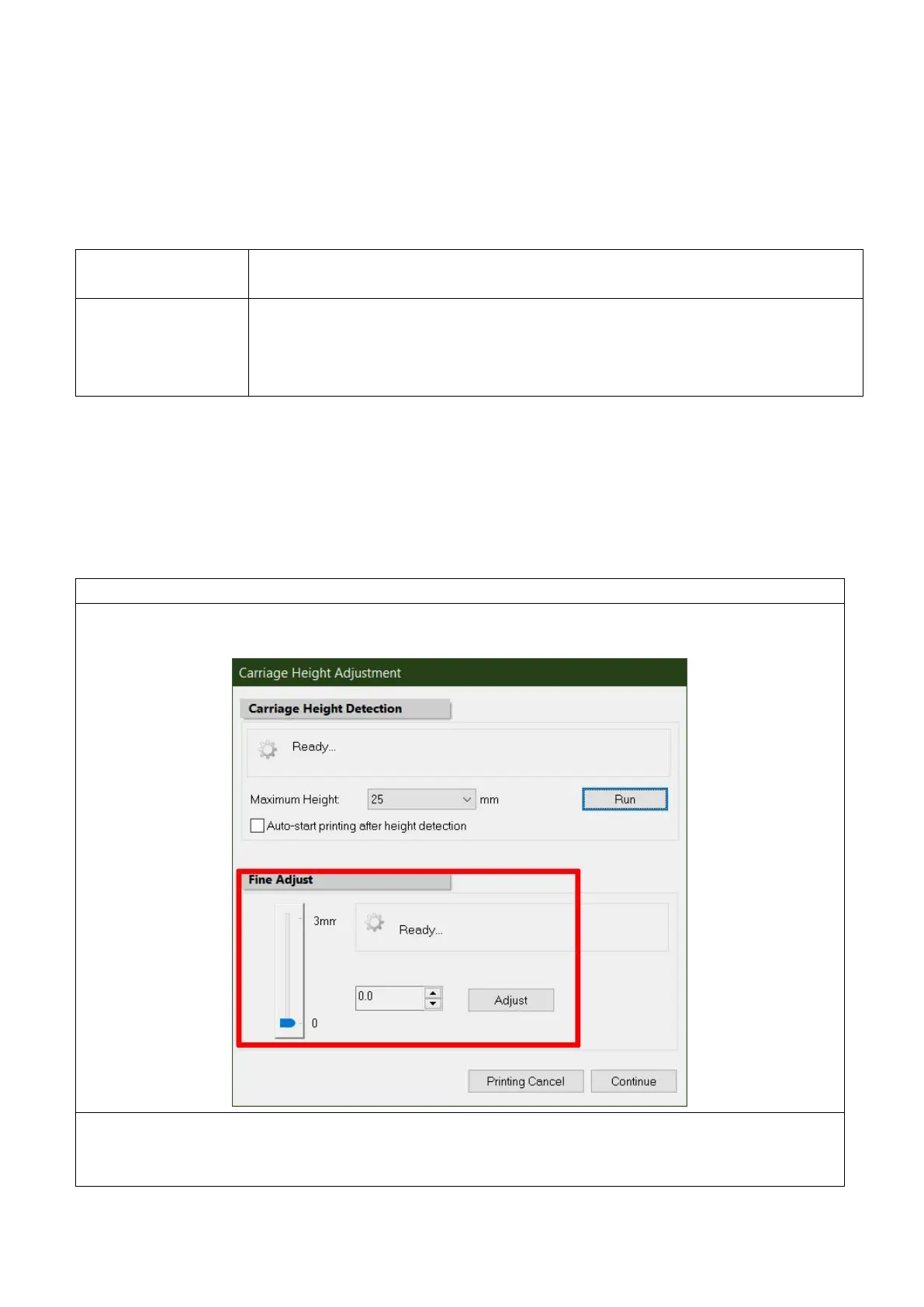
The automatic head height adjustment must be run whenever changes material.
For some inflated or unsmooth or even some heat sensitive media
Fine adjust the head height after the automatic adjustment.
When printing on some heat sensitive materials
1. Shut the non-used suction sectors of the platform.
2. Cover the tiny holes of air leaking.



 To Next Page