5.2 Ink refill
When the hearing three-consecutive buzz, check and see if the ink is running out.
A three-consecutive buzz may be caused by other malfunctions. You should verify
the cause before refilling.
Get a new bottle of ink and uncap it, put it nearby.
Uncap the main ink tank which needs to be refilled.
Carefully pour the ink of the new bottle into the main tank.
Press the reset key of the external device board.
The ink tube must be inserted into the bottom of the main tank.
5.3 Replacement of ink filter
The ink filter requires seasonal replacement.
Disconnect the power cable connects of the ink pump.
Clamp the inlet tube to avoid ink leaking or withdrawal.
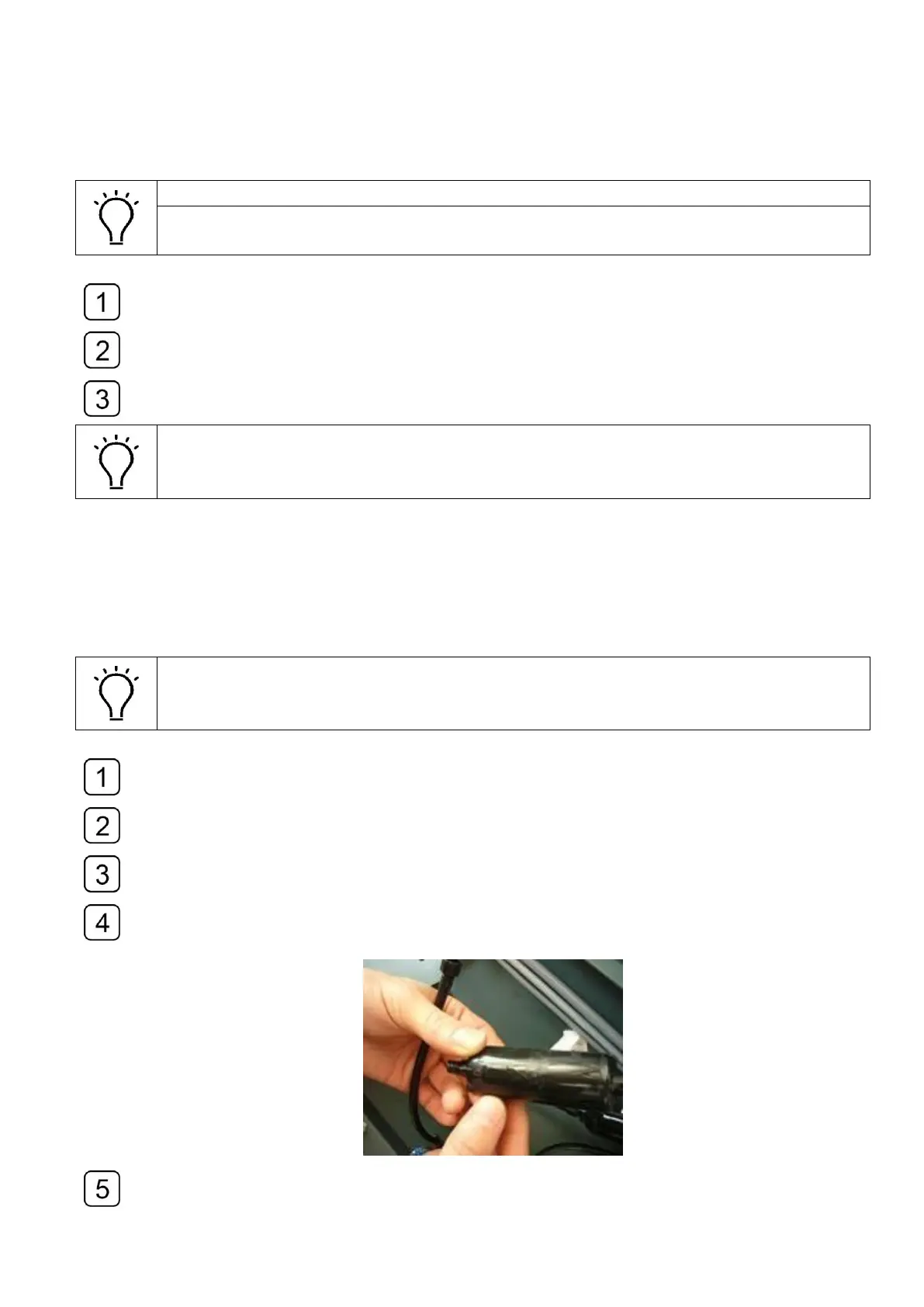
Disconnect the joints of the tube and the filter. Remove the filer.
Replace with a new one and pay attention to the flow direction indicated by the arrow
mark on the filter.
Remove the clamp and reconnect the power cable.



 To Next Page