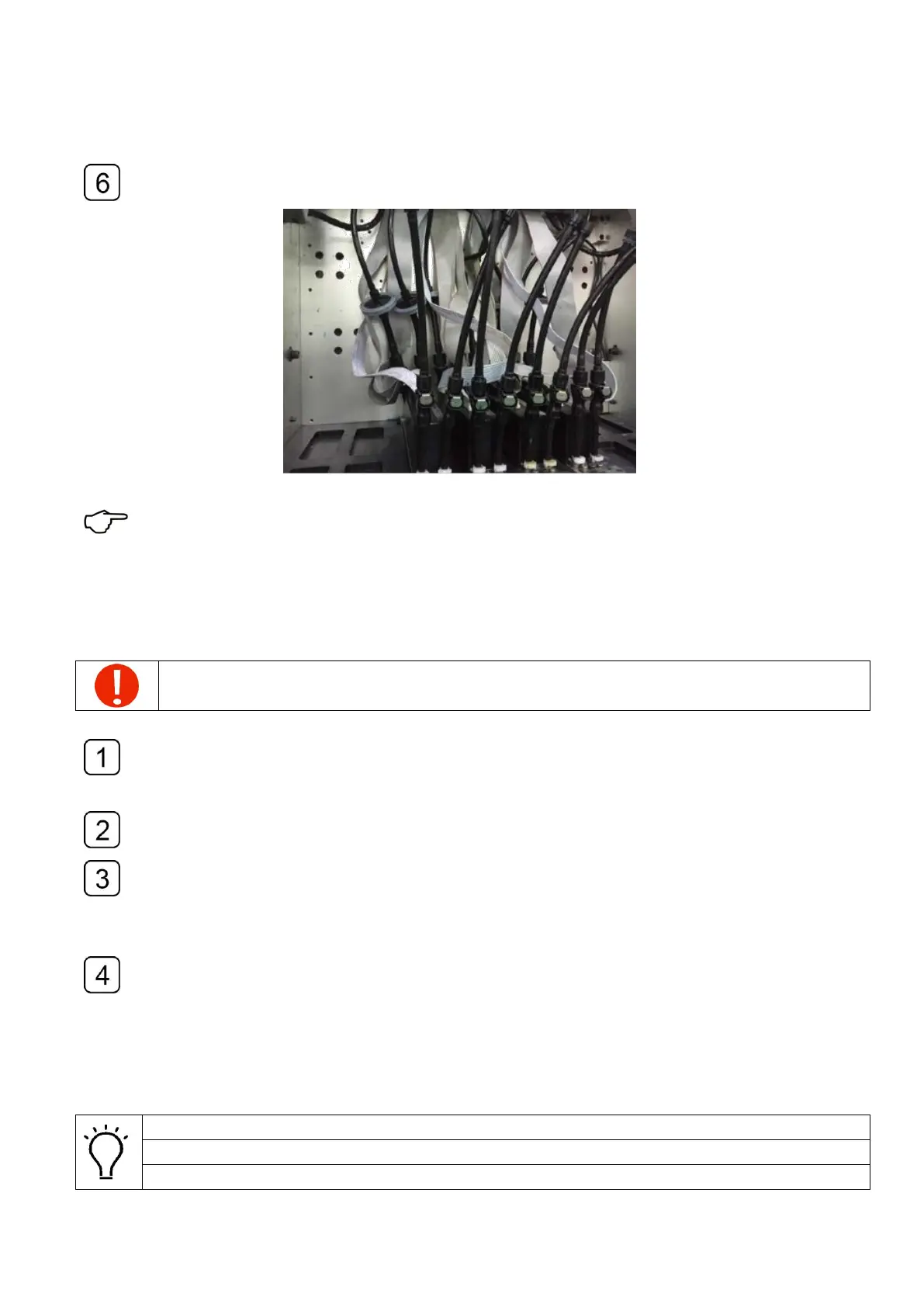
Finish installing the printheads one by one
See Appendix 5. Channel information of yocera head for connection of printhead cables
4.9 Filling ink
The ink filling operation can only be executed when the ink lines and the connections
of the cables are carefully double-checked after the printhead installation.
Shutdown the spray function of the program and adjust the value to -1.5kPa, avoid the
automatic protection of system when the negative pressure fluctuates in the ink filling
operation process.
Verify that all cables of the ink pumps are connected properly and then fill in each
main tank with the color of ink accordingly.
The ink pumping function will be interrupted if the Sub Tank is still not filled to its
standard ink amount every 15s, and the buzzer will make a three-alert. Normally this
alert can be ignored by resetting of the ink filling function, and the ink filling can be
accomplished by the repeating the operation a couple of times.
When finishes the ink filling, adjust the pressure to a value of -3.8kPa, then turn on the
valves of the Sub Tank.
4.10 Air exhausting of the printhead
The exhausting operation should be done the first time of printhead installation
This operation can help exhaust the air bubbles in the chamber.
This operation can also be used to deal with the nozzles missing problem.



 To Next Page