The buzzer might generate three-consecutive buzz in the process of replacing.
You need to reset the external device board after the replacement.
5.4 Replacement of air pump
When hearing a single buzz during normal working hours,
it means the main air pump has stopped working and the backup air pump is
activated.
Verify that the main air pump is broken or not before the replacement, just in case
that there might be alert caused by operation failure.
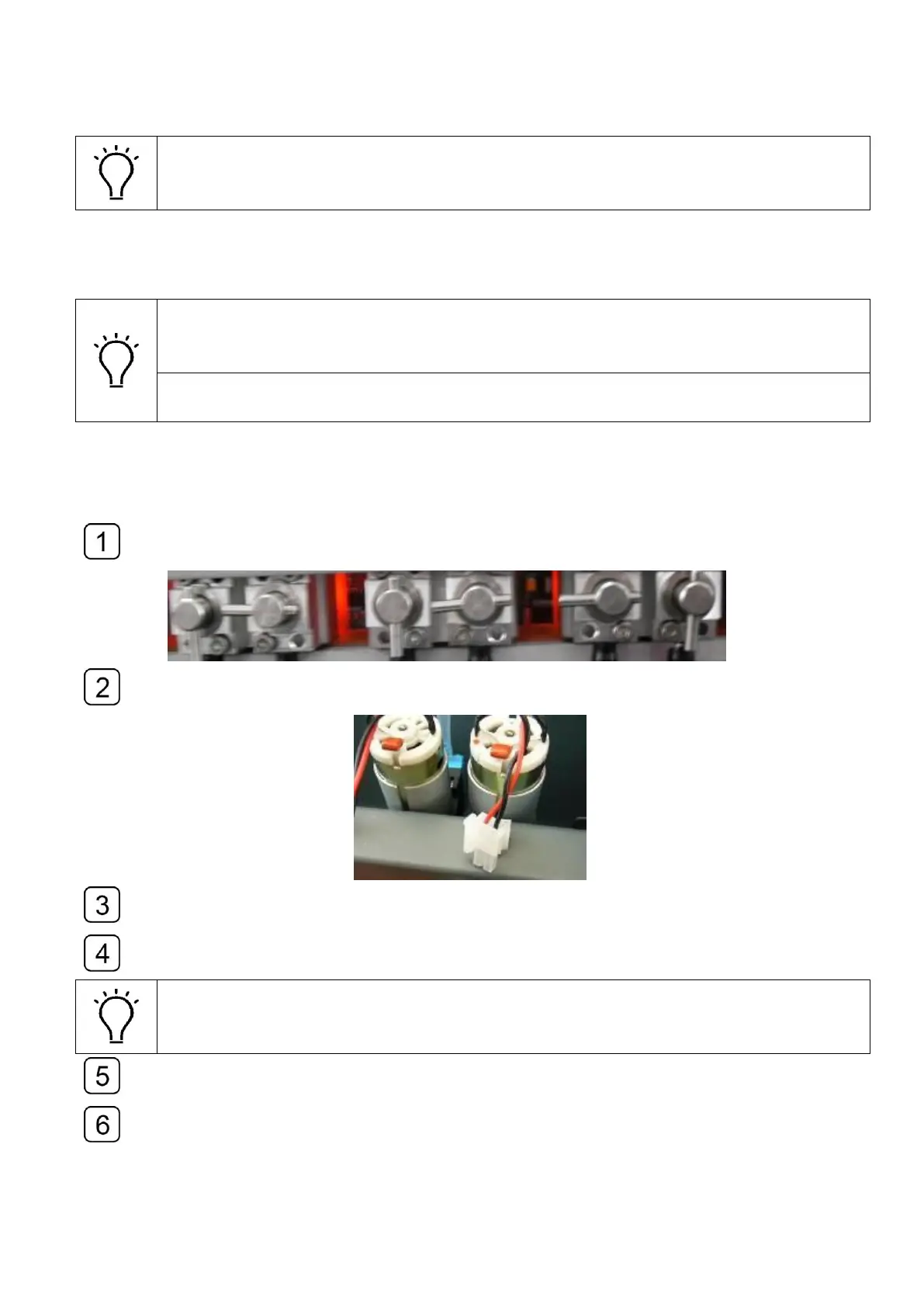
Turn off the valves to avoid ink leaking from the nozzles.
Disconnect the plug of the main air pump.
Loosen the screws of the fixture and remove the main air pump.
Remove the air tube connected on the air pump. Cut the deformed head of the tube
and reconnect them to the new pump.
Pay attention to the air flow indicated by the arrow mark on the pump.
Fasten the fixing screw and reconnect the power cable.
Then press the reset key on the external device board.
Switch the power cable of the backup air pump to the main one.
And check if the main pump runs properly.



 To Next Page