4. Carriage moving malfunction
4.1 Carriage moving failure
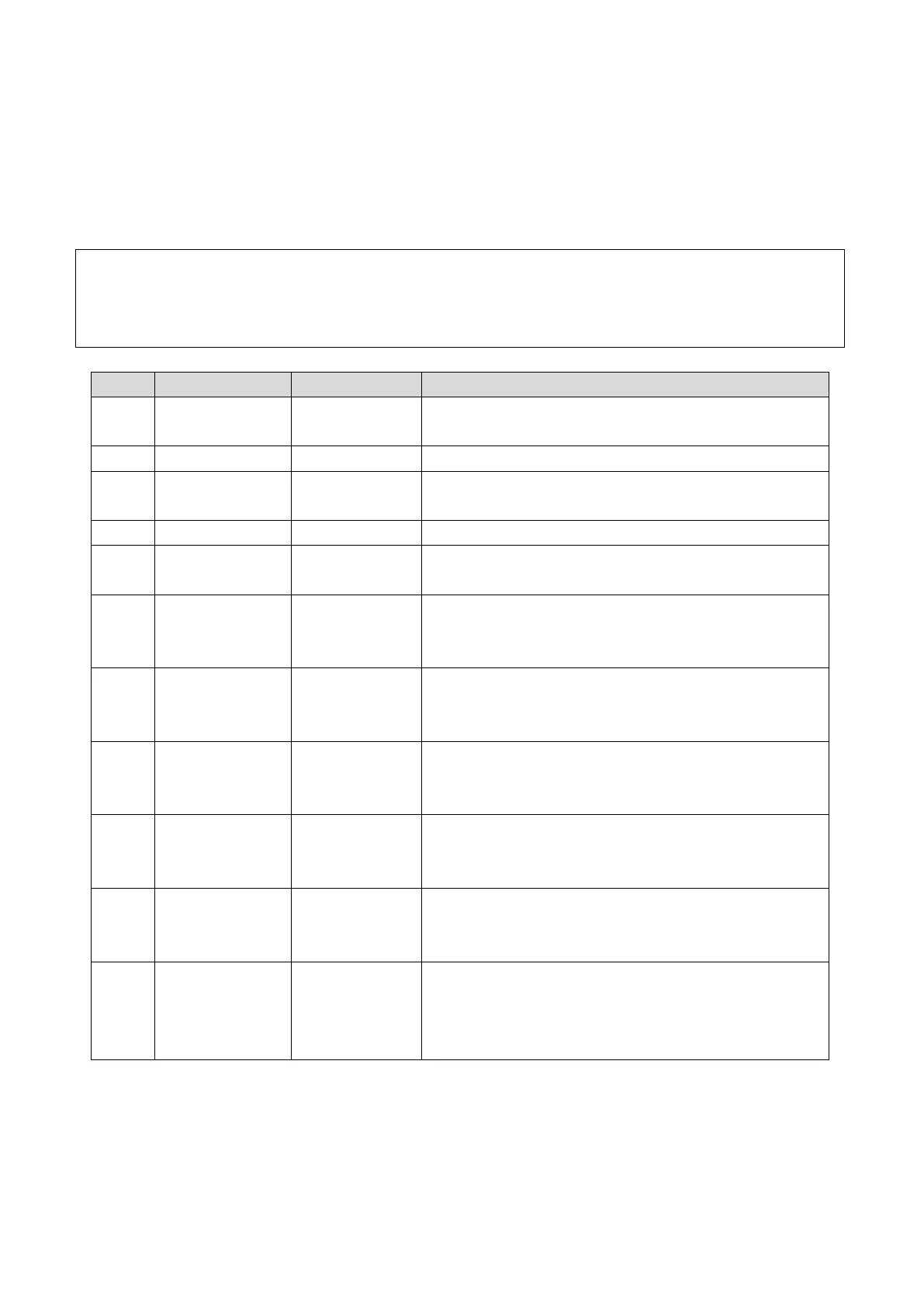
There are error messages displayed on the screen of the servo driver.
Deal with the issue according to the corresponding information.
Below is the list of information display on screen of the servo driver and the corresponding
indication and troubleshooting.
Check and see power connection of the motor
Check and see power connection of the motor
Verified that the power input is within the rated
values
Keep the environment maintain below 40℃
Keep the servo driver away from any heat resource
Keep the environment maintain below 40℃
Remove any item baffles the heat dissipating of the
servo driver
Main circuit
voltage
defected
Check if there is any power supply interruption
Verify the power input stably with rated values
Anti-crashing
& scram stop
activated
Check if any anti-crashing attachment or scram stop
activates, reset correspondingly.
Media locating
attachment
enabled
Check the media locating attachment and turn it
down if ever enabled
Y-directional
origin
indicating
Check the opt-electric sensor if the code displays in
the Y-directional non-origin position
Pulse signal
transmitting
(the state of
running)
Indicates a normal state during X-directional moving
Indicates a normal state of non-origin position



 To Next Page