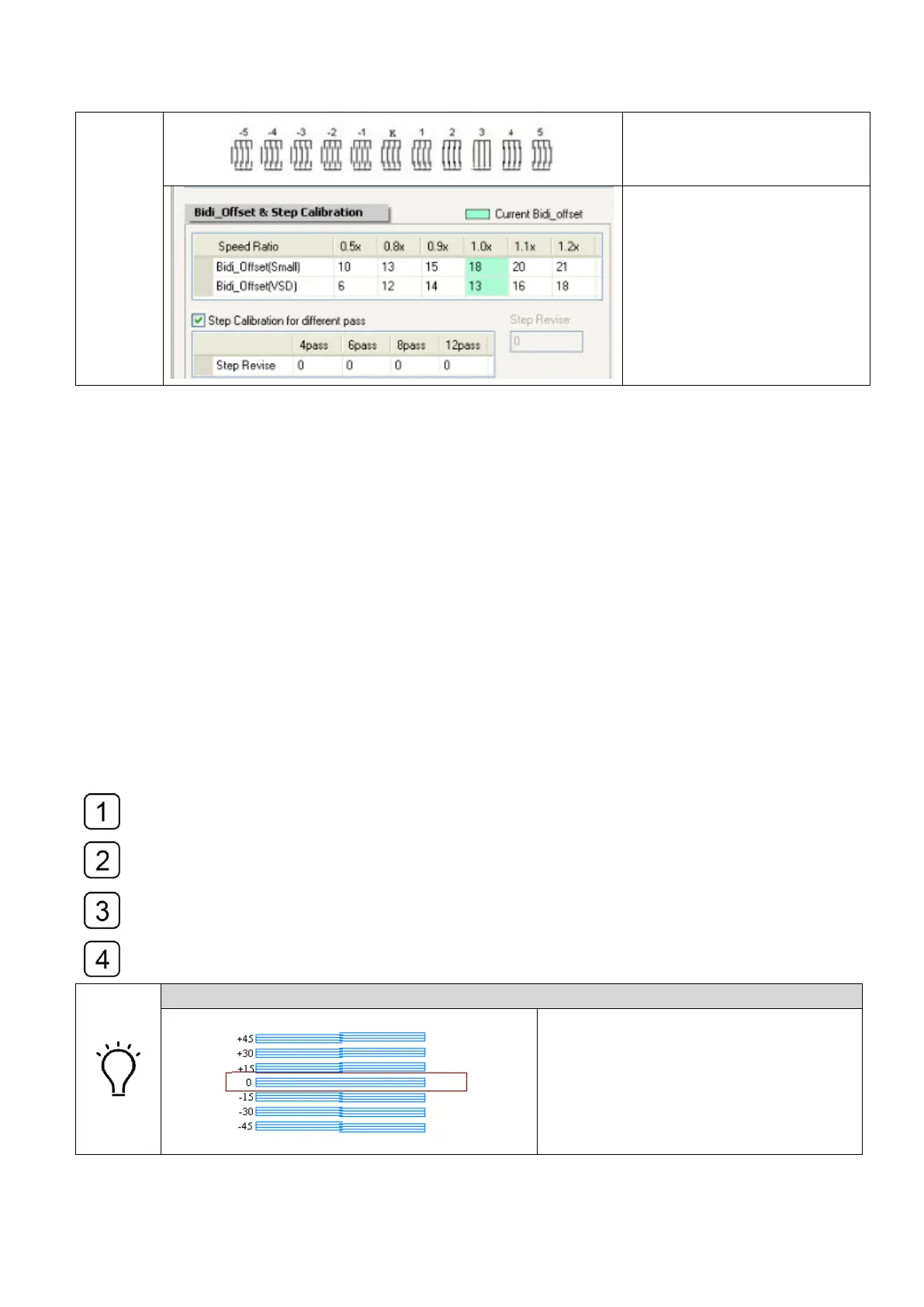
The line overlaps the best
at the position of figure +3
Plus 3 to the corresponding
parameter (Here is the 1.0x
speed, 18+3=21).
4.11.5 Stepping calibration
Select the stepping checking print in the drop-down-list of calibration and alignment
and get it output.
Use the magnifier to observe and find a number indicates the best overlapping of the
tiny lines.
Modify the value with a variable in the corresponding parameter and check the
alignment again.
Repeat Step1, Step2 and Step3 until they were aligned.
How to read the Stepping Calibration print
An aligned Stepping Calibration print



 To Next Page