AXIS4000 WHEEL ALIGNMENT SYSTEM
HAWEKA Wheel Alignment –AXIS4000
Protocol, vehicle overview
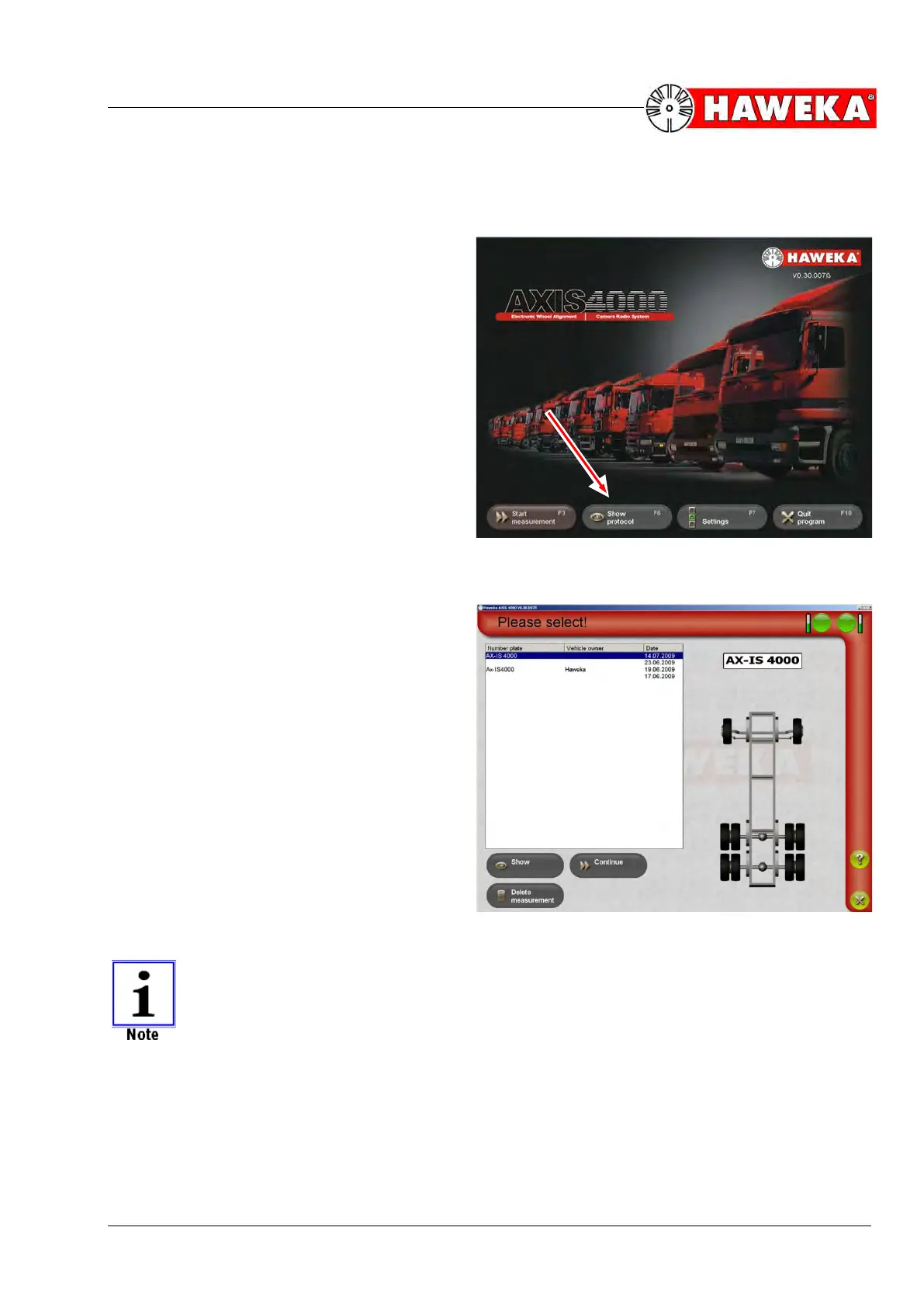
Use the Show protocol button on the start
page of the program to open a saved meas-
uring session again at any time.
(Fig. 80)
When you select Show protocol, an over-
view of all saved measuring sessions with a
small preview will appear.
(Fig. 81)
By pressing the Show button, the selected
data record for a measuring session will ap-
pear on the vehicle overview screen with all
axles.
If the data record for a measuring session has been saved, you will be able to carry out
further measurements on this vehicle days later.
To do this, select the Continue button.


 To Next Page