AXIS4000 WHEEL ALIGNMENT SYSTEM
HAWEKA Wheel Alignment –AXIS4000
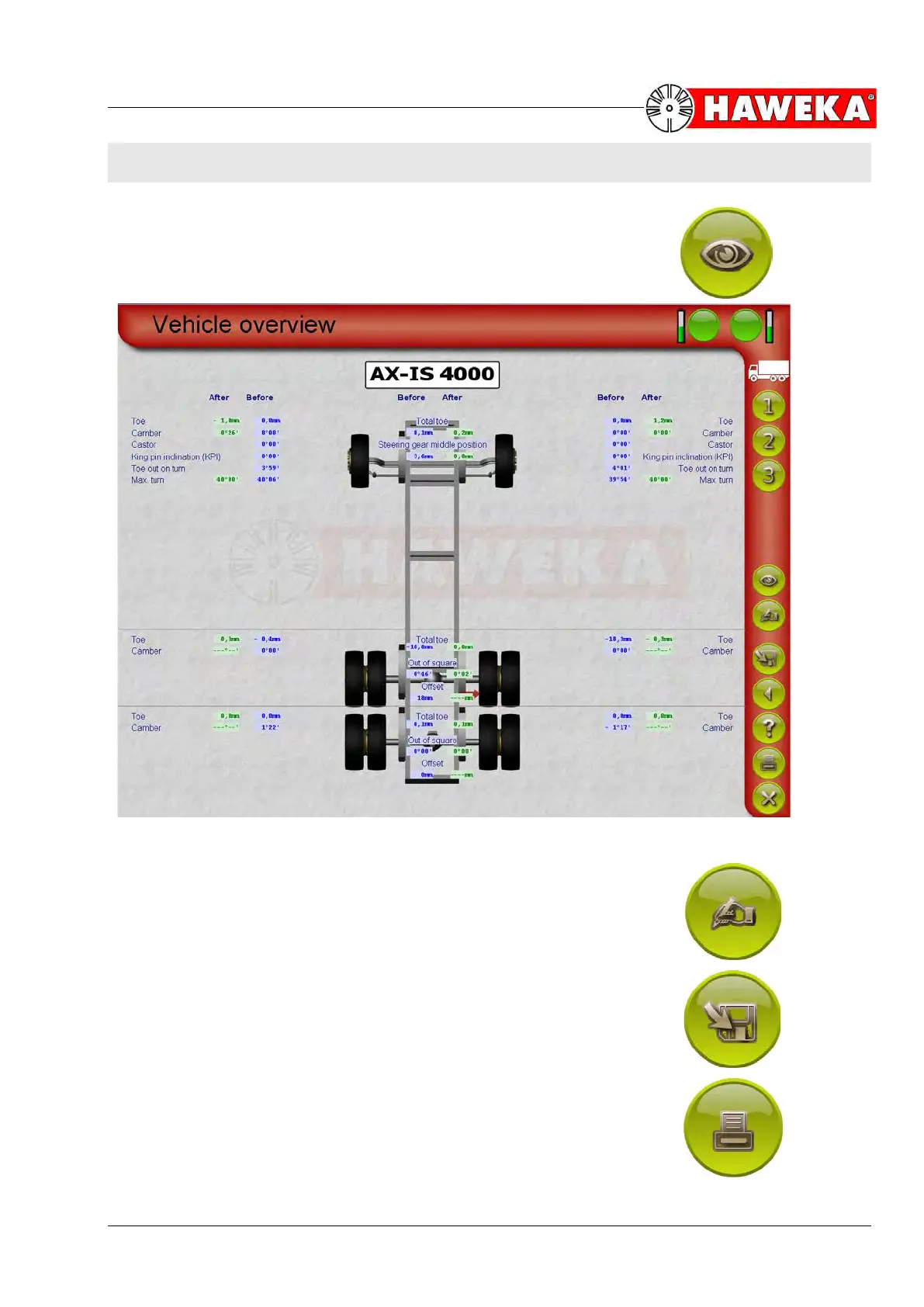
11 Protocol, vehicle overview
On the selection screens for the corresponding vehicle
axles, you can use the Overview button
(Fig. 75) to direct-
ly access the overall protocol. This view enables a com-
parison of measured data for all vehicle axles.
(Fig. 76)
By selecting the Comment button
(Fig. 77) you can enter special
comments about the vehicle that will appear later on the report
printout.
Use the Save button
(Fig. 78) when work is finished to save the
completed measurements.
Use the Print button
(Fig. 79) to print out the recorded data as a
protocol/report on an installed printer.


 To Next Page