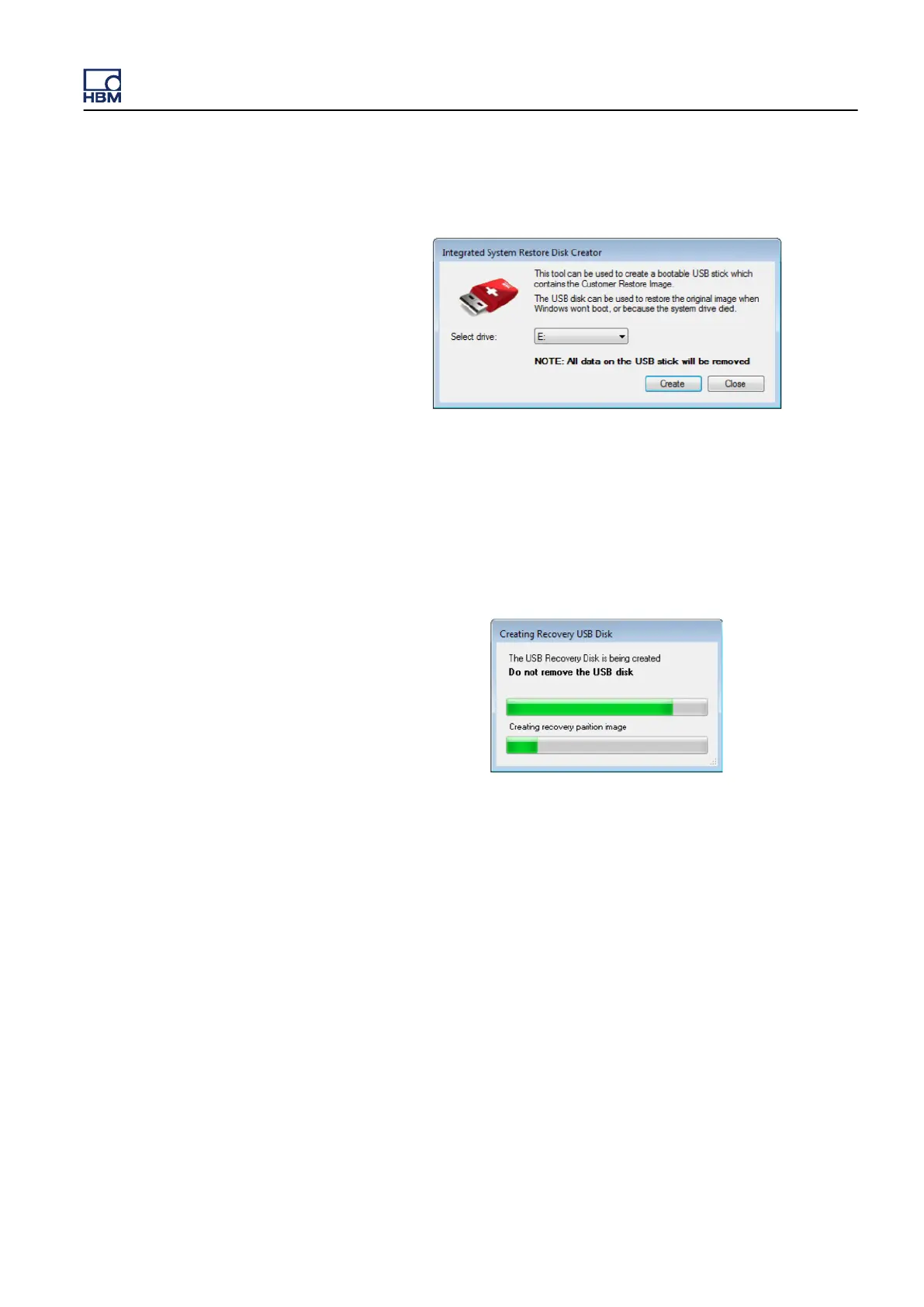
3 Select the drive that contains the USB disk and confirm with Create.
Figure E.38: Integrated System Restore Disk Creator dialog
The disk will be initialized and formatted and the recovery partition files will
be copied to the USB disk.
A dialog (see Figure E.39)
will show the progress and notify you when the
disk creation process is finished.
Figure E.39: Formatting progress window
GEN3i
I3763-3.1 en HBM: public 855



 To Next Page