51432
51432
Fasten
cable ends
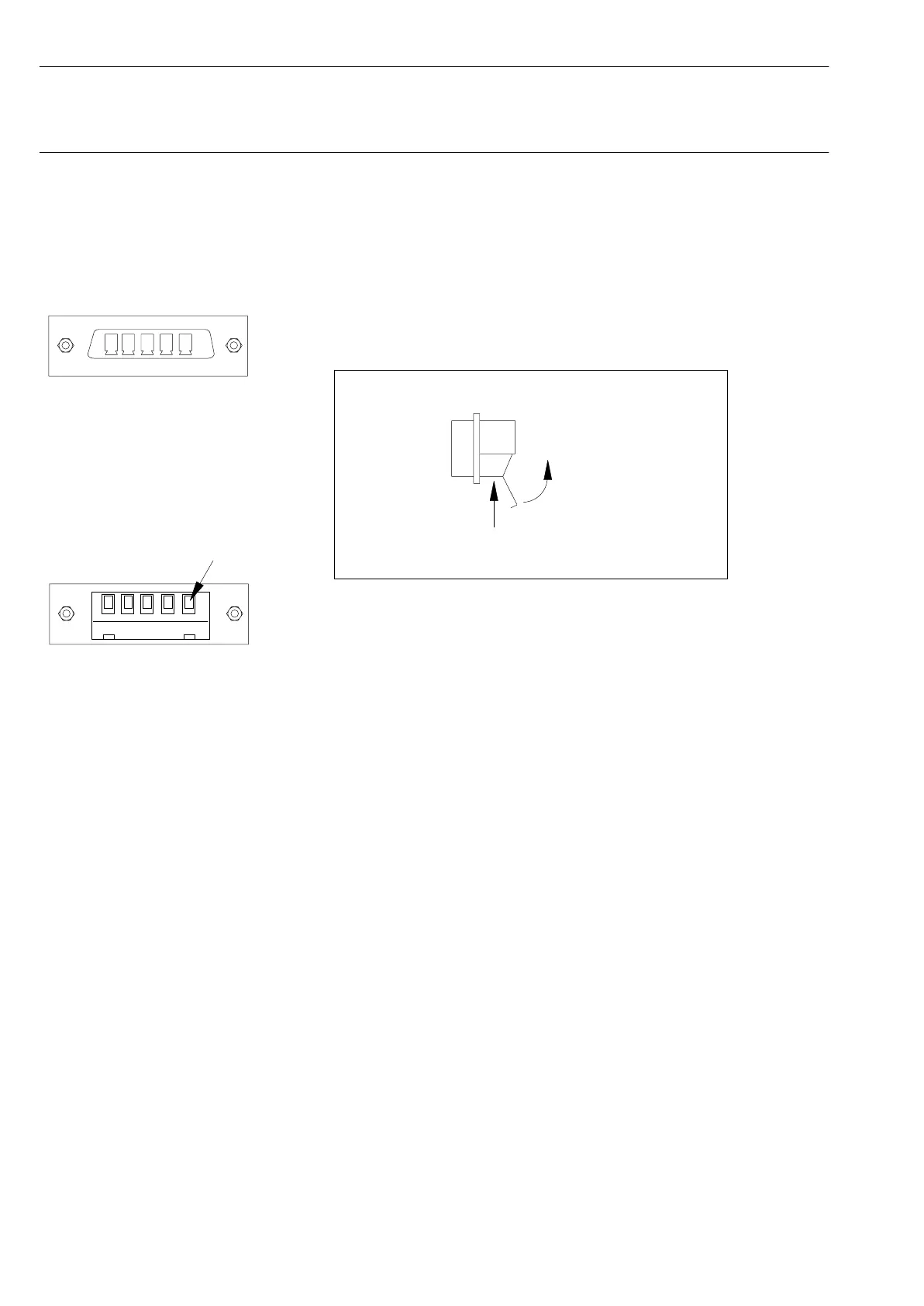
DC module with mounted
5-pin terminal block
connector
Spider 8: Channels 4 - 7
Spider 8-01: Channels 1 - 3
D-10
Connecting Ý Connecting transducers
Spider8
Connecting to a DC module (5-pin); (Ord. No.1-SR01)
D The transducer cable is unterminated:
1. Open the plastic flap on the terminal block connector.
open
Side view: terminal block connector
Fasten cable ends
with screws
2. Undo the 5 screws.
3. Insert the cable ends into the terminal block.
4. Secure the cable with screws.
5. Close the plastic flap.
6. Mount terminal block connector on DC module in Spider8.



 To Next Page