E-12
Configuring the Spider8 with the Setup program Ý Description of the setup dialogue
Spider8
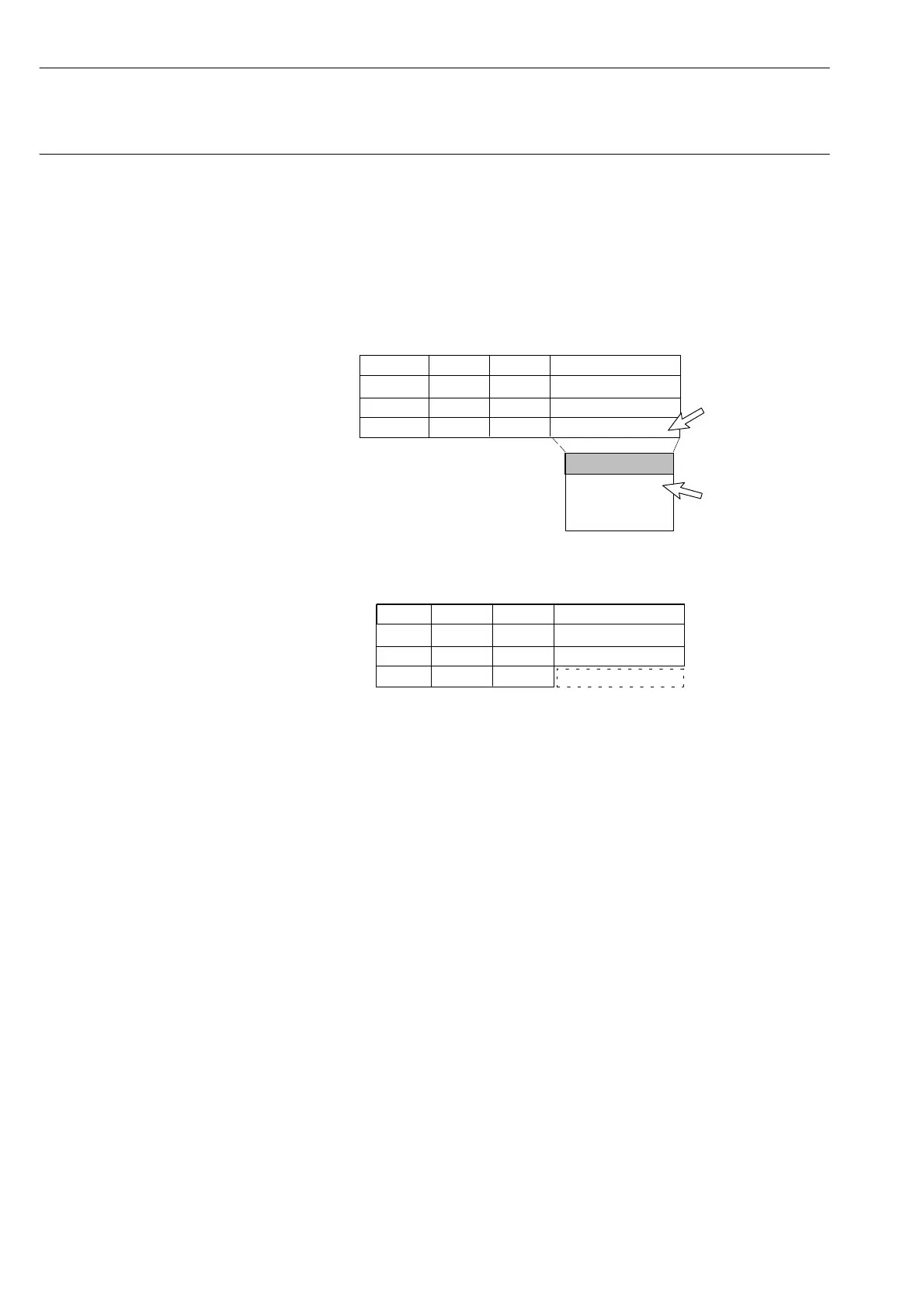
Example: measuring range
You want to change the measuring range for channel 3 to 12mV/V.
1. Click on channel 3 under the Meas. Rng. function.
A pop-up list box is displayed. The currently selected setting is
identified by a tick.
1.
Chan. Name Trans. Meas. Rng.
1
2
3 3mV/V
3mV/V
12mV/V
125mV/V
500mV/V
3
2.
2. Move the cursor to the 12mV/V setting in the list box and press
the mouse-button. The value 12mV/V is outlined.
Chan. Name Trans. Meas. Rng.
1
2
3
12mV/V
The measuring range for channel 3 is now set up as 12mV/V.



 To Next Page