E-13
Configuring the Spider8 with the Setup program Ý Description of the setup dialogue
Spider8
Text box:
A text box is displayed for the function Tare value. A text box
consists of a rectangular area distinguished from the surrounding
area by a different background colour. A text box is where you type
data (maximum two lines, 20 characters) that cannot be presented
for selection in list form.
Example:
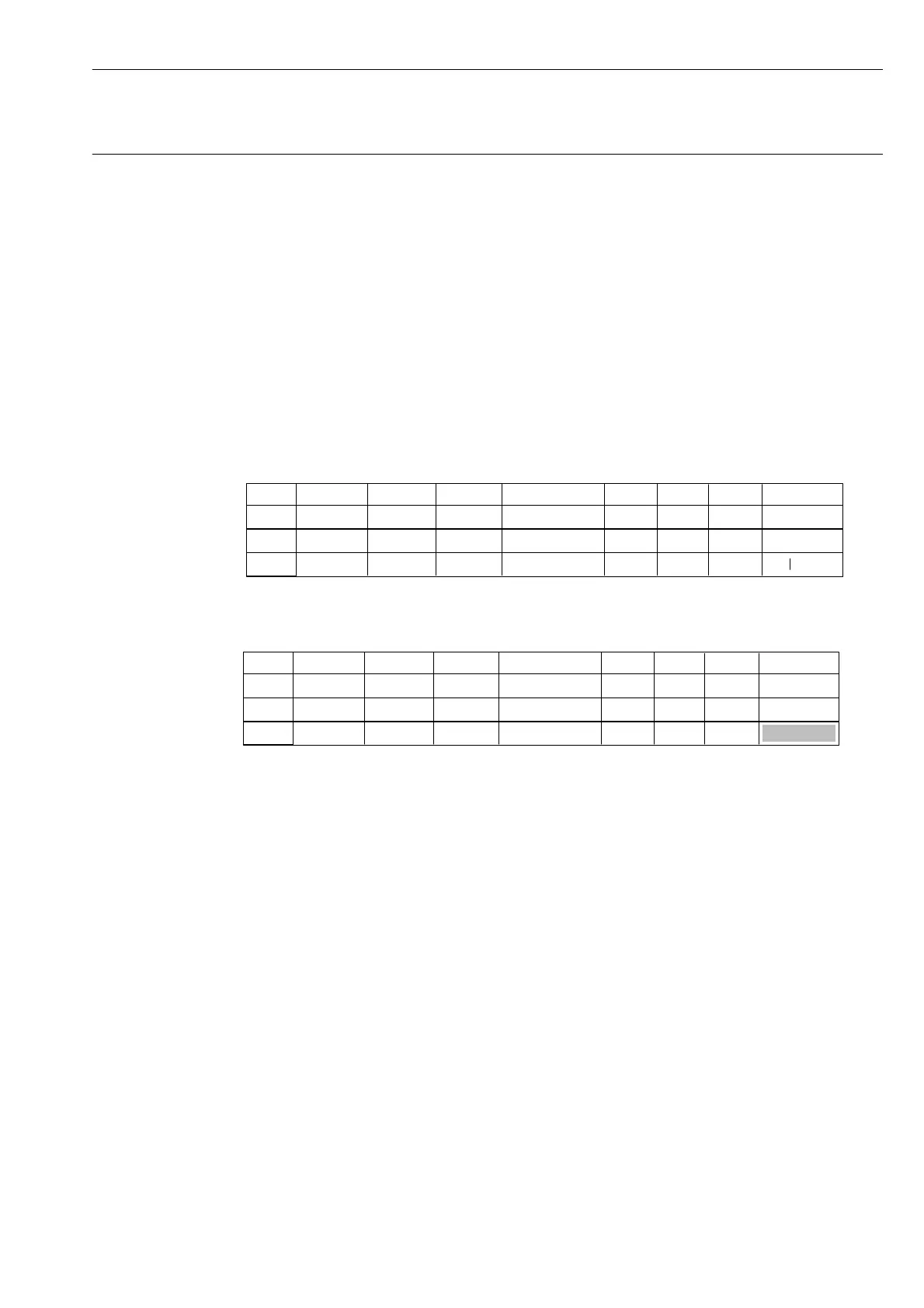
You want to enter a tare value for channel 3.
1. Click on channel 3 under the Tare Val. function.
A blank, one-line box is displayed.
Chan. Name Trans. Meas. Rng.
1
Mark
2
3
Filter Tare Tare Val.
1.
Shunt
2. Enter the required zero balance value.
0.50000
Chan. Name Trans. Meas. Rng.
1
Mark
2
3
Filter Tare Tare Val.
1.
Shunt
3. Confirm your entry with the Return key.



 To Next Page