IT 1002 Order No BA 93-66-1206 Issue 03.11.08 41
With the arrow key , you change the position
1% - small tolerance range = high sensitivity
20% - large tolerance range = low sensitivity
Press the enter key , the following menu is displayed:
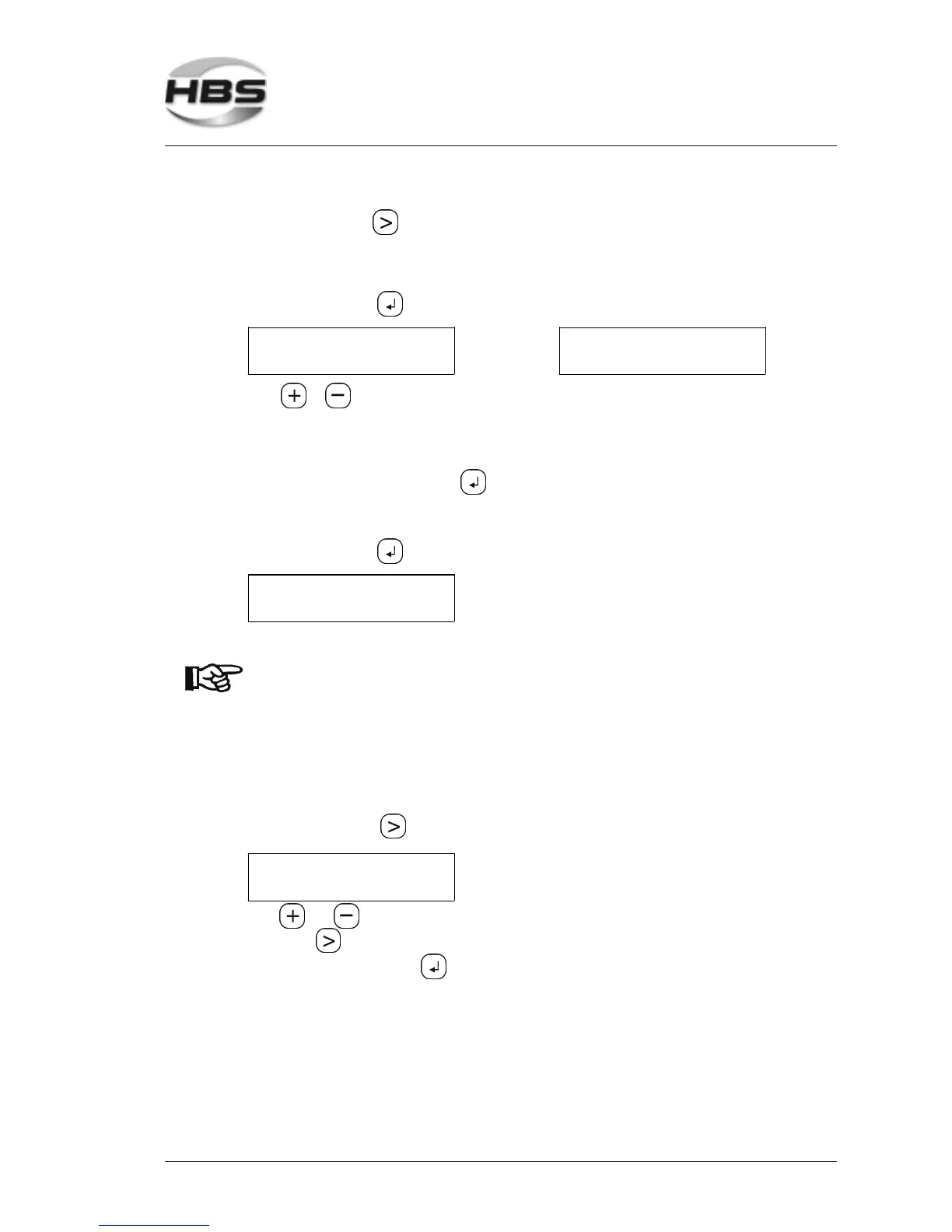
PROGRAM 1
STOP: OFF
or
PROGRAM 1
STOP: ON
With or you change between the individual menu boxes
Stop with red >ON< - Your unit stops automatically if output voltage value is
out of tolerance range. With a click on the enter
key , the unit is ready for welding again.
Stop with red >OFF< - The unit continues to weld, LED’s show whether welds
are in or out of tolerance range.
Press the enter key , the following menu is displayed:
REF - U1: 25.00V
ACT - U: 00.00V
Now you can continue your welding.
The settings of the power unit must be checked after changes
of base material, lot of welding elements or settings of welding
gun.
With changed conditions, the reference value must be redeter-
mined.
Adjusting the Date
Press the arrow key until the menu ‘Date’ is displayed.
ADJUSTING DATE
06.07.05
With and , you can enter the individual digits. You change the position with the
arrow key .
Confirm with the enter key .
5 Stud Welding Procedure
5.6 Switching on the Power Unit



 To Next Page