40 IT 1002 Order No BA 93-66-1206 Issue 03.11.08
Stop with red >ON< - Your unit stops automatically if
output voltage value out of tolerance range. With a click
on the enter key , the unit is ready for welding
again.
Stop with red >OFF< - The unit continues to weld, LED’s show whether welds
are in or out of tolerance range.
Press the enter key , the following menu is displayed:
REF-U: 00.00V
REFERENCE: 8
Now carry out the 8 reference welds.
The welded reference value is deleted if a setting at the power
unit is changed during sequence 1 or if the power unit is
switched off.
New reference welding is required.
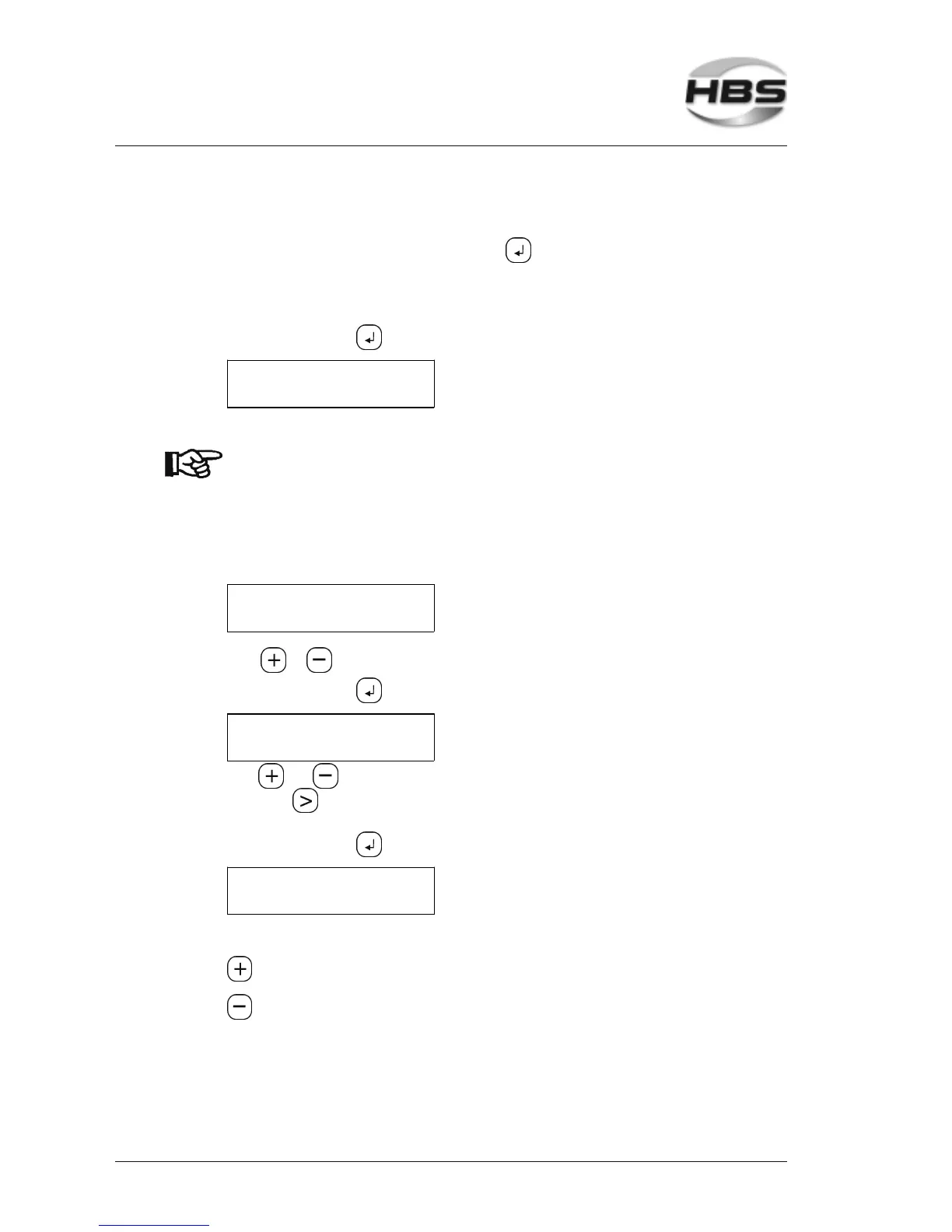
Reference Mode Enter
SELECTION PROGRAM
PRG 1: 25.00V
With or , you can select the programs 1 to 8.
Press the enter key , the following menu is displayed:
PROGRAM 1
U-REF: 25.00V
With and , you can enter the individual digits. You change the position with the
arrow key . U-REF 25.00V means that you define the set reference value 25V for
program place 1.
Press the enter key , the following menu is displayed:
PROGRAM 1
TOLERANCE: 10%
Here you define the tolerance range.
Increase tolerance range
Decrease tolerance range
5 Stud Welding Procedure
5.6 Switching on the Power Unit



 To Next Page