11
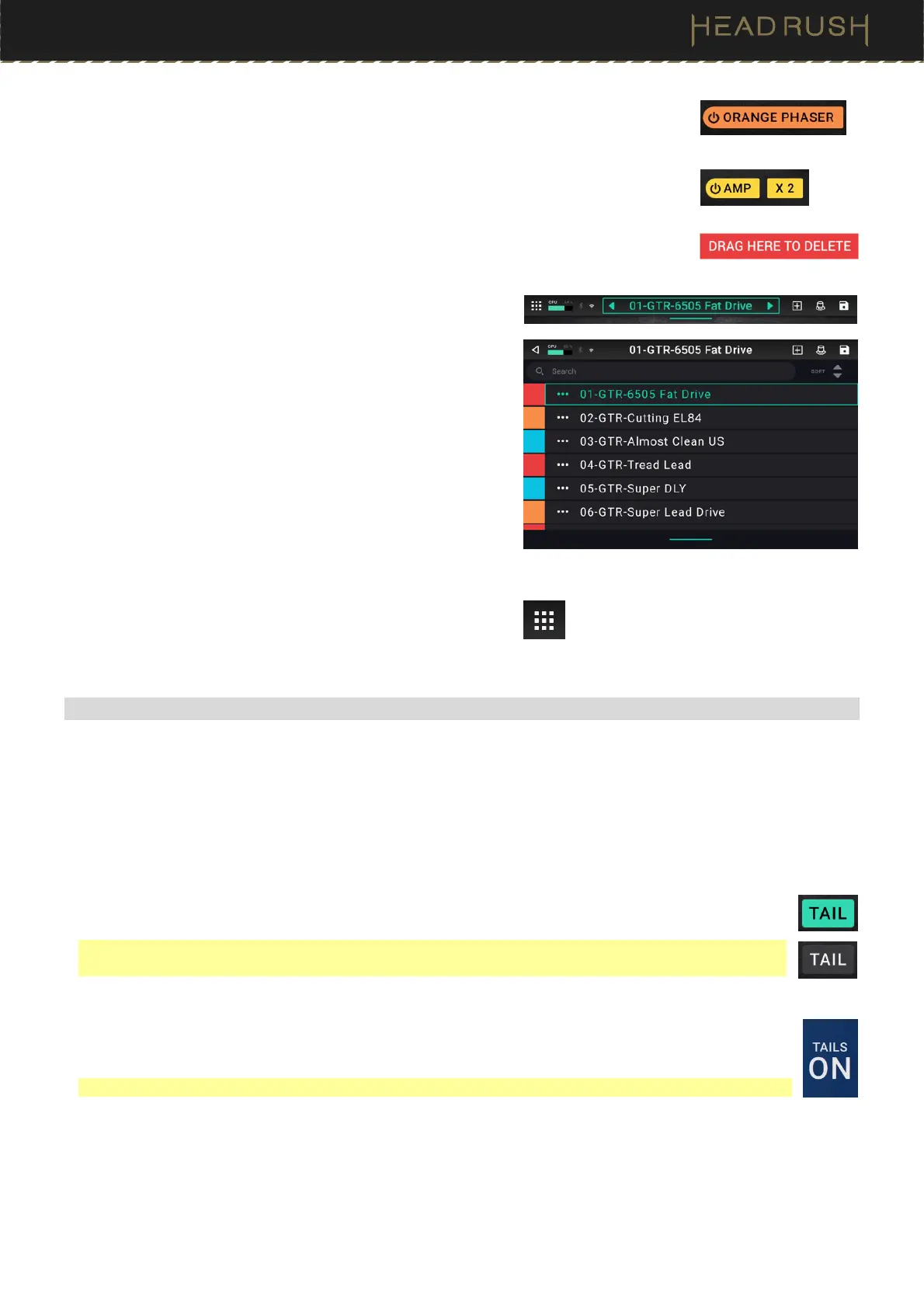
To activate or deactivate a block, press the footswitch assigned to it, or tap the block
and then tap the On/Off button that appears at the bottom of the screen.
To switch an amp, cab, or IR between a dual and single configuration, tap the amp,
cab, or IR, then tap thethe 2X button that appears at the bottom of the screen.
To remove a block, tap and hold the block, and then drag it to the bottom bar.
To load another rig (preset), do any of the following:
• Press the upper-left (Rig ) or lower-left (Rig ) footswitch
to load the previous or next rig immediately.
• Tap the or next to the name of the current rig on the
screen.
• Tap the name of the rig on the screen and then turn the
encoder.
• Tap the bar below the rig name and drag downwards until a
rig list is shown, then tap a rig to load it. When this list is
shown, you can use the search bar to help find a specific rig
quickly.
To view other options, tap the menu icon in the upper-left
corner, and then tap an option.
(4.1.3) Reverb/Delay Tail Spillover
HeadRush Prime features two types of Reverb/Delay Tail Spillover:
1. If you have reverb and/or delay effect(s) active on your rig and then switch to a different rig, the effect(s)
will continue to decay after switching to the second rig.
2. If you have a reverb or delay effect active on your rig and then bypass this effect, it will continue to decay
after it is bypassed.
To enable or disable Reverb/Delay Tail Spillover for the whole rig, tap Tail on the main screen.
Alternatively, press and hold the upper-left (Rig ) footswitch for one second.
Note: This feature will not work if you are using an effects loop or if USB Audio is enabled in the Global
Settings.
To enable or disable Reverb/Delay Tail Spillover for an individual effect, first tap the effect in the Main
Screen. Then turn the parameter knob corresponding to the Tail parameter and toggle between Off
and On.
Note: Adjusting this parameter will not impact the Reverb/Delay Tail Spillover setting for the whole rig.



 To Next Page