26
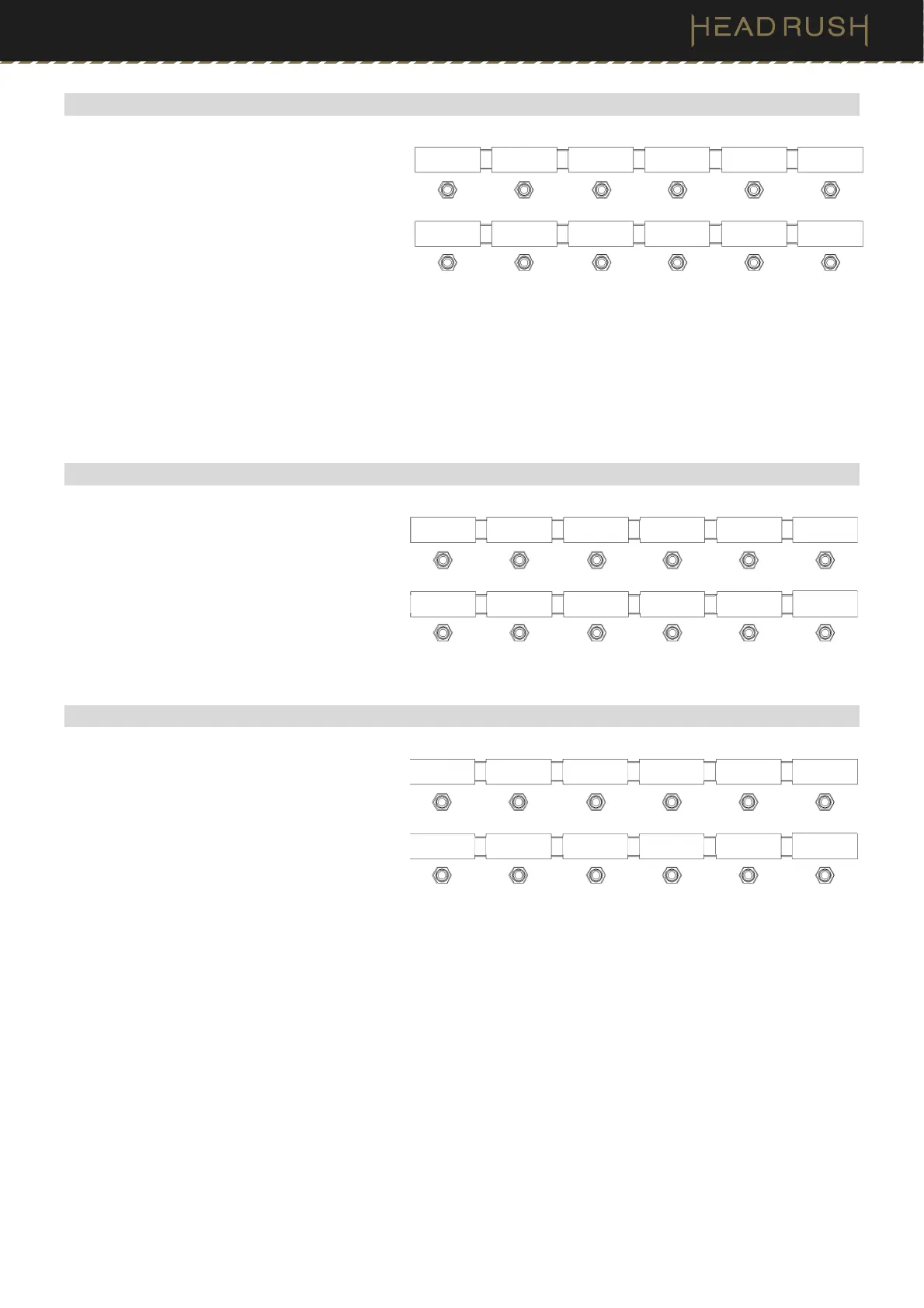
(4.5.3) Hybrid Mode
The upper middle four footswitches correspond
to rigs you have saved. Press one of these
footswitches to load its rig. The lower middle
four footswitches correspond to blocks (amps,
cabs, IRs, clones, or effects) in your signal
chain. Press one of these footswitches to
activate or deactivate its block.
To show the previous or next four rigs/
models, press the upper-left (Bank ) or
lower-left (Bank ) footswitch.
If you would like to reverse the view so that
blocks are on the top row and rigs are on the
bottom row, you can set Hybrid Mode to
REVRS in the (4.21) Global Settings screen.
(4.5.4) Setlist Mode
The middle eight footswitches correspond to
setlists you have saved. Press a footswitch to
load its setlist. After you select a setlist, you will
automatically be brought to (4.9) Song View.
To show the previous or next four setlists,
press the upper-left (Bank ) or lower-left
(Bank ) footswitch.
(4.5.5) Song Mode
The four footswitches toward the right
correspond to four rigs from a song in your
setlist. This mode can only be used when you
have a Setlist loaded. After entering this mode,
you will automatically be brought to (4.10)
Song View.
To select the previous or next song, press
the upper-left (Song ) or lower-left (Song
) footswitch.
To select the previous or next rig in the
current song, press the upper footswitch
second from the left (Rig ) or the lower
footswitch second from the left (Rig ).
To show the previous or next four rigs in the
current song, press the upper footswitch
third from the left (Bank ) or the lower
footswitch third from the left (Bank ).
Bank Rig 1 Rig 2 Rig 3 Rig 4 Looper
Bank Block 1 Block 2 Block 3 Block 4
Tuner
Bank Setlist 1 Setlist 2 Setlist 3 Setlist 4
Bank Setlist 5 Setlist 6 Setlist 7 Setlist 8
Song Rig Bank Rig 1 Rig 2
Song Rig Bank Rig 3 Rig 4



 To Next Page