24
Mix
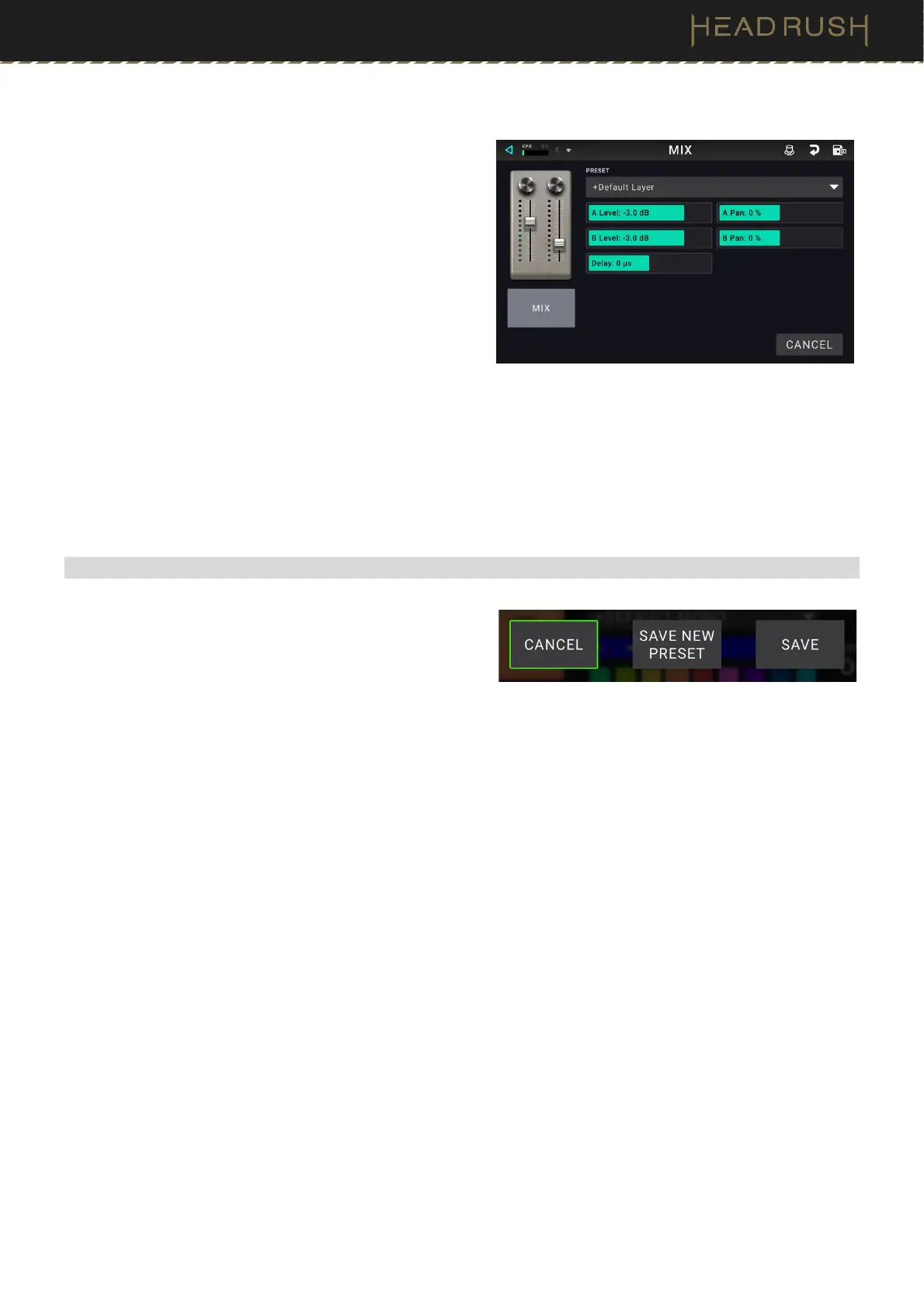
These settings control mix of a split signal path. This is
available only for rigs with split signal paths (see (4.3.2) Rigs
> Signal Path to learn more):
Preset: This is the current mix preset, which includes
its settings on the right edge of the display.
A Lev / B Lev (Level): These settings control the
volume levels the upper (A) and lower (B) branches
of the signal path. The range is -60.0 dB to +12.0 dB.
A Pan / B Pan: These settings control the panning
(position in the stereo field) the upper (A) and lower
(B) branches of the signal path. The range is -100%
to +100%.
A/B Delay: This setting controls a timing offset
between the upper (A) and lower (B) branches of the
signal path. The range is -30000μs to +30000μs. If
the value is negative (-), the A branch is delayed. If
the value is positive (+), the B branch is delayed.
(4.4.3) Saving a Block Preset
Tap the Save icon in the upper-right corner to save a block
preset.
To save your changes to the current preset, tap
Save.
To save your changes as a new preset, tap Save New
Preset, use the keyboard that appears to enter a
name, and then tap Save.
To return to the previous screen without saving, tap
Cancel at any time.



 To Next Page