39
(4.13) Metronome
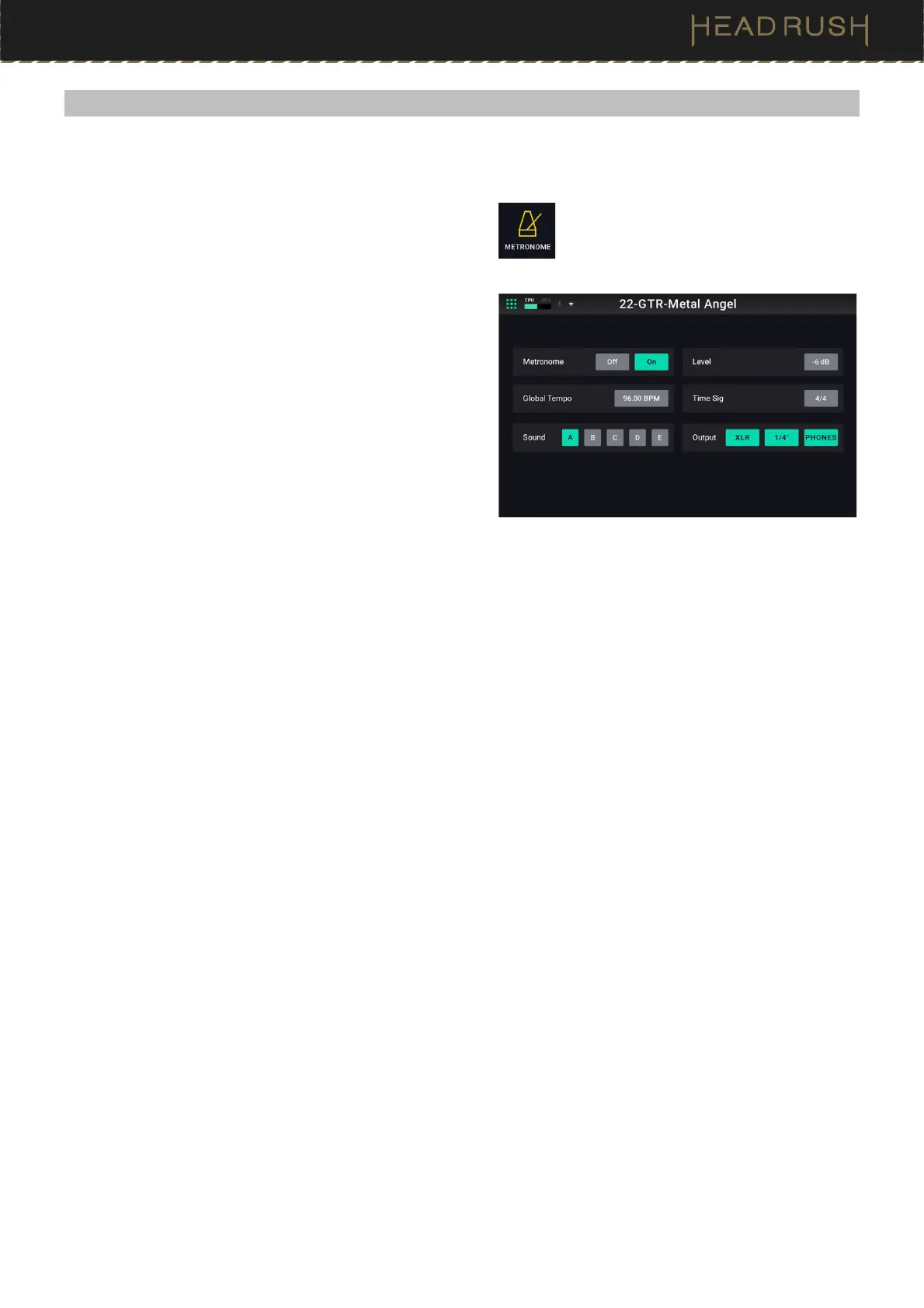
HeadRush Prime includes simple yet convenient built-in Metronome that you can use while practicing.
To access the metronome, tap the Menu icon in the
top left of the Main screen, and then tap the
Metronome icon.
The following parameters are available to be adjusted:
• Metronome: Set this parameter to On to start playback
of the metronome. The metronome will use the Global
Tempo to determine its speed. Set this parameter to
Off to disable the metronome.
• Global Tempo: Use this parameter to manually set the
global tempo of HeadRush Prime using the main
encoder. You can alternately set this tempo by using
the tap tempo footswitch.
• Sound: Use this parameter to select 1 of 5 different
available metronome sounds to be used.
• Level: Use this parameter adjust the volume level of the metronome.
• Time Sig: Use this parameter determine the time signature of the metronome. The first beat of every measure
will be accented.
• Output: Use this parameter to select which outputs the metronome’s audio should be routed to.



 To Next Page