16
Optimizing Your Signal Path
After adding blocks to a rig, you can use the touchscreen to arrange your selected blocks in any sequence, but you
may find that some configurations will sound better than others.
Here are some common model placement suggestions for creating great rigs with HeadRush Prime:
• Dynamics (e.g., compressors), filters (e.g., wah, pitch shifters), and volume pedals are generally placed
at the beginning of the signal chain. Alternatively, you can place volume pedals at the end of the signal
chain to provide a slight variance in functionality.
• Gain-based effects (e.g., overdrive/distortion, fuzz) usually come next.
• Equalization (EQ) is often used to shape the tonal characteristics of overdrive/distortion and fuzz effects,
so put an EQ after them. Alternatively, place it before them to shape the guitar’s general tone—cutting
unwanted frequencies—before the gain pedals.
• Modulation effects like flangers, phasers, and chorus are typically placed next.
• Time-based effects like delays and reverbs are generally placed in between the amp and cab blocks (to
simulate an amp’s built in FX loop), or near the end of the signal chain.
• Amp models, cab models, IRs, and amp clones are often placed near end of the signal chain, although you
can place it wherever you want, depending on your needs.
(4.3.3) Stereo vs. Mono
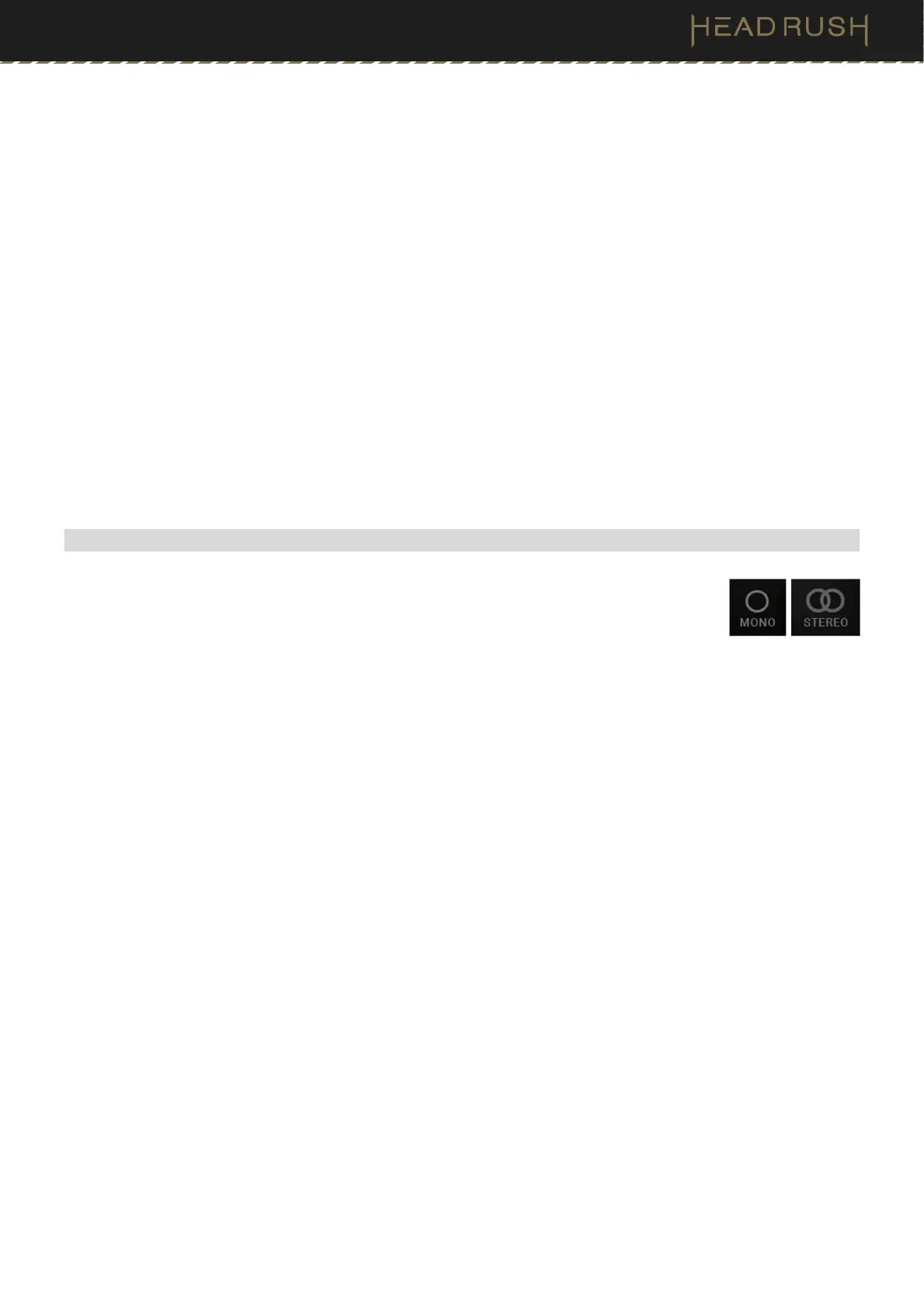
The outgoing signal from HeadRush Prime can be mono or stereo, depending on the models
in your rig, the signal path, and which outputs you are using. An indicator near the end of the
signal path indicates the current configuration.
The signal will be stereo if you do any one of the following:
• Use any stereo effect model in your signal chain. Even if you have placed mono effect models after it. (This
is possible because the mono effect is simply applied identically to both channels and not summed.)
• Use a split signal path, even if the split paths rejoin before the output.
• Use a double-amp, double-cab, and/or double-IR configuration (i.e., if 2X is on).
The signal will be mono if you do all of the following:
• Use no stereo effect models in your signal chain.
• Use the linear (not split) signal path.
• Use only single-amp and single-cab configurations, if you use an amp or cab model at all.
Alternatively, the signal will be mono if you do any one of the following:
• Use only the L/Mono output (of a stereo pair) on the rear panel.
• Reduce the Rig Width output setting to 0%.
To adjust the width of the stereo field, tap the Out icon at the end of your signal path, and turn the third parameter
knob to adjust the Rig Width output setting. This affects stereo signals only, not mono signals. 100% uses the
full stereo field, while 0% produces a mono signal.



 To Next Page