31
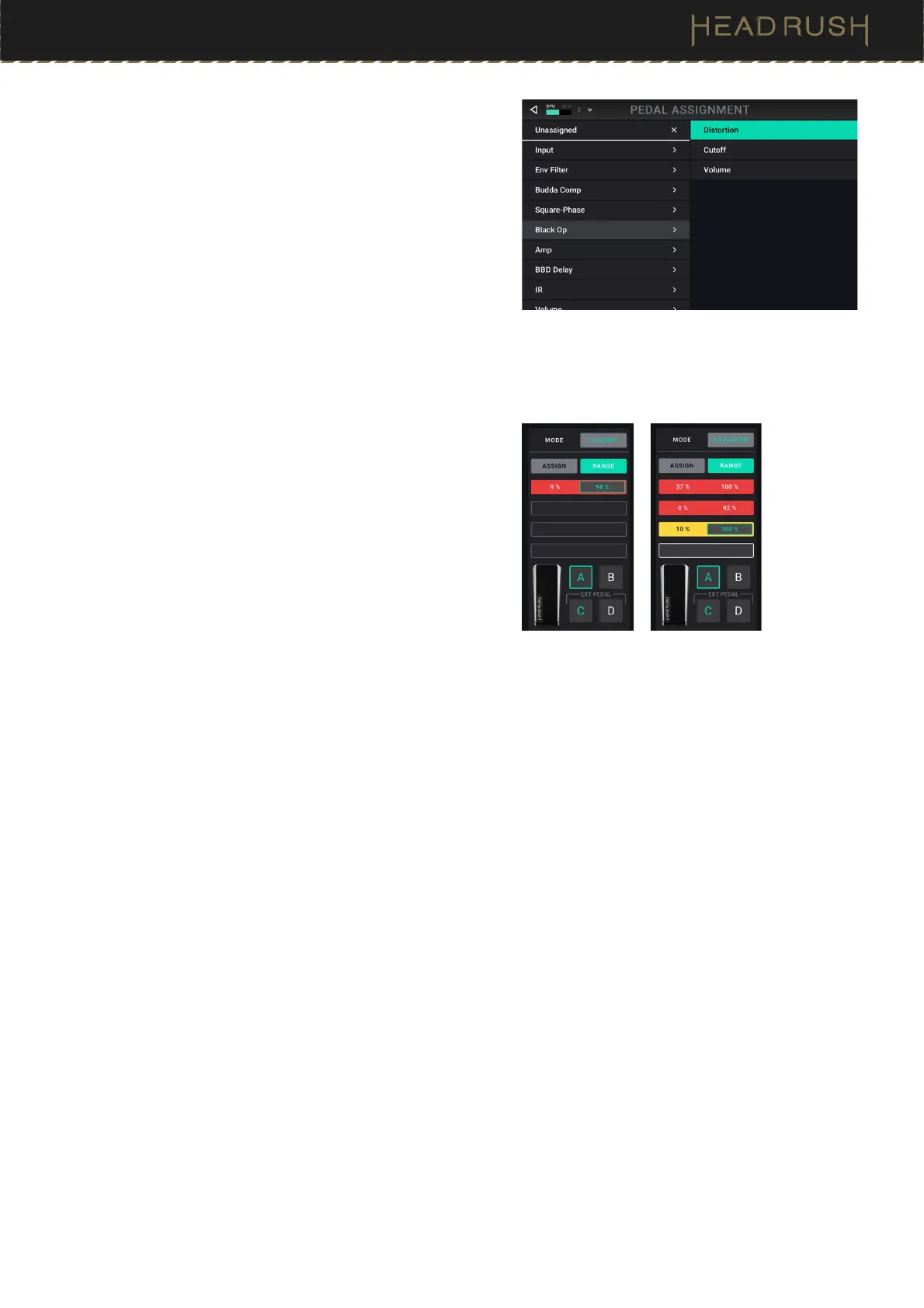
To assign a parameter to the expression pedal:
1. If the Assign button is not on, tap it.
2. Tap a box under the Assign button. indicates an empty
box.
3. In the list that appears, tap the model with the parameter
you want to assign.
4. In the list that appears, tap the parameter you want to
assign.
Tap Unassigned to unassign that box.
To swap two assignments (while in Advanced Mode), tap and
drag one of them over the other, and then release it.
To set the range of an assigned parameter:
1. If the Range button is not on, tap it.
2. Tap a value under the Range button.
3. Turn the encoder to set the desired value as a percentage of
the parameter’s entire range. Press the encoder or tap
elsewhere to confirm the value.



 To Next Page