10
9
8
7
6
5
4
3
2
1
Appendix
Reference
Guides
Alarms and
Emergencies
Patient
Management
Surgical
Implant and
Explant
Monitor
Peripherals
and
Accessories
HVAD
®
Pump Overview
Introduction
130 HVAD® Instructions for Use
8.1 Alarm Overview (continued)
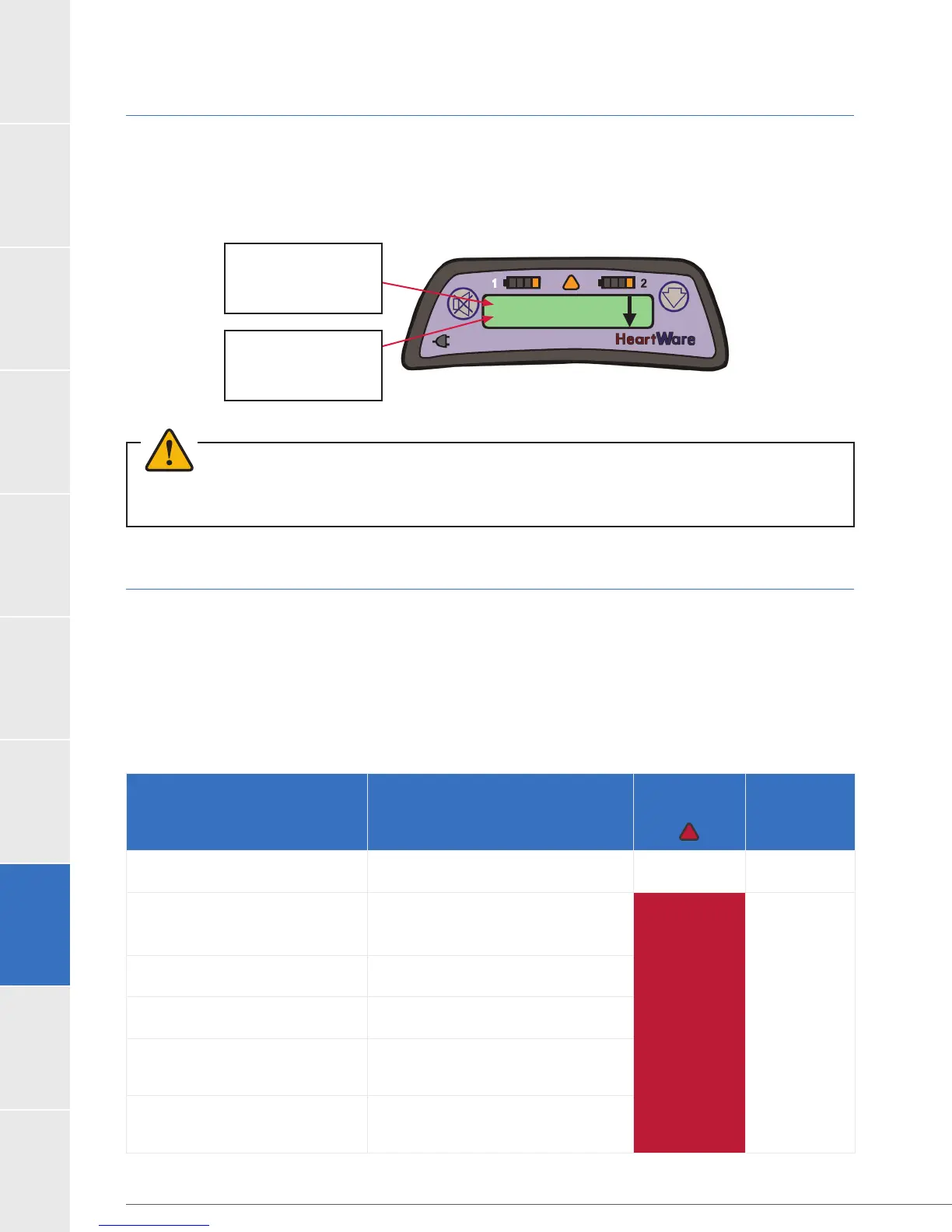
the alarm and the second line tells you what to do. See example below:
Low Battery 1
Replace Battery 1
1st line tells you
what the alarm is
2nd line tells you
what do to
WARNING! ALWAYS check the Controller Display for any information regarding an alarm when using loud
machinery or in the vicinity of loud noises as the alarms may not be audible.
8.2 High Priority Alarms
A high alarm is the highest priority and loudest alarm; the Alarm Indicator on the controller is
malfunction or limited power to run the pump. The monitor will also display alarm information.
After the condition is resolved, the audible tone will stop, the alarm message will automatically
clear from the controller and VAD parameters will be displayed on screen. See the table below
for high alarm messages and possible meaning.
Table 29: High Priority Alarms
Message on Controller
(Line 1)
(Line 2)
Meaning
Alarm
Indicator Alarm Sound
no message*
no message*
Both power supplies
removed - VAD stopped
Continuous
[VAD Stopped]
[Connect Driveline]
Driveline disconnected
or connector
malfunction/broken
Flashing
RED
Loud
Unable to
mute alarm
[VAD Stopped]
[Change Controller]
Controller failure
[Controller Failed]
[Change Controller]
Controller failure
[Critical Battery]
[Replace Battery 1]
Limited time remaining
on battery connected to
Power Source 1
[Critical Battery]
[Replace Battery 2]
Limited time remaining
on battery connected to
Power Source 2
Figure 113: Alarm text display



 To Next Page