85Using the HeartWare® Monitor
10
9
8
7
6
5
4
3
2
1
Appendix
Reference
Guides
Alarms and
Emergencies
Patient
Management
Surgical
Implant and
Explant
Monitor
Peripherals
and
Accessories
HVAD
®
PumpOverviewIntroduction
5.0 Using the HeartWare
®
Monitor
5.1 General Overview ....... 85
5.2 Informational
Screens ......................87
5.3 System Screens .........89
5.4 Downloading Controller
Log Files
...................100
5.5 Updating Software on the
HVAD
®
Controller ....... 101
5.6 Monitor Shutdown ...105
5.7 HeartWare® Monitor
Care ..........................105
5.1 General Overview
until the monitor software starts up.
The power button is located on either:
1. The top right side (monitor REF1510) or
2. The left side, top (monitor REF1520)
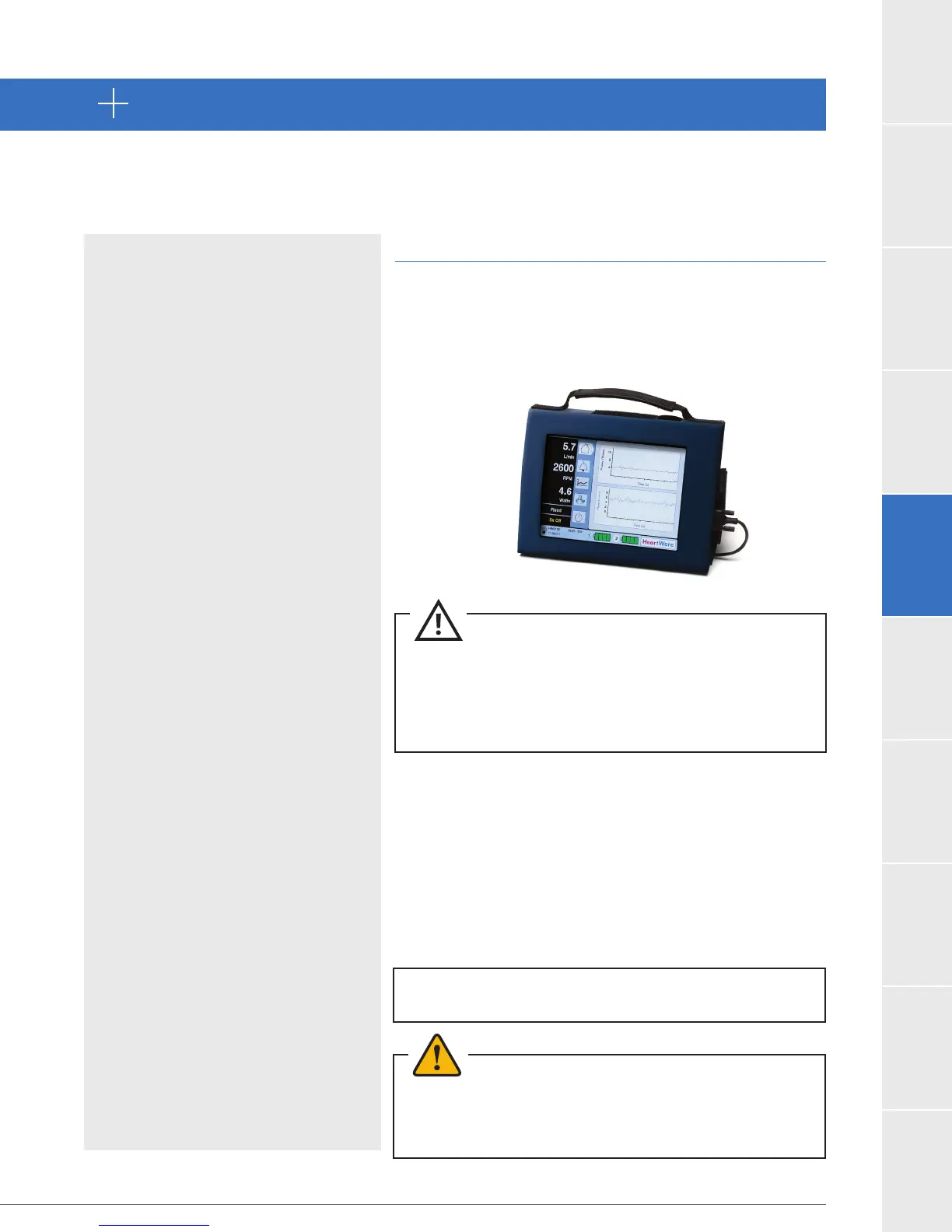
The monitor (Figure 60) is designed to use AC power from
a wall outlet. The monitor can also use its internal battery
during patient transportation. Keep the monitor’s
battery charged by connecting the monitor AC adapter
to an electrical outlet at all times – even while in storage.
It takes approximately 4 hours to charge a depleted
battery. If the monitor is going to be stored for a long
period, removing the battery and leaving the monitor
unplugged is also an option.
WARNING! Do not plug the HeartWare
®
Battery Charger or
monitor AC Adapter into an electrical outlet which is not
properly grounded or you may receive a serious electrical
shock.
All HeartWare
®
Monitors are compatible with all HVAD
®
Controller software versions. The operating
system software in monitor REF1510 cannot be updated and as a result, use of the REF1510 may
limit access to certain features.
CAUTION: ALWAYS fully charge the monitor’s internal battery
prior to patient use.
CAUTION:
this may lead to the entering of unwanted HeartWare
™
HVAD
™
System parameters.
NOTE: The monitor should always use AC power except
during patient transport.
Figure 60



 To Next Page