For additional information about the HeartWare
®
Monitor, see Section 5.0.
10
9
8
7
6
5
4
3
2
1
Appendix
Reference
Guides
Alarms and
Emergencies
Patient
Management
Surgical
Implant and
Explant
Monitor
Peripherals
and
Accessories
HVAD
®
PumpOverviewIntroduction
53HeartWare™ HVAD™ System Overview
2.2 HVAD
®
Controller (continued)
2.3 HeartWare
®
Monitor
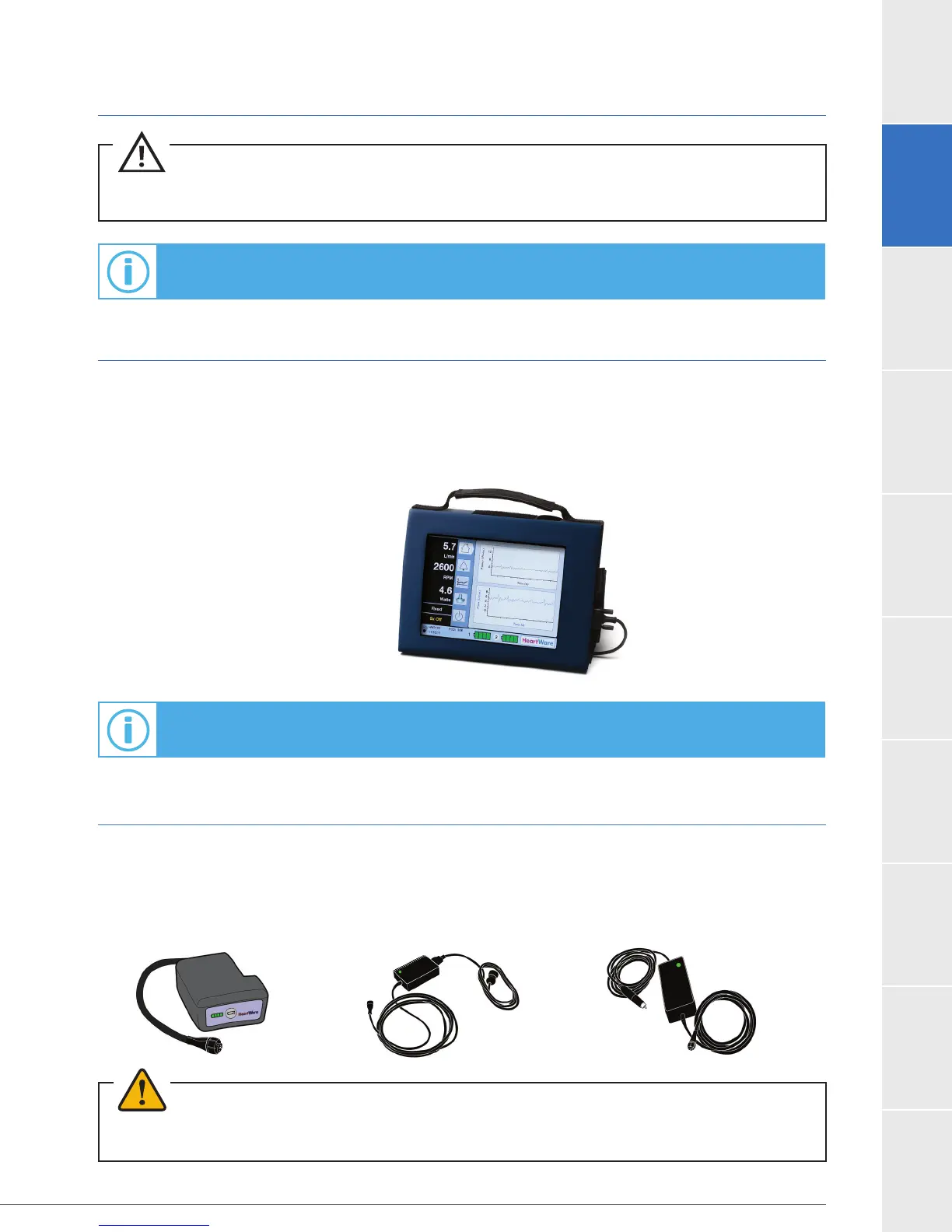
The monitor (Figure 28) is a touch screen tablet that uses proprietary software to display system
performance and to permit adjustment of selected controller parameters. When connected
to a controller, the monitor receives continuous data from the controller and displays real-time
and historical pump information. The monitor also displays alarm conditions and can provide
2.4 HVAD
®
Controller Power Sources
The controller requires two power sources for safe operation: either two batteries, or one
battery (Figure 29) and an AC adapter (Figure 30) or DC adapter (Figure 31). While active,
patients will typically use two batteries. While relaxing or sleeping, patients should use power from
an electrical outlet (AC adapter) because it provides power for an unlimited period of time.
For additional information about the HVAD
®
Controller, see Section 4.2.
CAUTION:
®
Controllers on one patient to avoid risks associated with an
inadvertent mismatch of controller pump speed settings.
Figure 29 Figure 30
Figure 31
WARNING! ALWAYS connect an AC Adapter to the controller before relaxing or sleeping. Power from an
electrical outlet (AC Adapter) provides power for an unlimited period of time.
Figure 28



 To Next Page