137HeartWare™ HVAD™ System Alarms and Emergencies
10
9
8
7
6
5
4
3
2
1
Appendix
Reference
Guides
Alarms and
Emergencies
Patient
Management
Surgical
Implant and
Explant
Monitor
Peripherals
and
Accessories
HVAD
®
PumpOverviewIntroduction
8.6 How to Silence (Mute) Alarms (continued)
Status Message Display
The monitor may display a status message where alarms are typically displayed. The following
are potential status messages:
Table 33: Status Message Display
Message Potential Causes
VAD Off Driveline connected to controller and HVAD
®
Pump manually stopped
Data @ Limit
Patient data cannot be stored due to maximum number of patients
or lack of storage space
NOTE:
For additional information on alarm display on the monitor, see Section 5.2.
8.7 How to Change the Controller
A back-up controller and fully charged batteries must be available at all times for controller
failures or malfunctions. The back-up controller should be set with the same pump parameters
and patient information as the primary controller.
NOTE: Patients with a fused aortic valve, an aortic valve that has been sewn shut due to aortic valve
regurgitation, or patients with very poor ventricular function should be educated in the importance of
having a back-up controller readily available at all times including when changing power sources.
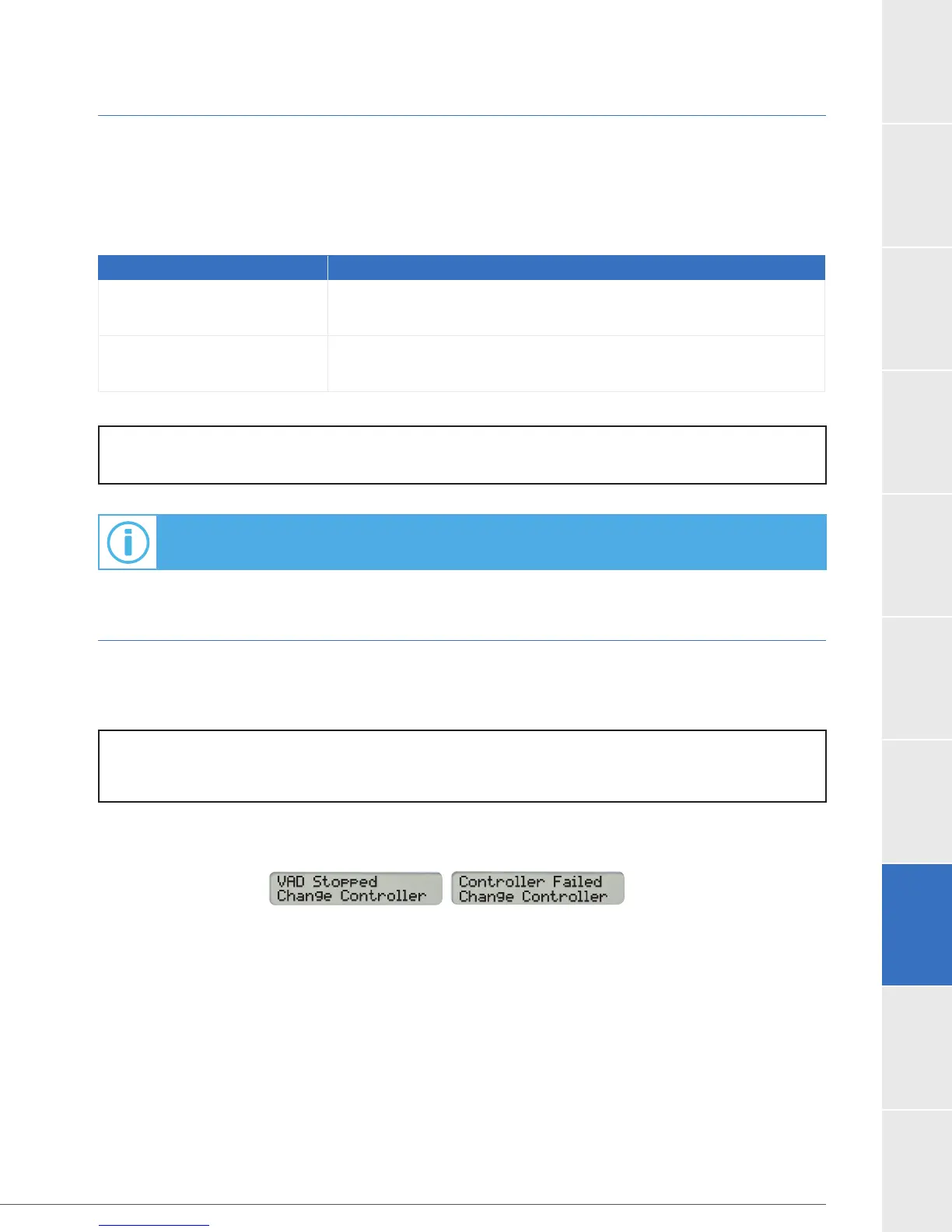
A controller failure or serious controller malfunction will generate a high priority or RED alarm and
the Controller Display will tell you if you should “Change Controller”.



 To Next Page