10
9
8
7
6
5
4
3
2
1
Appendix
Reference
Guides
Alarms and
Emergencies
Patient
Management
Surgical
Implant and
Explant
Monitor
Peripherals
and
Accessories
HVAD
®
Pump Overview
Introduction
80 HVAD® Instructions for Use
4.4 Using the HeartWare
®
Battery Charger (continued)
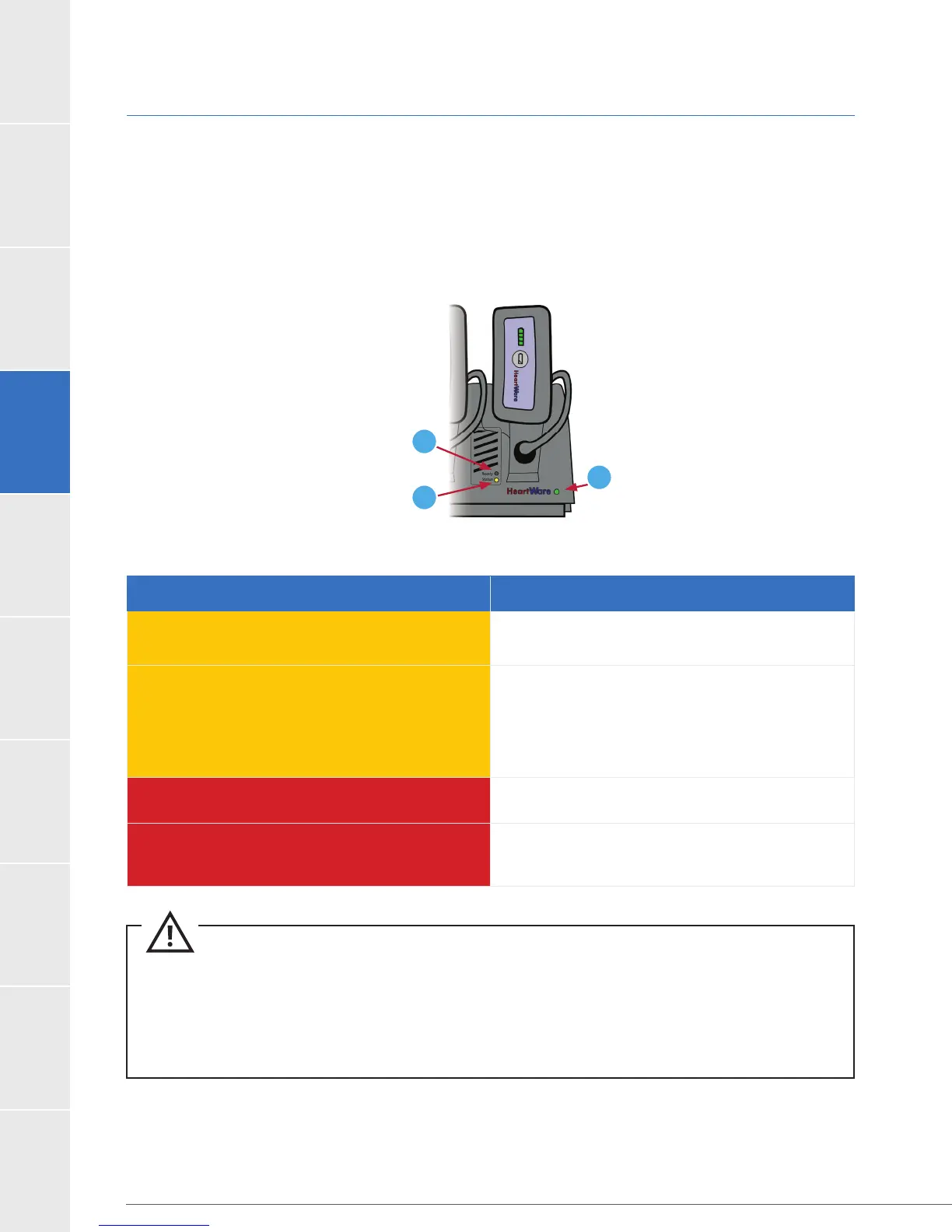
Each battery charging slot has two lights that tell you the status of the battery. A green light
next to “Ready” means the battery is fully charged. The light next to “Status” may mean
different things, depending upon the color. The table below describes the lights that appear
next to “Status”.
The charger has two indicators for each charging bay. The indicators are “Ready” and “Status.”
The green light adjacent to the “Ready” indicates that the battery is fully charged (Figure 56).
Figure 56: Battery Charger Indicators
1. “Ready”
2. “Status”
3. AC Power
1
2
3
Battery Charger “Status” Light What it Means
Yellow
Flashing Yellow
Battery not charging.
Check battery connections. If connections
are intact, switch to another battery slot.
If problem persists, return battery to Clinician.
Red
Battery too cold or too hot;
waiting to charge.
Flashing Red
Mark battery and return to Clinician.
CAUTION:
®
Battery Charger to charge HeartWare
®
Batteries. Other battery
chargers will not charge the batteries and may damage them.
CAUTION: ALWAYS wait until the “Ready” light turns on to disconnect the battery from the battery
charger. If this is not followed over consecutive charging cycles, the Battery Capacity Display will not
function properly and may convey misleading battery capacity.
Table 27: Battery Charger “Status” Lights



 To Next Page