105Using the HeartWare® Monitor
10
9
8
7
6
5
4
3
2
1
Appendix
Reference
Guides
Alarms and
Emergencies
Patient
Management
Surgical
Implant and
Explant
Monitor
Peripherals
and
Accessories
HVAD
®
PumpOverviewIntroduction
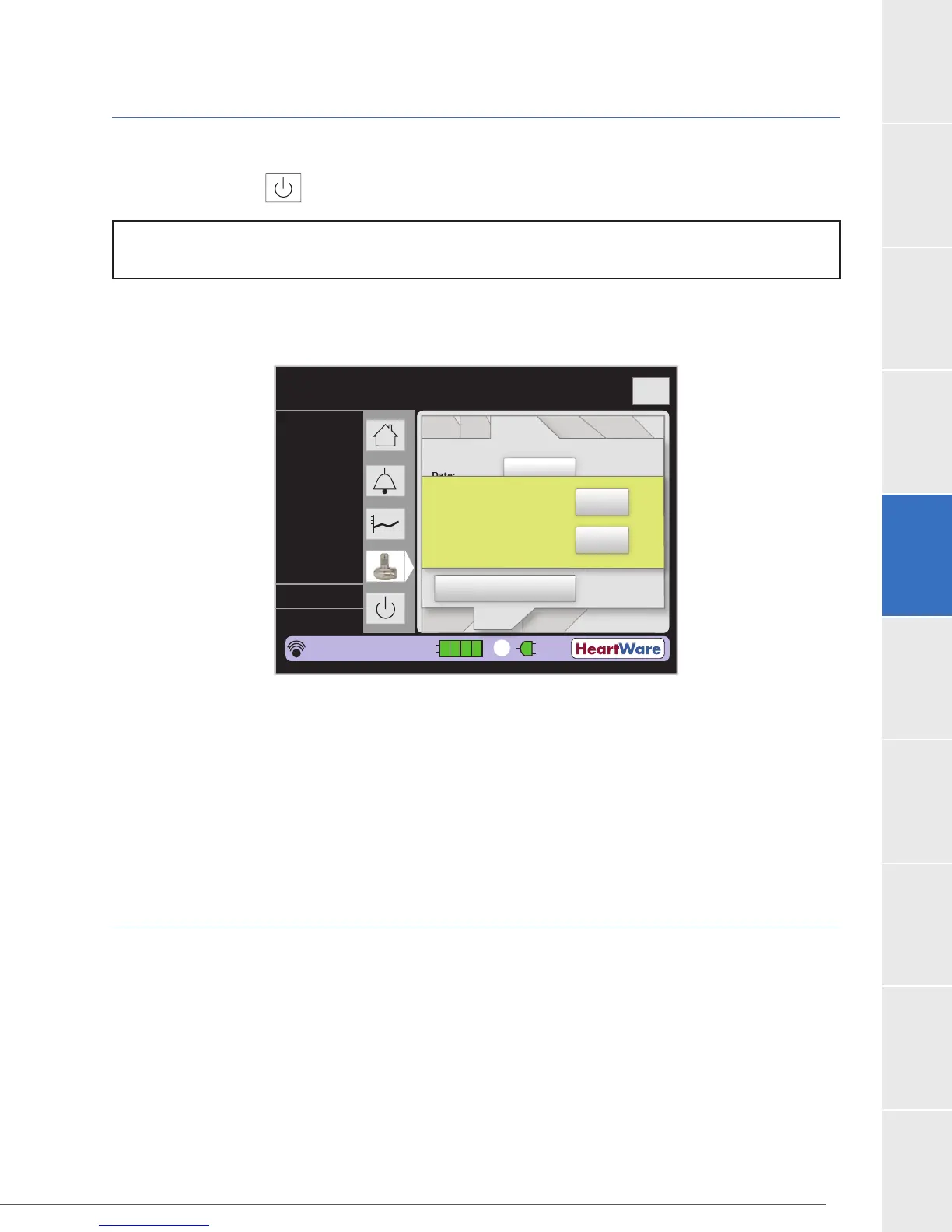
5.6 Monitor Shutdown
Monitor Shutdown
The Monitor On/Off
Icon is used to shut down the monitor program.
NOTE: Always press the On/Off icon on the screen before pressing the power button or data may be
lost.
(Figure 96):
Figure 96:
Press “Yes” to exit the program. When the “It is now safe to turn off power” prompt appears on
the monitor press the monitor power button.
OR
5.7 HeartWare
®
Monitor Care
Once a month: If not in use, check to be sure the monitor is plugged into an AC outlet. This will
keep the internal monitor battery charged. If the monitor battery fails to hold a charge, or lasts
less than one hour, please contact HeartWare for a replacement. Also, check the monitor AC
the monitor prior to cleaning. Clean the monitor screen with a soft, lint-free cloth. A damp cloth
may be used but a wet cloth should not. Use care to avoid scratching or damaging the screen.
Flow (L/min)
Time (s)
Logout
8
6
4
2
0
Controller
Date:
Controller
Time:
Set Defaults
Disable “VAD Stop”
Alarm
02.06
11.07.05
PatientVAD
Controller Controller
SW
Monitor
Speed
Control
Alarm
Settings
Setup
2
6.9
2700
4.4
L/min
RPM
Watts
Fixed
Sx On
HW1234567
POD: 0
15:48:36
1
Do you want to shutdown
the monitor?
Yes
No



 To Next Page