10
9
8
7
6
5
4
3
2
1
Appendix
Reference
Guides
Alarms and
Emergencies
Patient
Management
Surgical
Implant and
Explant
Monitor
Peripherals
and
Accessories
HVAD
®
Pump Overview
Introduction
104 HVAD® Instructions for Use
5.5 Updating Software on the HVAD
®
Controller (continued)
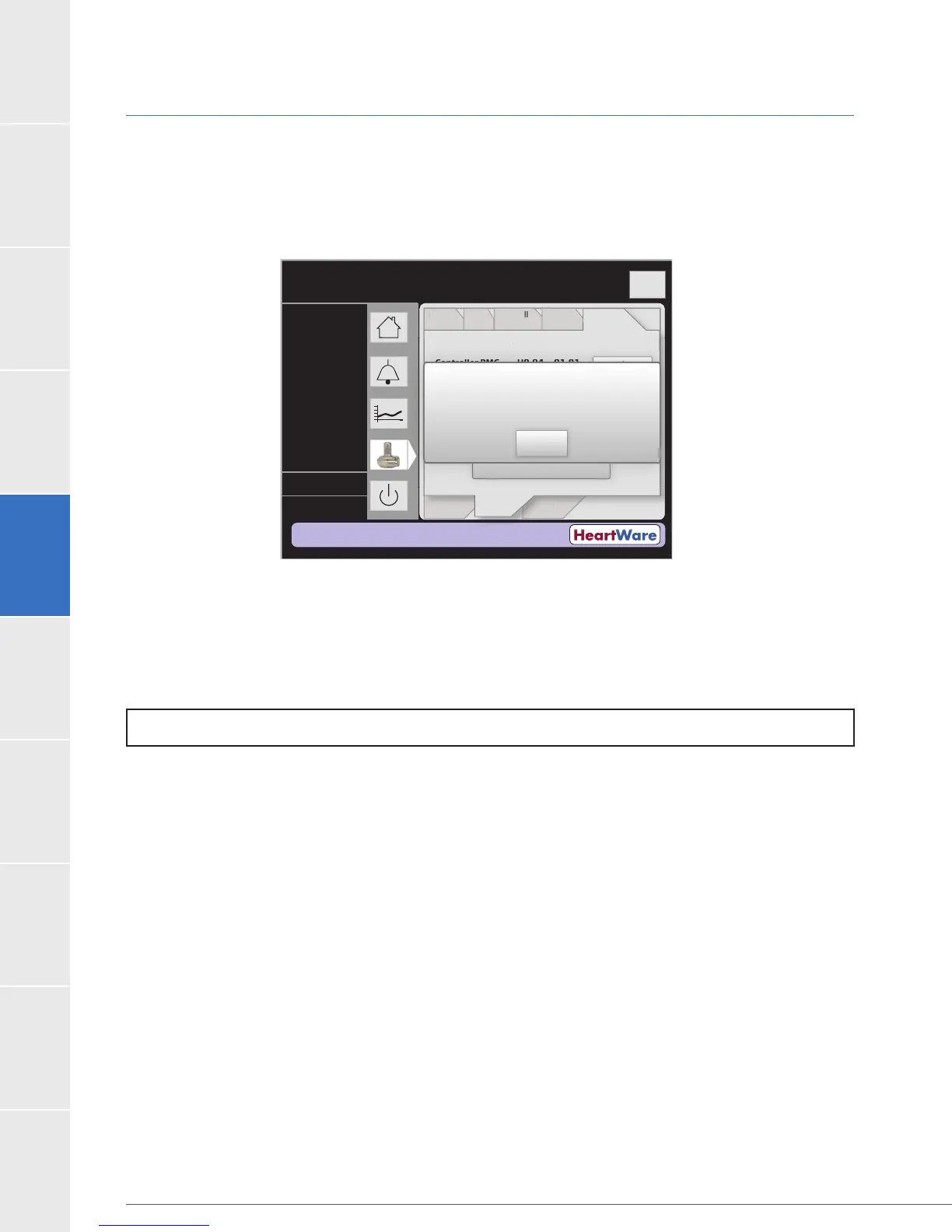
10. An “Update Success” message will appear when the software update is complete and it
will instruct to ‘Power Cycle’ the controller (Figure 95). To Power Cycle the controller please
proceed to the next step. (A power cycle is the removal of all power followed by the
re-connection of power.)
Figure 95: Successful Update Message
To Perform a Power Cycle on the Controller:
11. To Power Cycle the controller and complete the update process:
a. Press “OK”.
b. Press ‘Disable “VAD Stop” Alarm’ button (on the Controller tab).
c. Disconnect all power sources from the controller.
d. Reconnect power sources to the controller.
12. After powering up the controller:
versions displayed are now the desired versions.
b. Watch for high or medium priority alarms. If there is an alarm, repeat update
procedure beginning at step 7 (even if the alarm continues to sound). If after
repeating the update procedure a high or medium priority alarm returns, remove
the controller from use and contact your HeartWare representative. If the controller
belongs to a patient, provide a replacement controller.
13.
a. Set Speed
b. Alarm Limits and algorithm settings
c. Hematocrit
d. VAD and Patient ID
The procedure is complete. It is now safe to disconnect the controller from the monitor and
shutdown the controller.
NOTE:
Time (s)
Logout
PatientVAD
Speed/
Control
Alarm
Settings
Controller
Monitor
Speed/
n
r
l
l
rm
Settin
s
at
en
VA
n
r
e
M
n
r
Current Replacement
Controller
SW
Controller PMC U
0.04 01.01
Controller UIC U
0.07 01.06
Setup
Stored Software
----
----
----
L/min
RPM
Watts
Replace
Software
urrent Rep
acemen
You must power cycle the Controller.
UIC Step 6 of 6 DONE
Controller Software Replacement
Succeeded
OK



 To Next Page