22
|
HEAT-TIMER CORP.
059327–00 REV. C
05 STARTUP
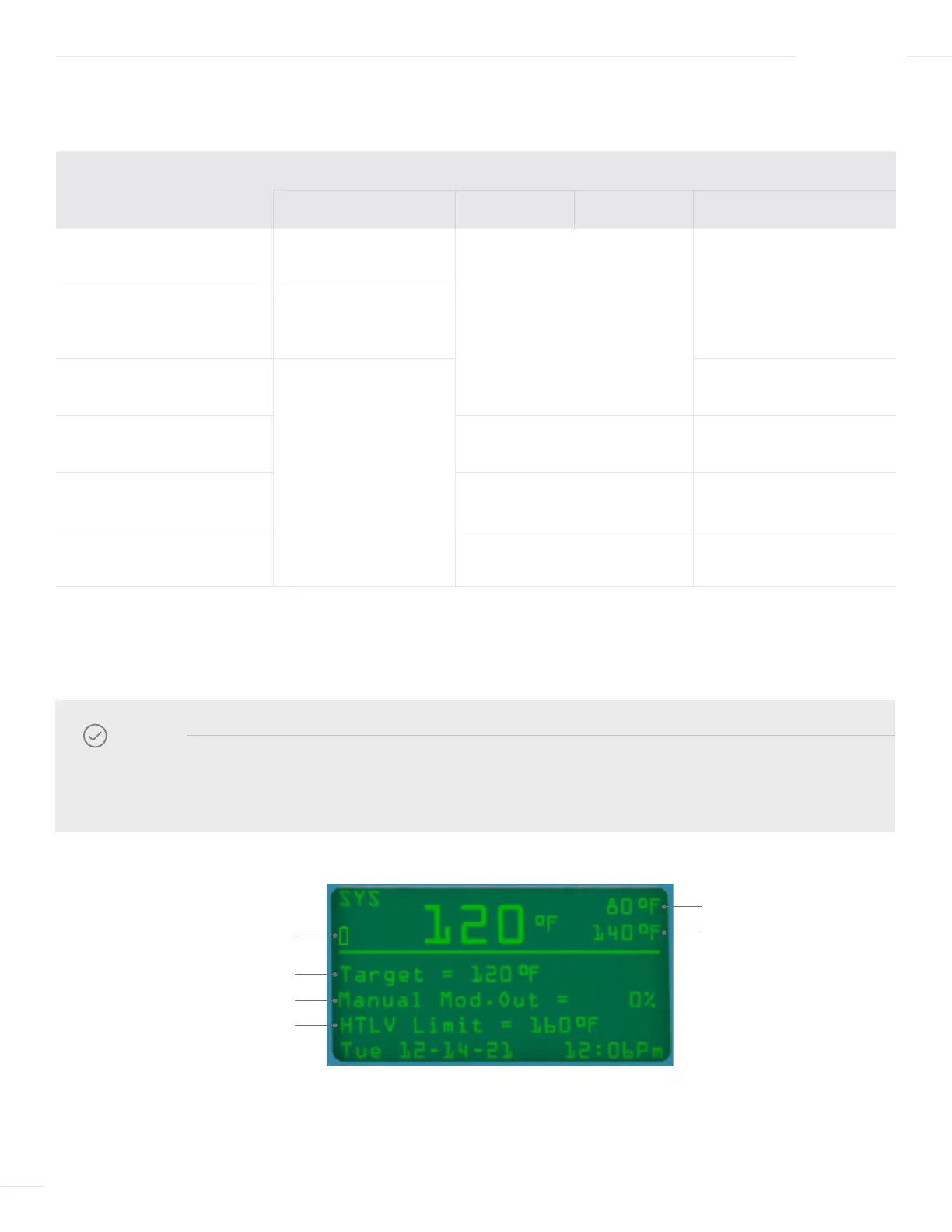
The display button functions vary based on the current screen displayed, as described in the following table:
DEFAULT DISPLAY
SCREEN
BUTTON
LEFT
▲ ▼
RIGHT
Default Has no function
Has no function
MENU
Enters the menu mode
In Lockout
LOCKOUT
Enter the Lockout
Reset menu
Lockout Reset
BACK
Goes back one
menu step
RESET
Ends current alarm
Menu Scrolls through the menu
SELECT
Selects current menu item
Setting Changes the current setting value
SAVE
Saves current setting
Configuration
NEXT or EXIT
Jumps to next view or exits
NOTE
The area above the variable function buttons that describe the button’s function may not be displayed
due to inactivity. Pressing the far-right button in the default display will enter into the Menu screen.
8
7
6
4
2, 9
1



 To Next Page