9.7 DATE AND TIME DISPLAY
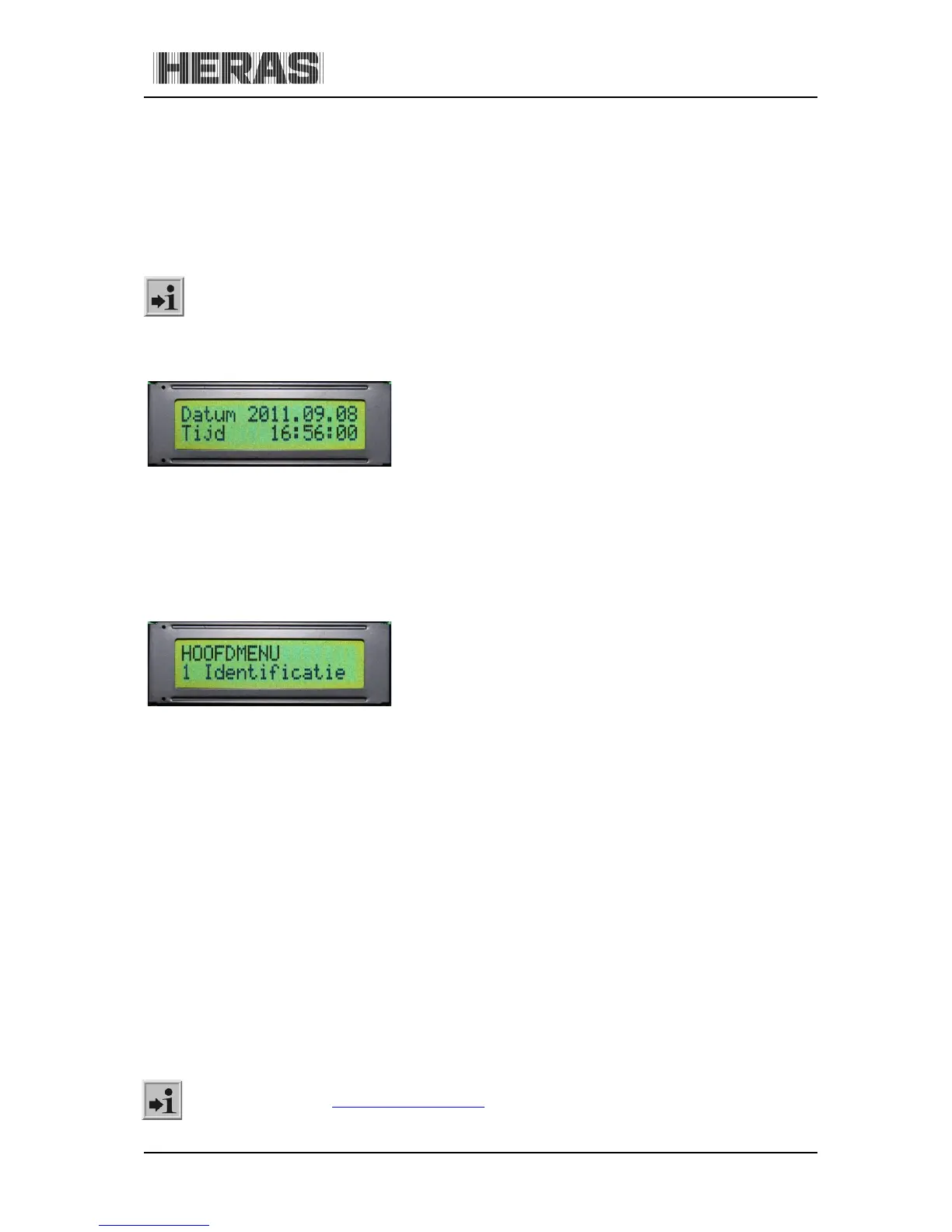
You can permanently display the current time on the screen from the operating mode display by
briefly pressing the twist and selector switch once. The clock date is shown in the top line, using the
"year.month.day" format. The lower line shows the time in the 24-hour "hours:minutes:seconds"
format.
As standard, the control system has an automatic switch-over to summer or winter time. This can
also be deactivated.
See the chapter on “Integrated real-time clock” in the HMD230 motor drive user manual.
The selected operating mode is displayed again if you briefly press the twist and selector switch or 20
seconds after operating this switch.
Illustration 17: Date and time display
9.8 SELECTING THE MENU SYSTEM
The HMD230 menu system is accessed by pressing the twist and selector switch for approx. 2 seconds
while the operating mode is displayed. The display then shows the text "Main menu".
Illustration 18: Display of main menu on the LCD screen
Turn the selector switch to select the individual menu options and then press the switch to activate
the selected option. The first menu option in a menu level always brings you back one level, "Back in
menu". The "Exit main menu" option in the main menu closes the menu display and restarts the
control software.
9.9 MENU DISPLAY INSTRUCTIONS
The menu system of the HMD230 can only be called up if the display has been fitted. You can use the
twist and selector switch to select submenus. This offers the following possibilities:
Menu:
1. Identification; displays the drive unit version.
2. Service menu; access using a password for authorized users to activate extra
functions.
3. Diagnostics; displays the states of the drive unit and the connected sensors.
4. Settings; settings parameters to control the drive unit and gate behavior.
5. Clock/Calendar; date/time and calendar functions.
6. RF remote control; remote control settings.
See the chapter on "
PARAMETER SETTINGS"



 To Next Page