10.5.7 Menu 5.6: Displaying the yearly calendar
The yearly calendar is located over the weekly calendar on the control system. The yearly calendar
can store 20 different switching times and corresponding gate actions per day for a total of 40 days.
If switching times have been entered in the yearly calendar for a certain date, only the relevant entry
will be applied with priority on the day in question and the weekly calendar will be ignored for this
day. Only the times entered are shown in the display mode for the yearly calendar.
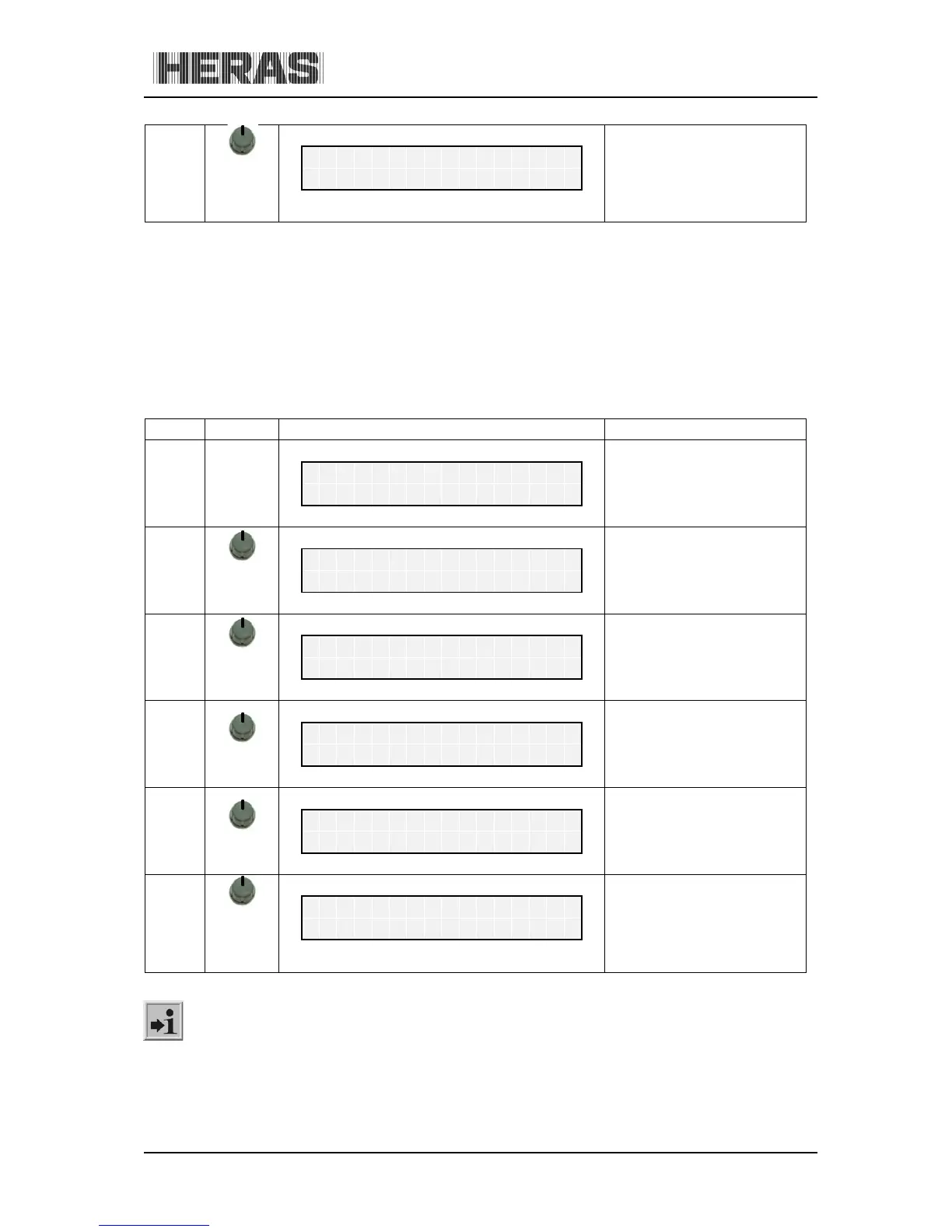
The empty memory positions are skipped. The yearly calendar can be displayed as follows:
Menu Action Display reading Explanation
Information: Other gate actions planned on the weekly calendar can be suppressed specifically
for one day in the year (e.g. a national holiday) by using the "No action" function.



 To Next Page