EasyManua.ls Logo

Heras HMD230+IGD - 10 PARAMETER SETTINGS; 10.1 IDENTIFICATION

Heras HMD230+IGD
106 pages
Print Icon
To Next Page IconTo Next Page
To Previous Page IconTo Previous Page
Loading...
www.heras.com
English
27
10 PARAMETER SETTINGS
Different parameters can be set in the drive unit's control system. The user can view several
parameters in the control system. Not all parameters are accessible to the user.
See the chapter on “Parameter settings” in the HMD230 motor drive installation manual.
10.1 MENU 1 - IDENTIFICATION
10.1.1 Menu 1.1: Master version
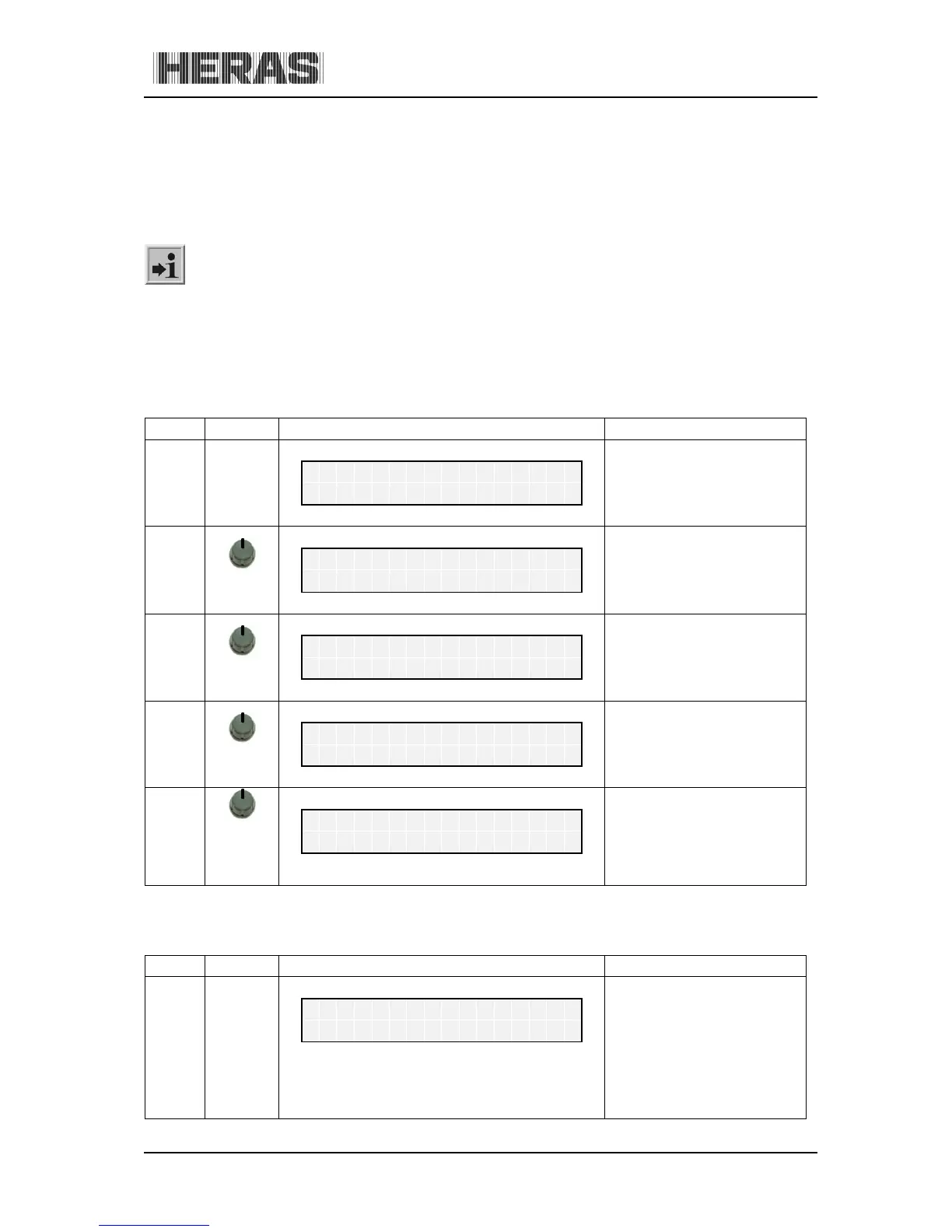
Menu Action Display reading Explanation

H
e
r
a
s
H
M
D
2
3
0
S
1
E
N
A
u
t
o
m
a
t
i
c
M
o
d
e
1
press
and hold
Activate the main menu.
M
a
i
n
M
e
n
u
1
I
d
e
n
t
i
f
i
c
a
t
i
o
n
1.1
press
briefly
I
d
e
n
t
i
f
i
c
a
t
i
o
n
1
M
a
s
t
e
r
V
e
r
s
i
o
n
press
briefly
The figures and the
combination of numbers
shown identify the software
version used.
M
a
s
t
e
r
V
e
r
s
i
o
n
F
U
:
1
.
0
2
.
0
1
.
1
press
and hold
press
briefly
Exit the main menu.
The control software is
restarted.
M
a
i
n
M
e
n
u
Q
U
I
T
M
e
n
u
10.1.2 Menu 1.2: Gate profile
Menu Action Display reading Explanation

H
e
r
a
s
H
M
D
2
3
0
S
1
E
N
A
u
t
o
m
a
t
i
c
M
o
d
e

Table of Contents