EasyManua.ls Logo

Heras HMD230+IGD - 10.5.2 SET DATE;TIME

Heras HMD230+IGD
106 pages
Print Icon
To Next Page IconTo Next Page
To Previous Page IconTo Previous Page
Loading...
www.heras.com
English
39
10.5.1 Menu 5.1: Clock display
Press the selector switch once to display the current date and time for
20 seconds. You can access this menu option as follows:
Menu Action Display reading Explanation
H
e
r
a
s
H
M
D
2
3
0
S
1
E
N
A
u
t
o
m
a
t
i
c
M
o
d
e
5
press
and hold
turn CW
Activate the main menu.
M
a
i
n
M
e
n
u
5
C
l
o
c
k
/
C
a
l
e
n
d
a
r
5.1
press
briefly
C
l
o
c
k
/
C
a
l
e
n
d
a
r
1
D
i
s
p
l
a
y
C
l
o
c
k
press
briefly
The current date and time
are displayed.
D
a
t
e
:
2
0
1
2
.
0
4
.
0
1
T
i
m
e
:
1
6
:
3
4
:
4
5
press
and hold
press
briefly
Exit the main menu.
The control software is
restarted.
M
a
i
n
M
e
n
u
Q
U
I
T
M
e
n
u
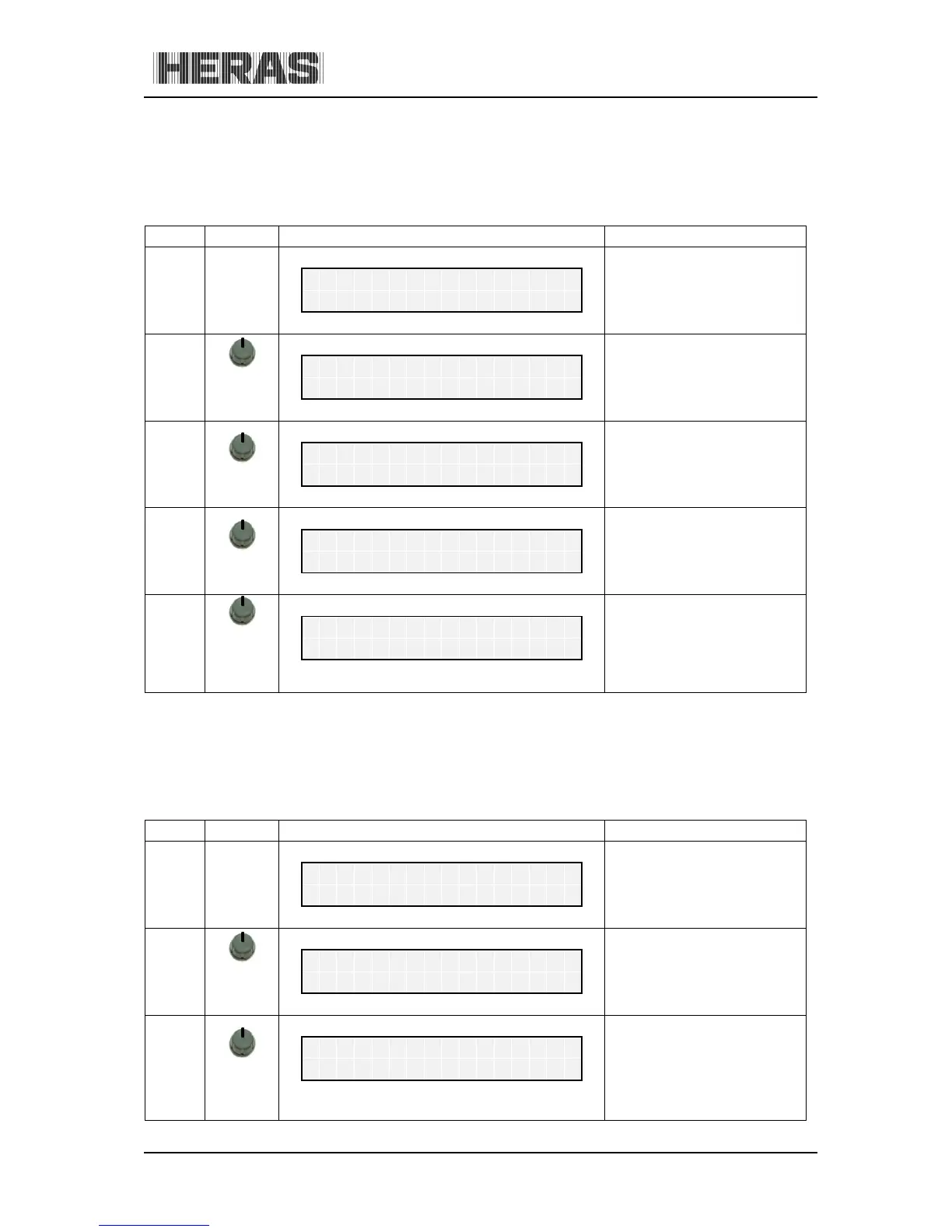
10.5.2 Menu 5.2: Setting date/time
The internal clock of the HMD230 has been factory-set. If this time ever differs from the actual
current time, the clock can be set as follows:
Menu Action Display reading Explanation
H
e
r
a
s
H
M
D
2
3
0
S
1
E
N
A
u
t
o
m
a
t
i
c
M
o
d
e
5
press
and hold
turn CW
Activate the main menu.
M
a
i
n
M
e
n
u
5
C
l
o
c
k
/
C
a
l
e
n
d
a
r
5.2
press
briefly
turn CW
C
l
o
c
k
/
C
a
l
e
n
d
a
r
2
S
e
t
D
a
t
e
/
T
i
m
e

Table of Contents