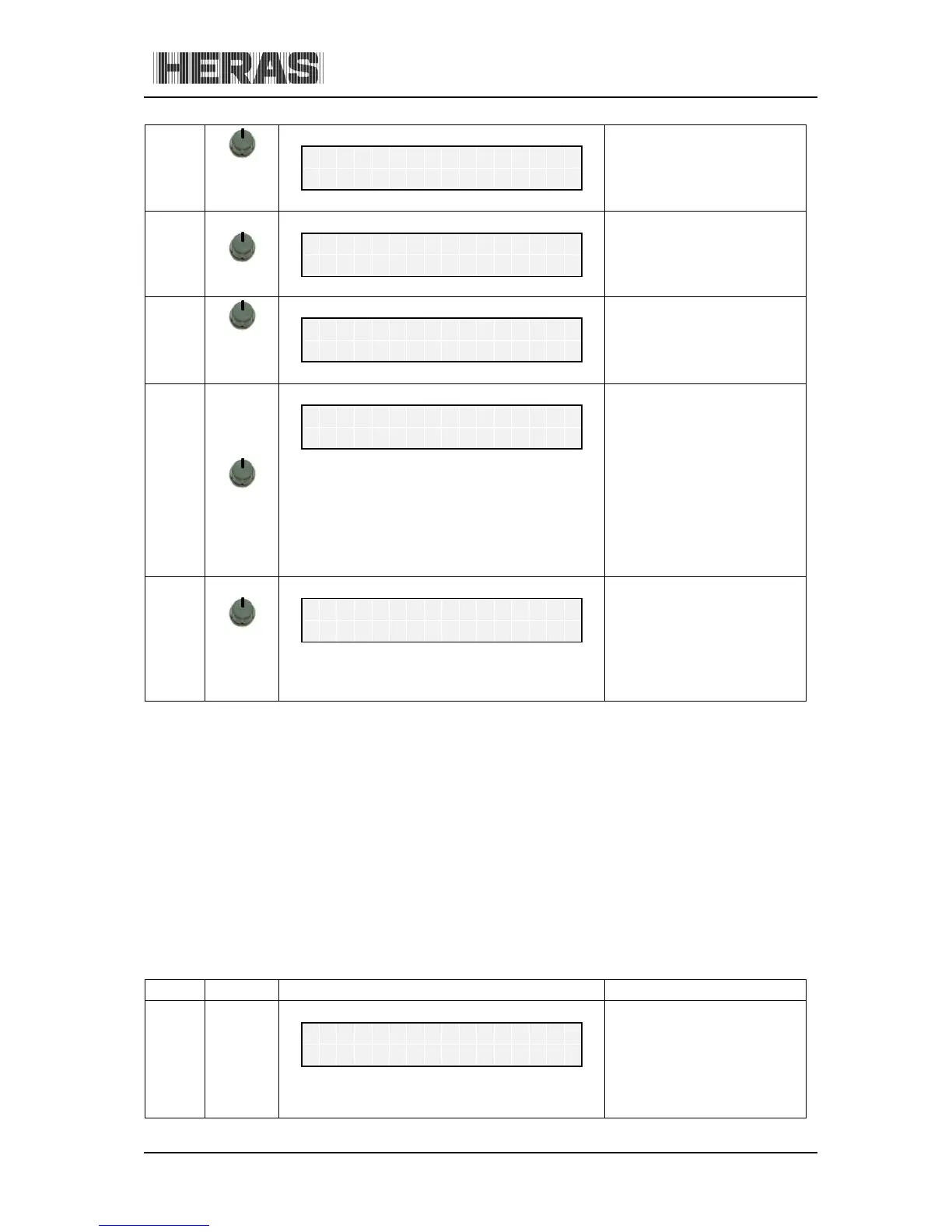
press
briefly
The date of the last
maintenance is displayed, as
well as the time that has
elapsed which is indicated
as months
L
To make sure that the gate is maintained at regular intervals, a maintenance interval can be defined
depending on the number of gate movements.
If the maintenance reminder is active (number of movement cycles or maintenance interval reached),
the display shows the "< Maintenance > necessary" message.
10.3.2 Menu 3.2: Sensor Status
Menu: The statuses of the sensors can be displayed via "Diagnosis", "Sensor Status".
Turning the switch displays the individual sensors one by one. The sensor from the parameter list is
always listed in the first line. The second line shows the current sensor state. Here a "1" stands for an
active sensor and a "0" for an inactive sensor. This information is constantly updated to facilitate
trouble-shooting. The operating mode is shown again 20 seconds after operating the twist switch.



 To Next Page