Possible calendar functions (actions that the motor drive can perform via a calendar)
No gate action (hold position)
Keep the gate statically in OPEN position
(The gate cannot be closed)
Leave the static OPEN position of the gate
(The gate can close again)
Deactivate the automatic closing function
(The keep-open time is ignored)
Activate the automatic closing function
(Activate the keep-open time again)
Activate the keep-open function for the Part OPEN position
(The gate will move only between the Part OPEN and OPEN
Deactivate the Keep Part OPEN function
(The gate can close again)
The gate moves to the OPEN position.
The gate moves to the OPEN position (if possible)
The gate moves to the Part OPEN position (if possible)
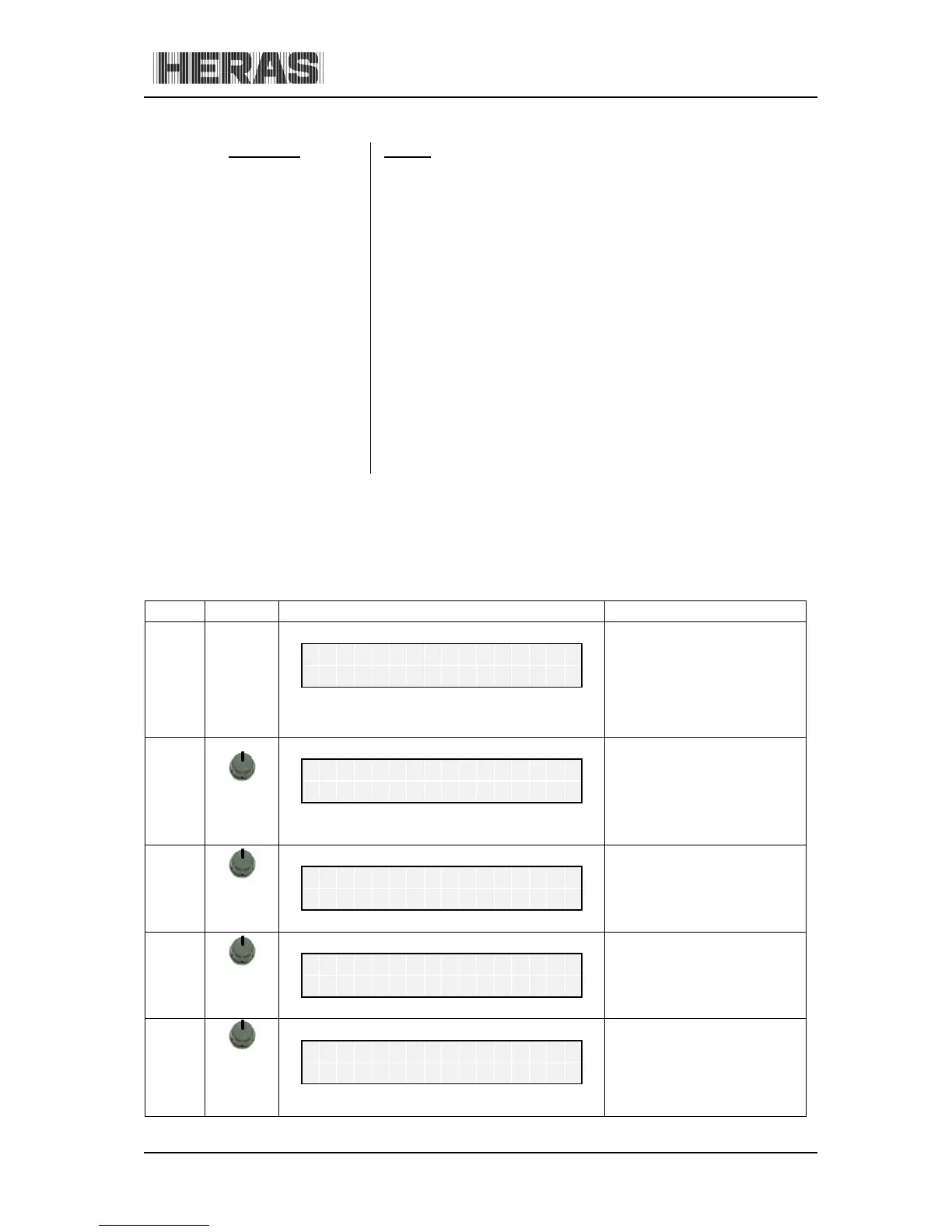
10.5.4 Menu 5.3: Activating the calendar
The following setting can be used to activate or deactivate the total calendar functions without you
having to change the specific individual entries.
press
and hold
turn CW
Activate the main menu.
M
0 = all calendar functions
off.
1 = calendar on.
C
Exit the main menu.
The control software is
restarted
M



 To Next Page