EasyManua.ls Logo

Heras HMD230+IGD - Menu 6.4: Programming Hand Transmitter Button CLOSE; Menu 6.5: Programming Hand Transmitter Button PART OPEN

Heras HMD230+IGD
106 pages
Print Icon
To Next Page IconTo Next Page
To Previous Page IconTo Previous Page
Loading...
www.heras.com
English
59
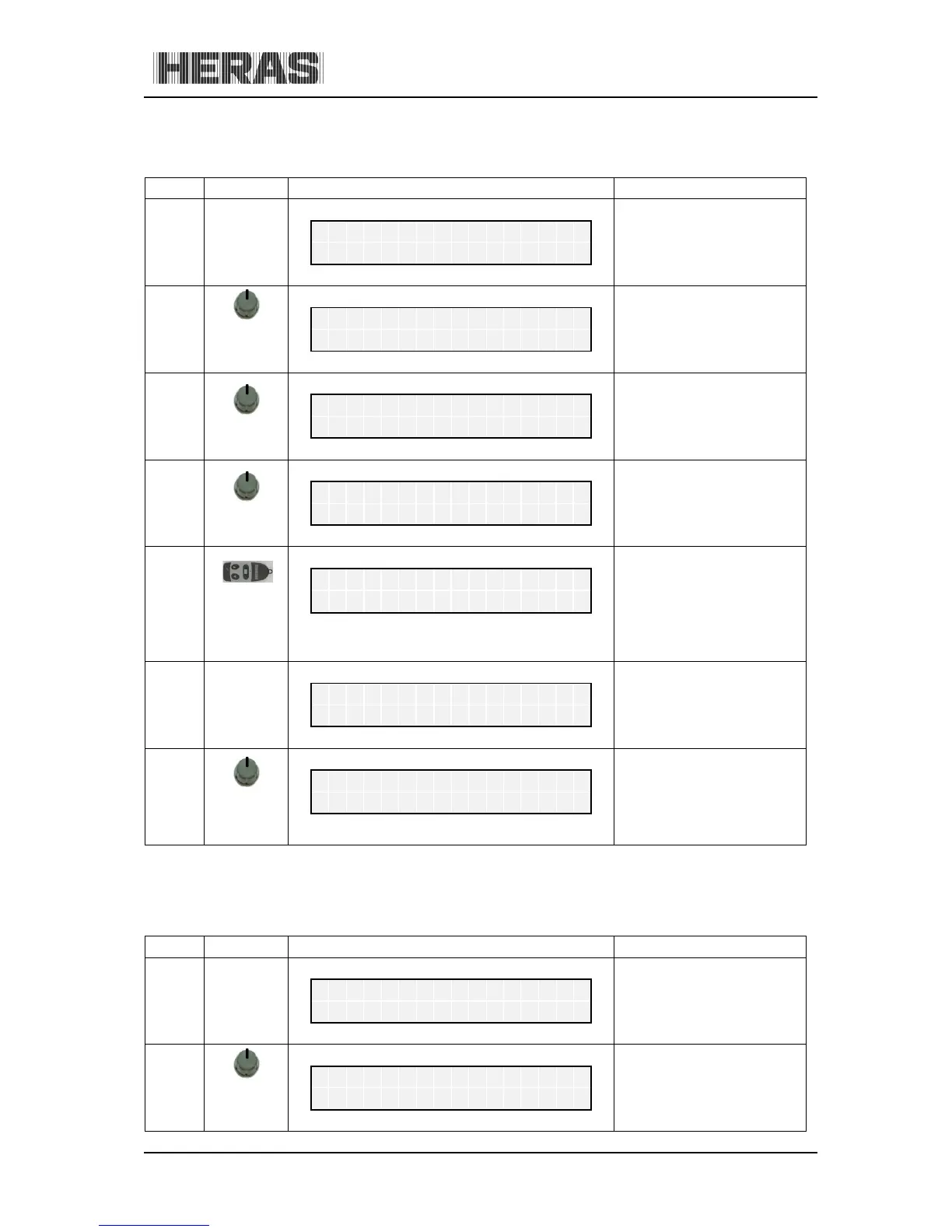
10.6.3.2 Menu 6.4: Programming hand transmitter button CLOSE
Menu
Action
Display reading
Explanation
H
e
r
a
s
H
M
D
2
3
0
S
1
E
N
A
u
t
o
m
a
t
i
c
M
o
d
e
6
press and
hold
turn CW
Activate the main menu.
M
a
i
n
M
e
n
u
6
R
F
R
e
m
o
t
e
C
t
r
l
6.4
press
briefly
R
F
R
e
m
o
t
e
C
t
r
l
.
4
P
r
o
g
.
K
e
y
C
L
O
S
E
press
briefly
Program CLOSE function
P
r
o
g
.
K
e
y
C
L
O
S
E
.
.
.
.
Press the
hand
transmitter
button
After recognizing and
saving the transmission
code, a numeric value is
displayed for 2 seconds.
This is the value of the
received signal together
with the storage position.
R
F
#
:
1
2
3
4
5
6
7
8
9
P
o
s
.
:
3
C
l
R
F
R
e
m
o
t
e
C
t
r
l
.
4
P
r
o
g
.
K
e
y
C
L
O
S
E
press and
hold
press
Exit the main menu.
The control software is
restarted. Check the key
functions that have been
taught in "automatic
mode".
M
a
i
n
M
e
n
u
Q
U
I
T
M
e
n
u
10.6.3.3 Menu 6.5: Programming hand transmitter button PART OPEN
Menu Action Display reading Explanation
H
e
r
a
s
H
M
D
2
3
0
S
1
E
N
A
u
t
o
m
a
t
i
c
M
o
d
e
6
press and
hold
turn CW
Activate the main menu.
M
a
i
n
M
e
n
u
6
R
F
R
e
m
o
t
e
C
t
r
l

Table of Contents